iPhone Safari Private Tabs Disappeared? Fix It
Your private tabs are gone, and you cannot find them anywhere. Private tabs do not sync like normal tabs, and they close more easily than people expect, especially after a restart or a mode switch. The reloading cousin of this problem is Safari tabs reloading constantly, but disappearance is a different beast.
TL;DR / Quick Fix
Quick fix: check you are in Private mode, look in tab groups, check whether the phone restarted, understand that private tabs do not sync, and save important pages as bookmarks. If it still fails, note when it happens, since that pattern reveals the real cause.
Follow these steps
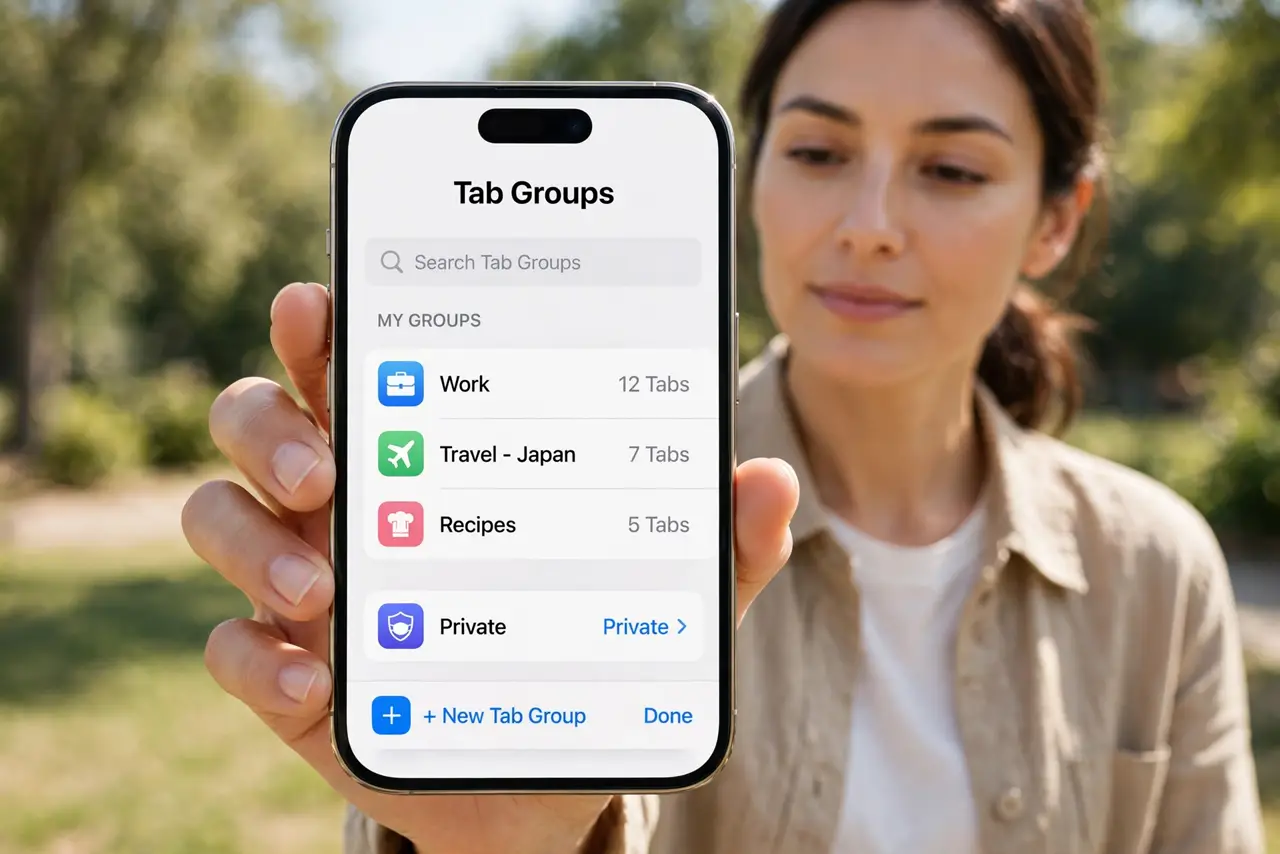
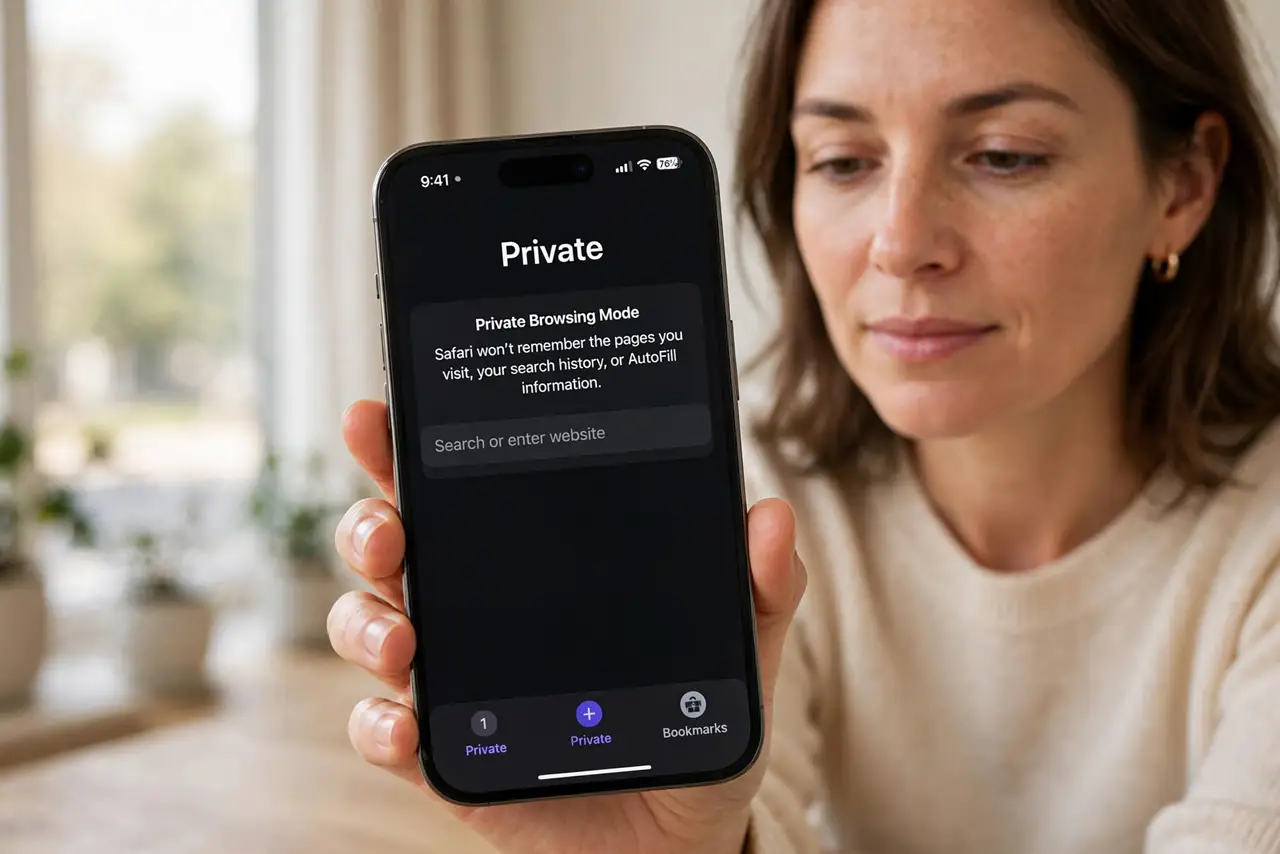
- Check you are in Private mode. Open Safari, tap the tab overview, and check whether Private is selected. Private tabs only appear in Private mode, and normal mode hides them completely.
- Look in tab groups. In the tab overview, tap the tab group name at the bottom and check other groups. A tab group switch can make tabs look vanished when they just moved.
- Check whether the phone restarted. Private tabs can close after a restart or a Safari crash. If the phone restarted overnight, the tabs may simply be gone, not hidden.
- Understand that private tabs do not sync. Private tabs do not appear in iCloud Tabs on other devices. If you expected them on your Mac, that is why they are missing there.
- Check recently closed tabs if available. In the tab overview, press and hold the plus button to see recently closed tabs. This can recover a tab closed by accident in the same session.
- Save important pages as bookmarks next time. For any private page you may need again, save it to Reading List or a bookmark before closing Safari. Private tabs are not a safe place to store pages.
What NOT to do
- Do not assume private tabs are stored like normal tabs. They are designed to leave little trace, so they vanish more easily.
- Do not restart the phone to find lost private tabs. A restart can close them for good, so check mode and groups first.
- Do not use private tabs for pages you need later. Bookmarks and Reading List are the safe home for anything important.
- Do not trust a recovery app to restore private tabs. Private browsing is designed not to leave recoverable traces.
Frequently asked questions
Where did my private tabs go?
Usually they closed after a restart, a crash, or a switch out of Private mode. Private tabs do not persist like normal tabs.
Do private tabs sync to my Mac?
No. Private tabs stay on the device and do not appear in iCloud Tabs.
Can I recover closed private tabs?
Sometimes, through recently closed tabs in the same session. After a restart, usually not.