An App Limit Is Ignored Just Once a Day
An app limit works all day, then one app slips past it once. A one-time extension, a category gap, or a limit set on the wrong app usually explains the single exception.
TL;DR / Quick Fix
Quick fix: open Settings, then Screen Time, then App Limits, and check whether that app was granted a 15-minute extension. Then confirm the limit covers the app itself, not just its category and check for granted extensions before changing the limit itself.
Follow these steps
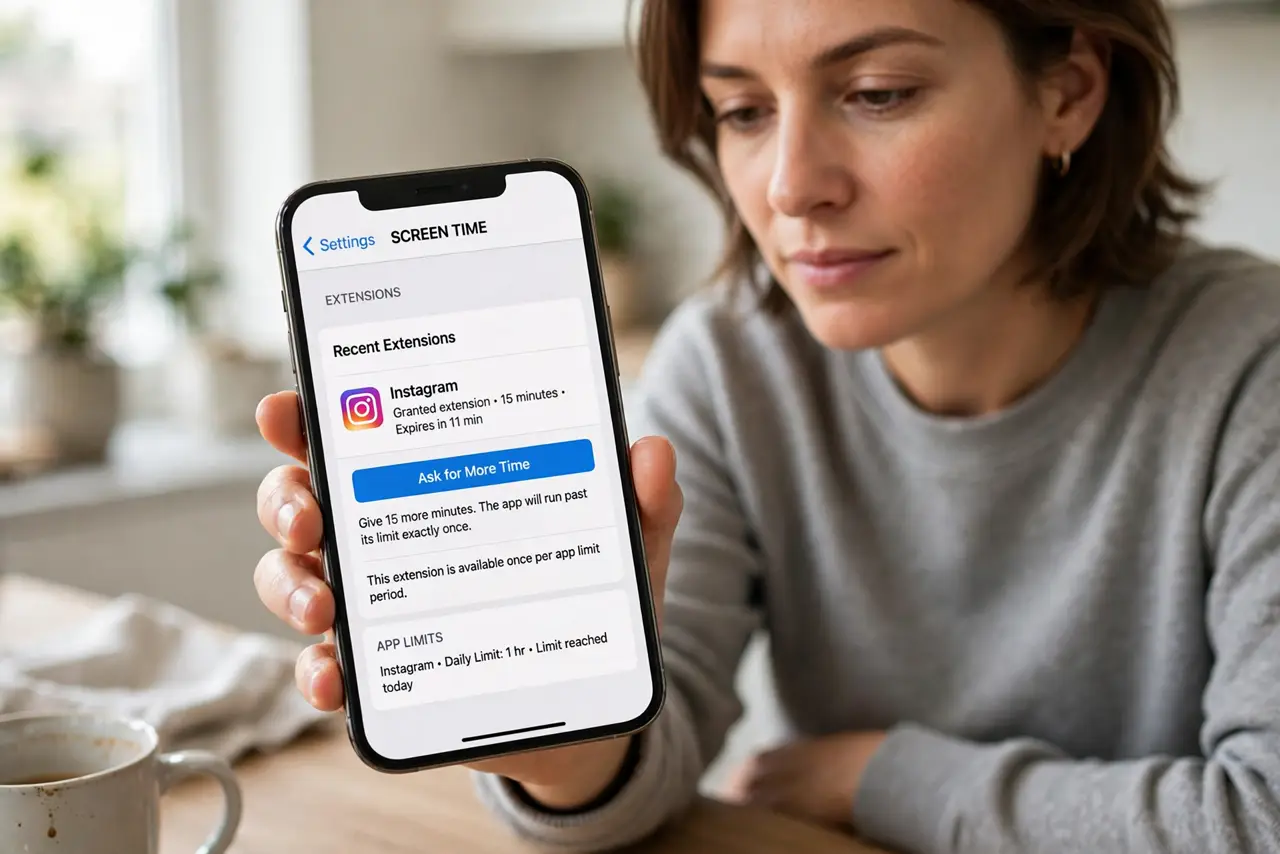
- Check for a granted extension. Open Settings, then Screen Time, and look for recent extensions. Tapping Ask For More Time and getting 15 minutes lets the app run past its limit exactly once, by design.
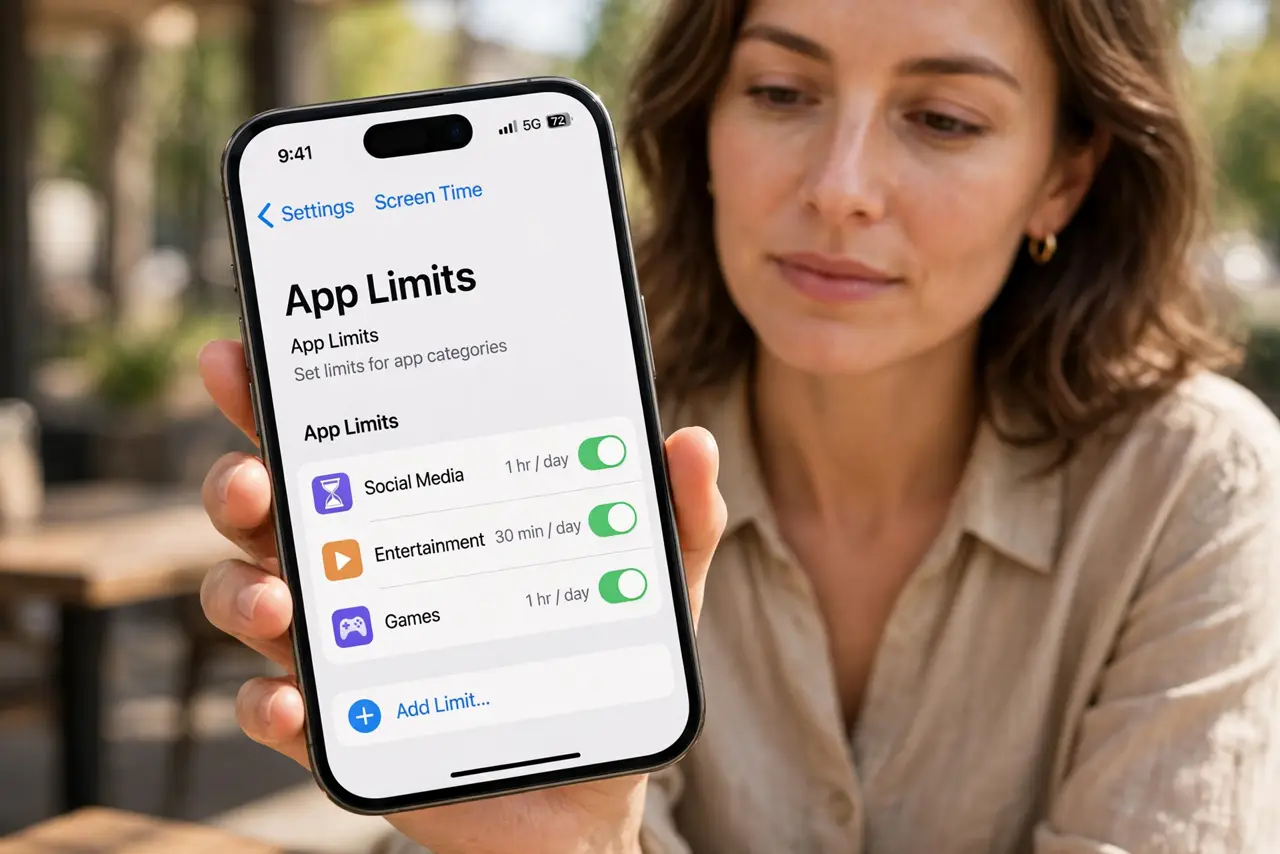
- Confirm the limit names the right app. Open App Limits and check the limit entry. A limit on a category may miss an app that changed categories, while a limit on the app itself catches it every time.
- Check for a second limit that overrides. If two limits cover the same app, the more generous one can win for that day. Remove the duplicate or looser limit so only the intended limit applies.
- Check Downtime and its exceptions. Open Downtime settings and confirm the app is not listed as always allowed. An always-allowed app ignores both Downtime and, in practice, feels like it ignores limits too.
- Check the Screen Time passcode holder. If a child or another person knows the Screen Time passcode, they can approve their own extension. Change the passcode and keep it private if extensions appear unexplained.
- Watch the app for one full day. After fixing the limit, watch the app for a full day before declaring it fixed. A single-day pattern needs a full day of evidence, since one more extension can hide as a new fault.
What NOT to do
- Do not assume the limit is broken from one exception. A granted extension explains a single ignore perfectly, and it is a feature, not a fault.
- Do not set the limit to one minute to punish an exception. A tiny limit makes the app unusable and invites constant extension requests, which defeats the point.
- Do not share the Screen Time passcode with the person the limit covers. A known passcode turns every limit into an optional suggestion.
- Do not delete the app to enforce a limit. Fixing the limit entry and the extension history enforces it without losing the app's data.
Frequently asked questions
Why was the limit ignored just once?
Usually someone tapped Ask For More Time and got a 15-minute extension, which lets the app run once past its limit.
Can a category limit miss an app?
Yes, if the app changed categories or sits outside the limited category, so limit the app itself for certainty.
Why do extensions keep appearing?
Because someone with the Screen Time passcode approves them. Change the passcode and keep it private.