iPhone Screenshot Button Combination Fails? Fix It
You press the side button and volume up together, but no screenshot appears. Button combinations fail when the timing is off, a button sticks, or a case blocks the press. There are easier alternatives, and one of them will work even if the buttons never cooperate, unlike a screen recording with no sound, which is a settings problem.
TL;DR / Quick Fix
Quick fix: press both buttons quickly together, remove a blocking case, set up Back Tap or AssistiveTouch, check the screenshot in Photos, and restart if buttons misbehave. If it still fails after these steps, note exactly when it happens, since that pattern reveals the cause.
Follow these steps
- Press both buttons quickly together. Press the side button and volume up at the same moment, then release quickly. Holding too long locks the screen or opens Siri instead of capturing.
- Remove a blocking case and test again. Take off a thick or stiff case and try the combination again. A case that blocks one button makes the combination fail every time.
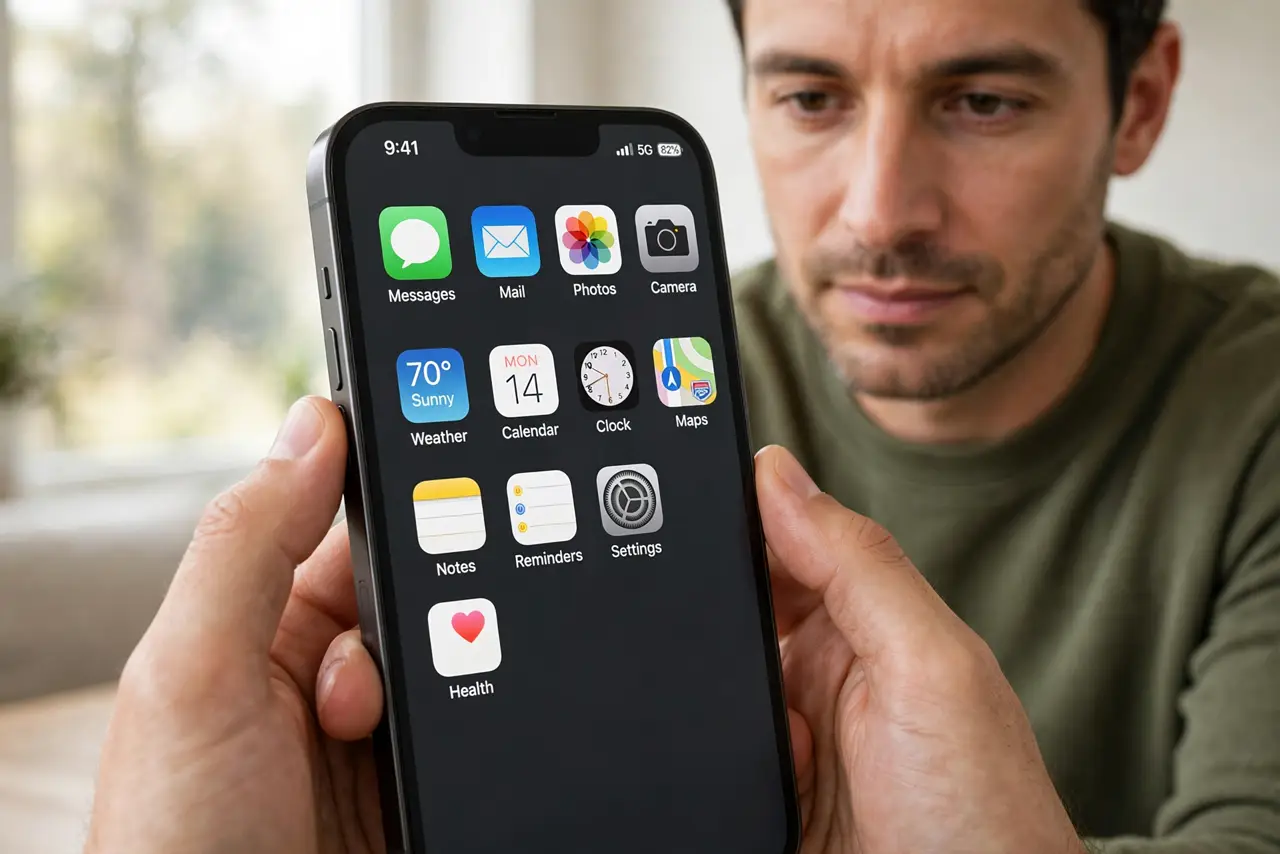
- Set up Back Tap as an alternative. Open Settings, then Accessibility, then Touch, then Back Tap, and set Double Tap to Screenshot. Tapping the back of the phone then captures reliably.
- Use AssistiveTouch as another alternative. Open Settings, then Accessibility, then Touch, then AssistiveTouch, and add Screenshot to its menu. The on-screen button works even with a faulty physical button.
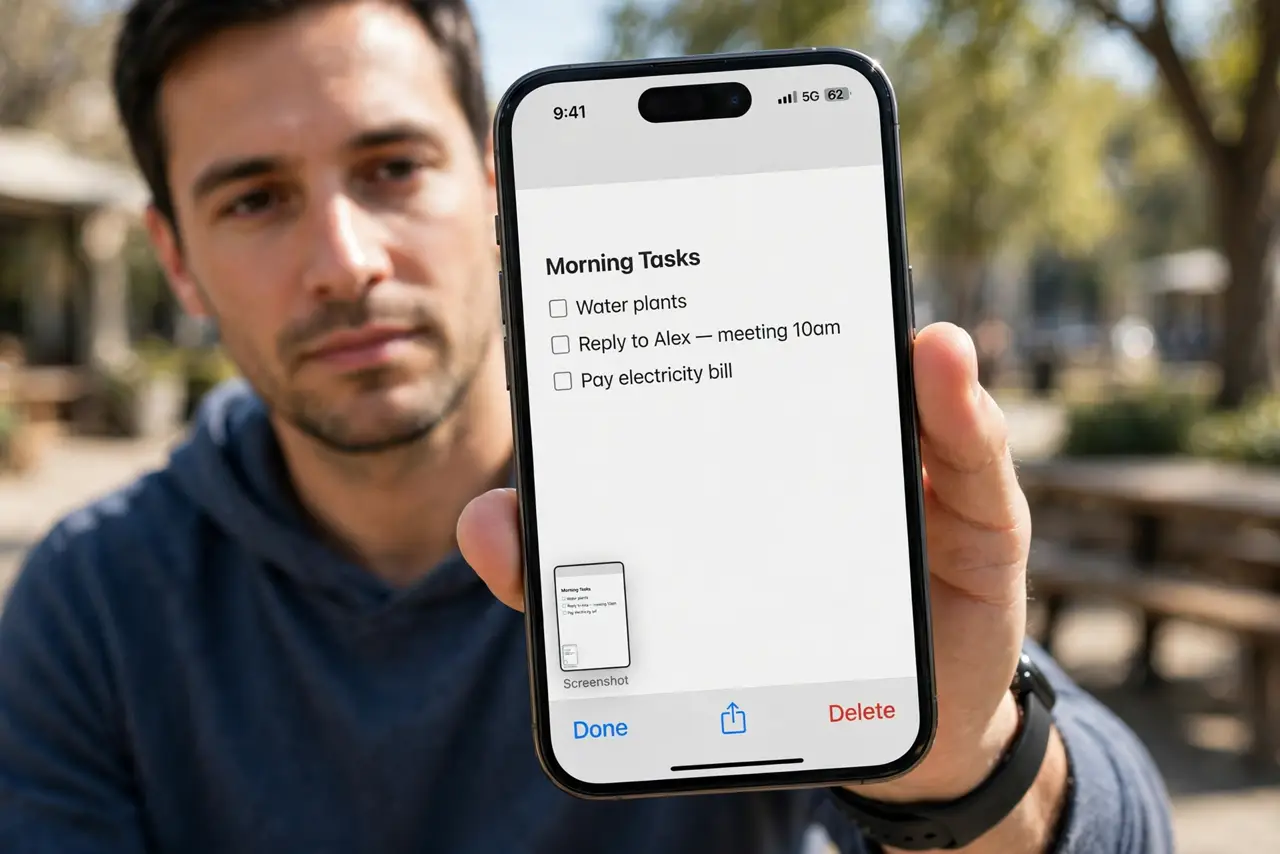
- Check Photos for the screenshot. Open Photos and check Recents and Screenshots. A capture without the flash or sound can succeed silently, so verify before assuming it failed.
- Restart if buttons misbehave. Restart the iPhone and test the combination again. A stuck button state after an update sometimes needs a restart to clear.
What NOT to do
- Do not press harder and harder on the buttons. Excess force can damage them, and timing matters more than pressure.
- Do not assume the phone is broken after one failed try. Timing, case, and button state cause most failures, not hardware.
- Do not use a third-party screenshot app. iOS already captures screenshots, and extra apps cannot replace the system capture.
- Do not ignore a button that never works at all. If neither button works anywhere, the button itself may need repair.
Frequently asked questions
Why does the combination open Siri instead?
Because you held the side button too long. Press both buttons briefly and release at once.
Can I take a screenshot without buttons?
Yes. Back Tap and AssistiveTouch both capture screenshots without the button combination.
Where do screenshots go?
To Photos, in Recents and in the Screenshots album.