Identify Songs with Shazam
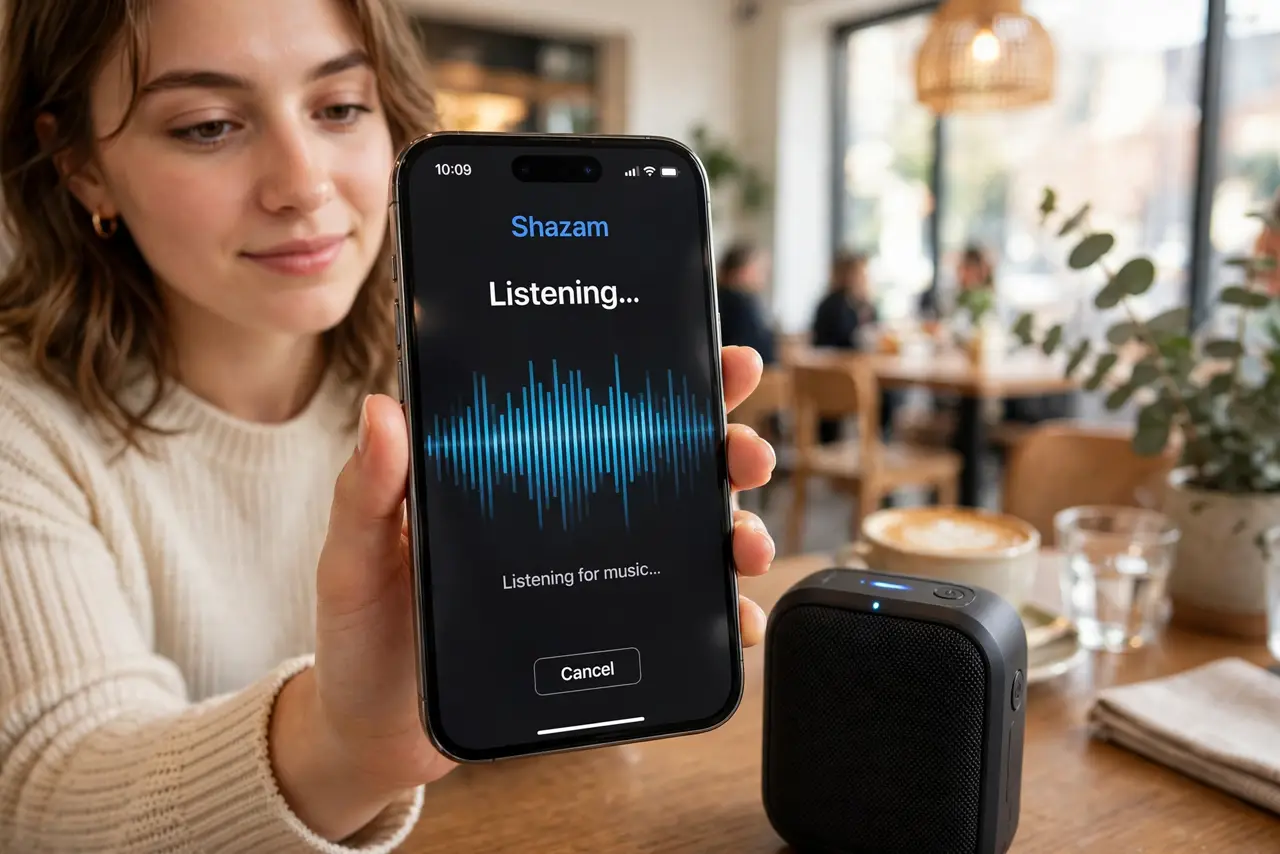
That song playing in the cafe is perfect and you will never hear it again unless you catch it now. Shazam listens for a few seconds and names the track, the artist, and where to stream it — and it is built right into your iPhone's Control Center. Android users get the same trick through the app.
TL;DR / Quick Fix
Quick fix: open Control Center and tap the Shazam button — or ask Siri 'what song is this' — and hold the phone near the music. Shazam identifies the track in seconds and saves it to your history. Add Shazam control in Settings, Control Center if the button is missing.
Follow these steps
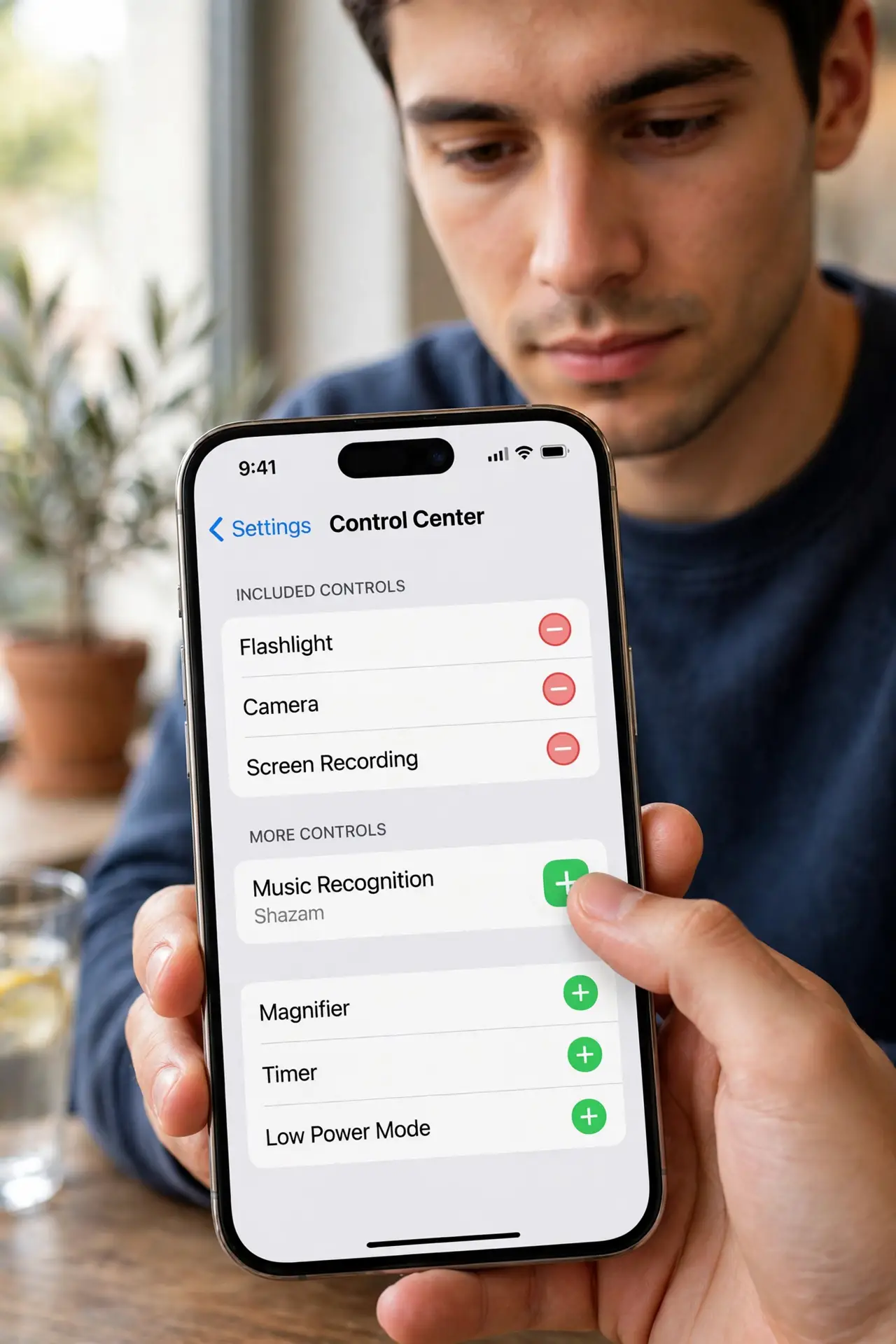
- Add Shazam to Control Center. Go to Settings, then Control Center, and add Music Recognition. One swipe and one tap from then on — speed matters when a song is ending.
- Tap and hold near the music. Open Control Center, tap the Shazam button, and hold the phone toward the sound. A few seconds of clear audio is all it needs.
- Ask Siri instead. Say 'Hey Siri, what song is this?' — Siri uses Shazam under the hood and shows the result without opening anything.
- Check your Shazam history. Open the Shazam app (or the recognition history) to revisit past finds. Every identified song is saved with a link to stream it.
- Use it on Android too. Install the Shazam app from the Play Store, or try automatic song ID on Pixel phones, which names songs without you asking.
- Identify from headphones. Long-press the Shazam button to enable auto-identify, or use it while wearing earbuds — it can name songs playing through your own audio.
What NOT to do
- Do not wait until the song ends. Shazam needs a few seconds of the actual music — catch the chorus, not the credits.
- Do not use it in a roaring crowd and expect miracles. Heavy noise lowers accuracy — get as close to a speaker as you can.
- Do not forget it works on humming... poorly. Shazam matches recordings, not your rendition — hum-based search needs a different app.
- Do not ignore the history. Identified songs vanish from memory fast — check the list the same day and save what you love.
Frequently asked questions
Does Shazam work offline?
It can capture the audio fingerprint offline and identify it once you are back online.
Can Shazam identify songs from videos?
Yes — play the video near your phone and Shazam listens just like it would to a speaker.
Is there a limit to how many songs I can identify?
No. Identify as many as you like — history keeps them all.