Silence Unknown Callers?
Unknown numbers keep interrupting your day — robocalls, spam, and 'your car warranty' at dinner time. Silence Unknown Callers is the iPhone's built-in bouncer: calls from numbers not in your contacts go straight to voicemail without ringing. Your phone stays quiet, and real callers can still leave a message. Here is how to set it up without missing anything important.
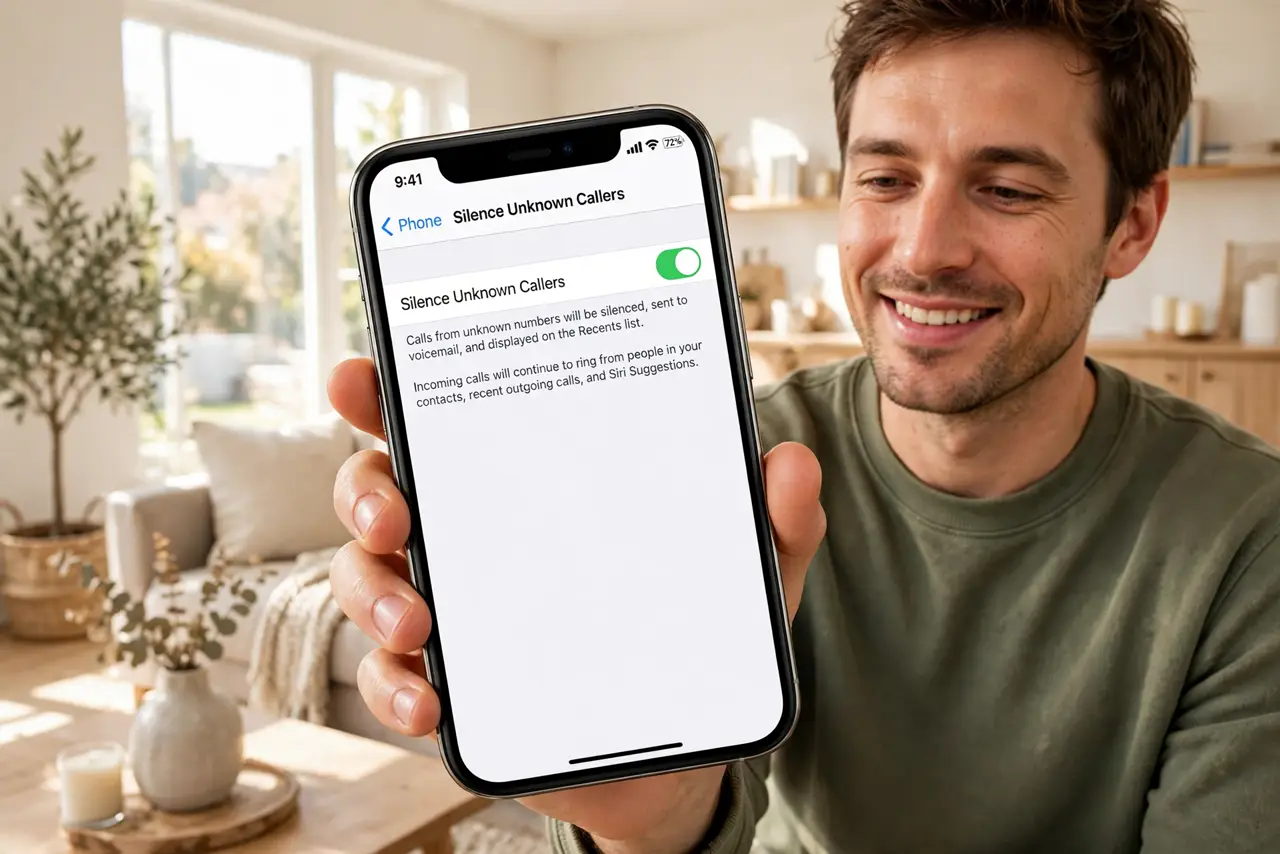
TL;DR / Quick Fix
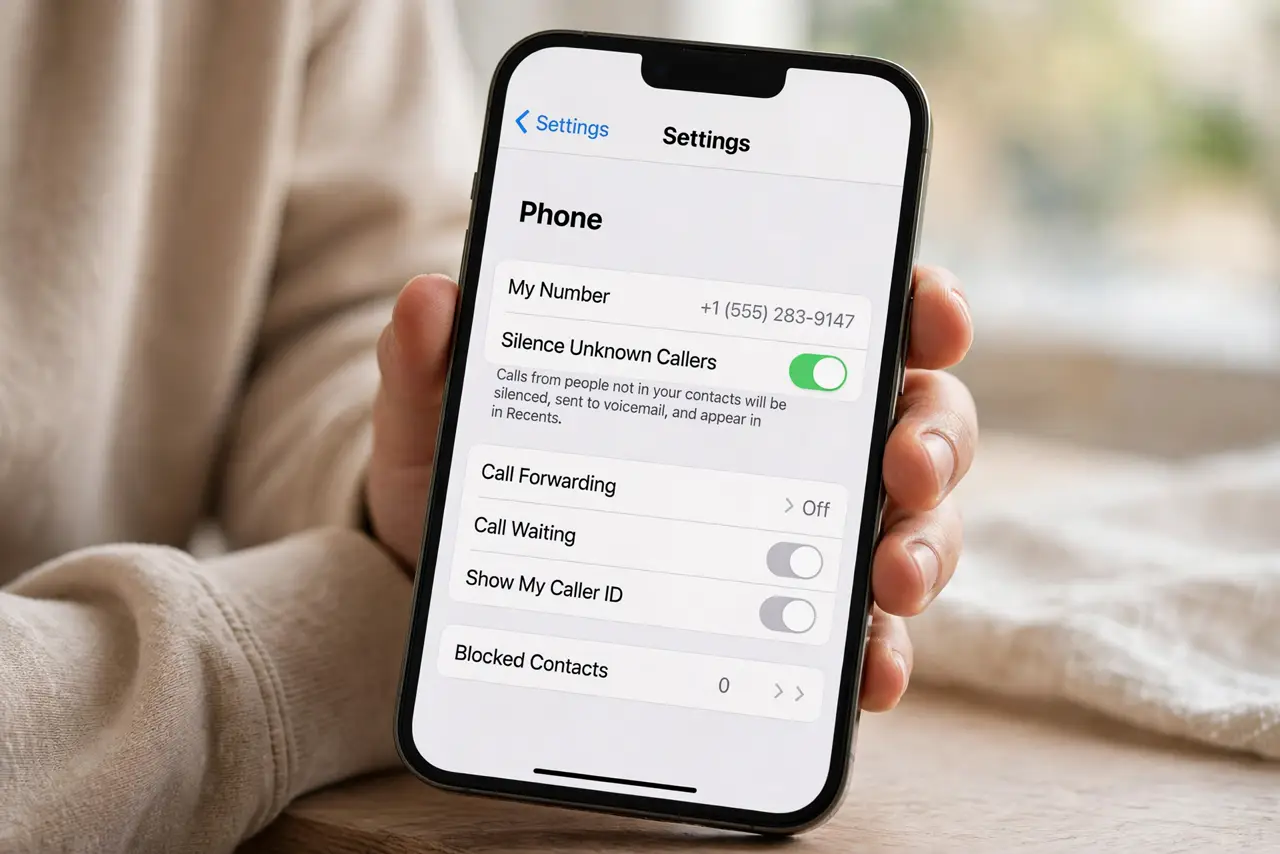
Quick fix: on iPhone, go to Settings, then Phone, and turn on Silence Unknown Callers. Unknown numbers go straight to voicemail without ringing. Check voicemail regularly at first, and add important numbers to your contacts so they always ring through.
Follow these steps
- Turn it on. Open Settings, tap Phone, and switch on Silence Unknown Callers. From now on, any number not in your contacts, recent calls, or Siri suggestions goes silently to voicemail.
- Understand what still rings. Contacts, recent outgoing calls, and numbers Siri finds in your email or messages still ring normally. The blocks-but-wanted guide explains the edge cases where a wanted call still gets silenced.
- Check voicemail for the first week. Legitimate callers — doctors' offices, delivery drivers — do leave messages. Scan voicemail daily at first until you trust the filter, then relax.
- Add important numbers to contacts. Schools, doctors, your bank's fraud line: save them. Contacts always ring through, so a minute of saving numbers buys permanent peace of mind.
- Know the Android equivalent. Android's spam protection lives in the Phone app under Settings, Spam and Call Screen. Pixel phones can even have Google Assistant screen unknown callers for you.
- Combine with carrier spam blocking. Your carrier likely offers free spam labeling on top of this. The built-in junk call silencing plus the phone-level toggle is a strong one-two punch.
What NOT to do
- Do not turn it on and forget voicemail exists. The whole system depends on you checking messages — an unheard voicemail is a missed appointment.
- Do not expect it to stop spam texts. This silences calls only; spam texts need your carrier's filtering or the message filtering settings.
- Do not panic if an expected call went to voicemail. Save the number to contacts and it will ring next time — the system learns from your address book.
- Do not rely on it for two-factor calls. If a service calls you with a login code from an unknown number, it will be silenced — use authenticator apps instead.
Frequently asked questions
Will emergency callbacks still ring?
If you called emergency services, return calls come through normally for a period. The system is designed not to block those.
Does the caller know they were silenced?
No — from their side it behaves like a normal unanswered call going to voicemail. There is no 'blocked' message.
Can I silence unknown callers but allow one unknown number once?
Not directly — but if you call them first, the number joins recents and will ring. Or save it as a temporary contact.