Use Siri Offline
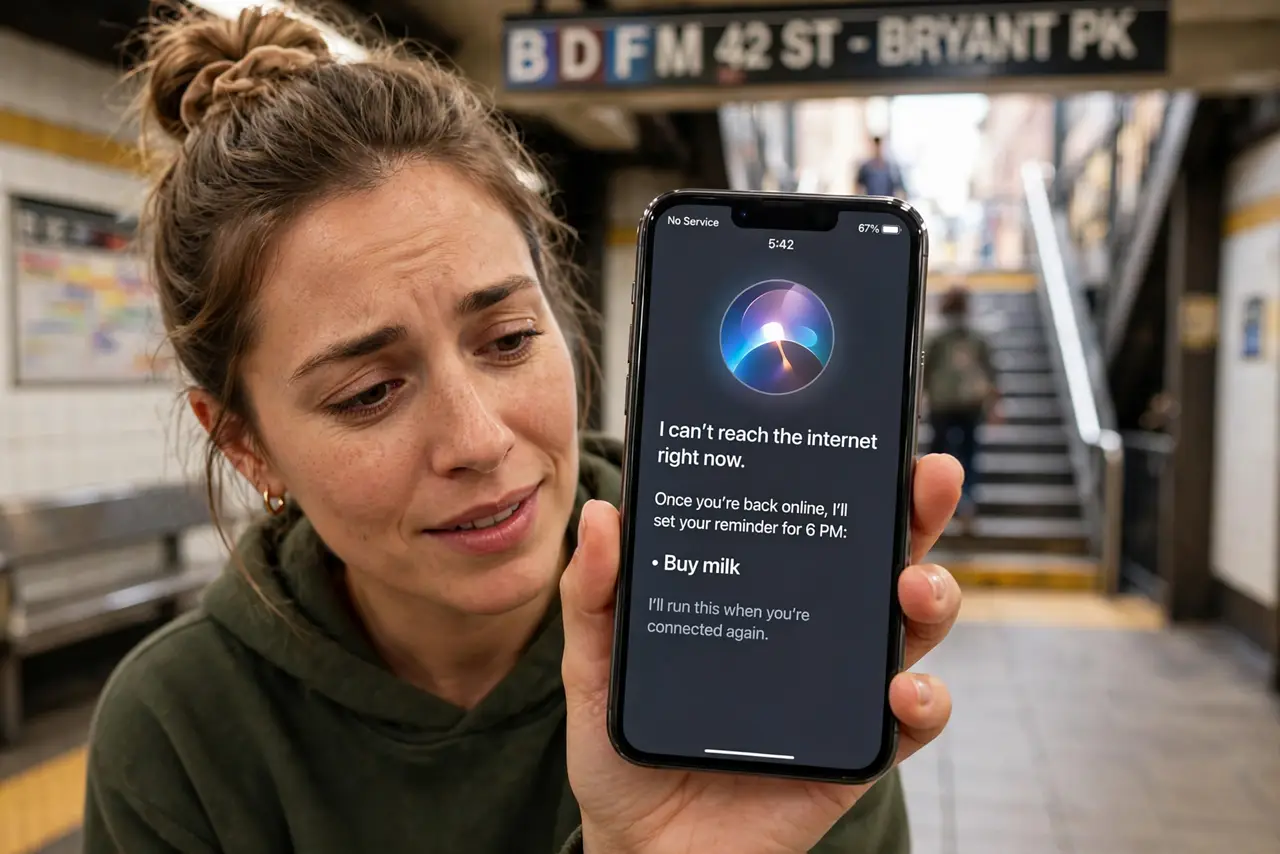
Siri usually phones home to Apple's servers for every request, which is why it dies the moment your signal does. But iPhones with an A12 chip or newer can handle many requests entirely on the device — timers, alarms, and basic commands work with no connection at all. Here is how to get Siri working offline.
TL;DR / Quick Fix
Quick fix: on iPhones with an A12 chip or newer, download your Siri language for on-device processing in Settings, then try requests like timers and alarms with Wi-Fi and data off. Basic commands work offline; web searches and smart-home control still need a connection.
Follow these steps
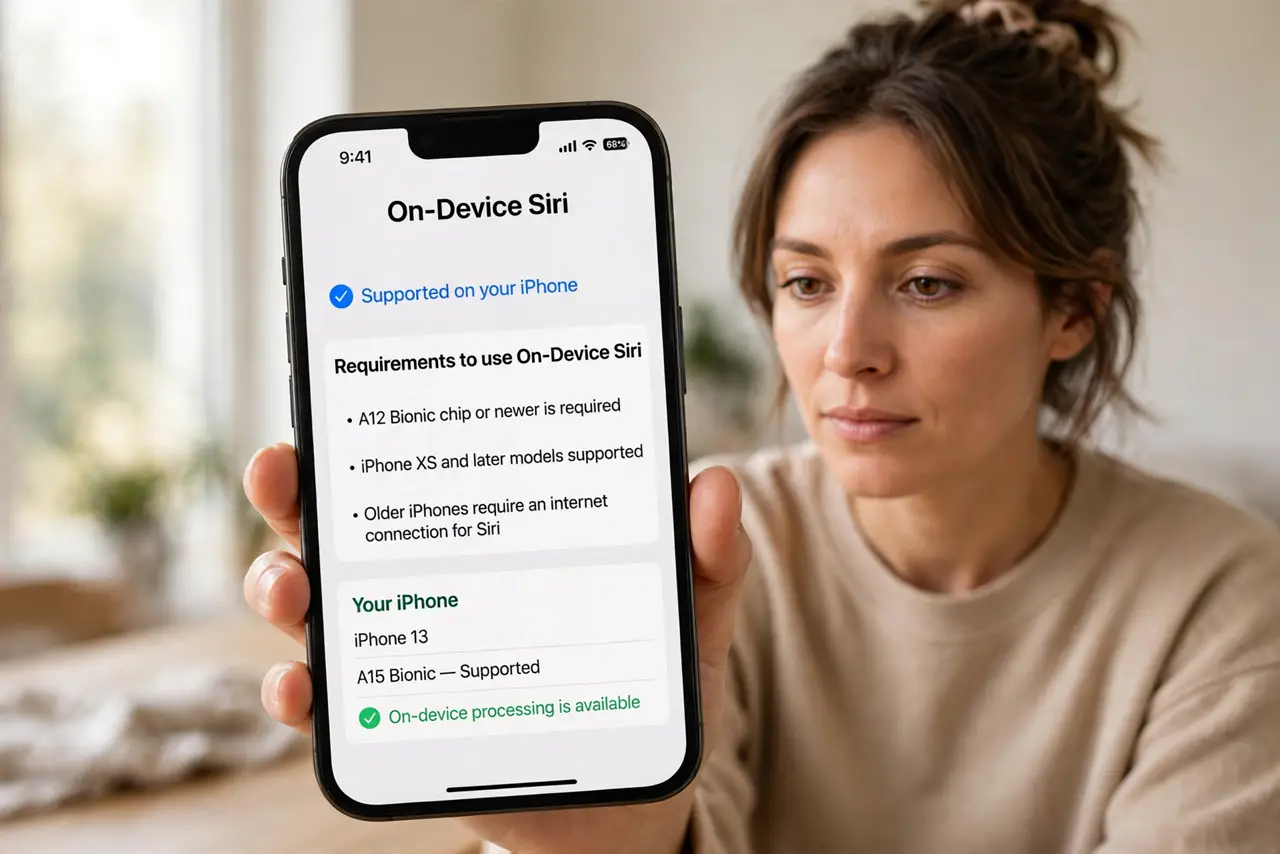
- Check your iPhone supports it. On-device Siri needs an iPhone with an A12 Bionic chip or newer — roughly iPhone XS and later. Older phones always need a connection.
- Download your Siri language. Go to Settings > Siri > Language and make sure your language pack is downloaded. Without it, the phone has nothing to process speech with offline.
- Test with airplane mode on. Turn on airplane mode, then hold the side button and say 'set a timer for five minutes.' If it works, on-device processing is active.
- Learn what works offline. Timers, alarms, reminders, toggling settings, and opening apps work. Web searches, messaging, and HomeKit control do not.
- Keep dictation expectations modest. Offline dictation works but is less accurate than the server version. Speak clearly and expect a few more corrections.
- Re-download after major updates. Big iOS updates sometimes remove language packs. If offline Siri stops working after an update, check the download first.
What NOT to do
- Do not expect web answers offline. Anything needing fresh information — scores, weather, facts — still needs a connection.
- Do not confuse Siri offline with full offline iPhone. Maps, music streaming, and most apps still need data.
- Do not skip the language download. Without it, Siri cannot understand anything offline.
- Do not blame the phone if HomeKit fails offline. Smart-home control routes through the cloud by design.
Frequently asked questions
Which iPhones support offline Siri?
Any iPhone with an A12 chip or newer — iPhone XS, XR, and everything after. Earlier models need a connection for everything.
Does offline Siri protect my privacy?
More of your voice stays on the device, which is a genuine privacy improvement for basic commands.
Why does Siri still fail sometimes offline?
Complex requests still route to servers. If it stalls, simplify the command or reconnect.