Try Spatial Audio
Your music sounds flat — everything crammed between your ears. Spatial Audio spreads sound into a 3D stage around your head, and head tracking keeps the stage fixed in space as you move. It is the biggest free upgrade your AirPods ever got, and most owners never turn it on.
TL;DR / Quick Fix
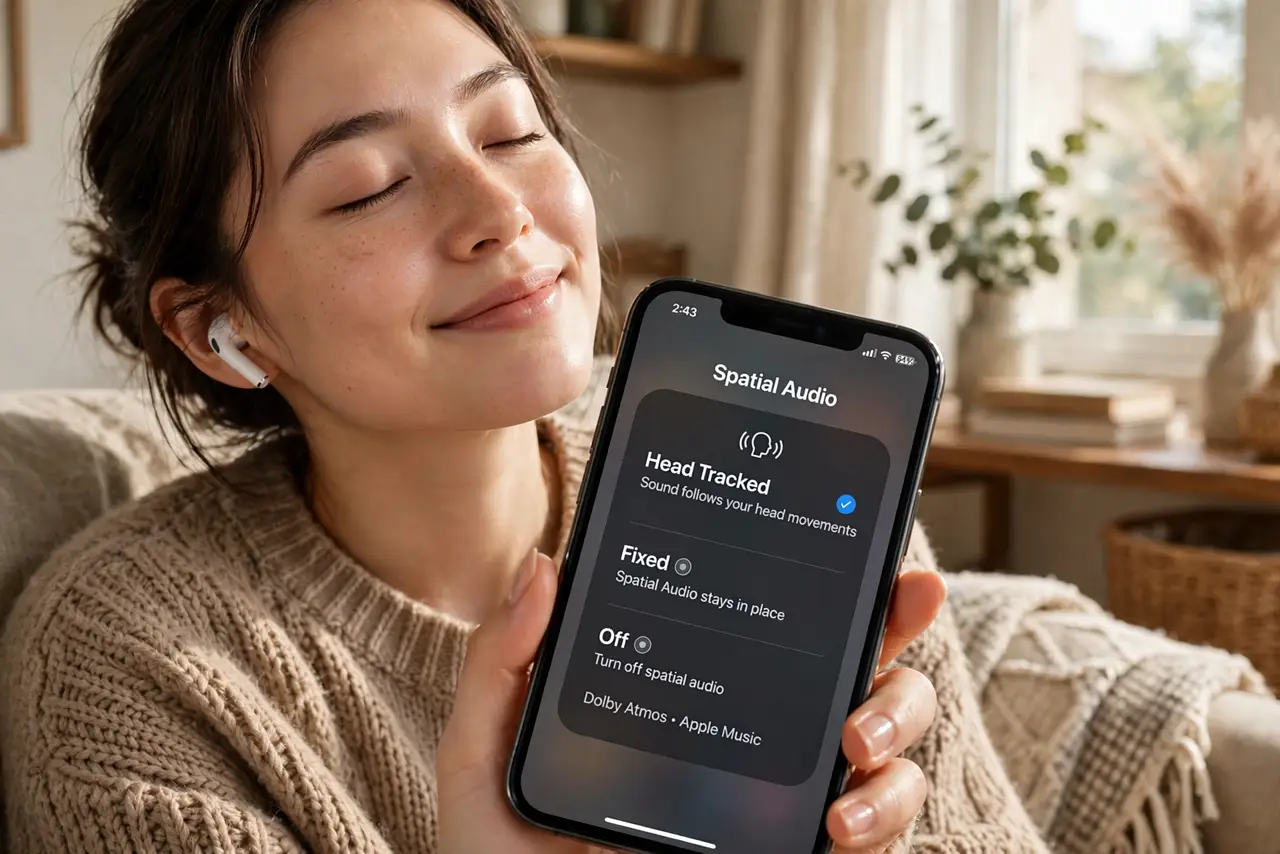
Quick fix: with AirPods Pro or Max connected, open Control Center, long-press the volume slider, and tap Spatial Audio to try Fixed or Head Tracked. Use music and video apps for the effect. If it sounds echoey, switch back to Stereo — not every track is mixed for spatial sound.
Follow these steps
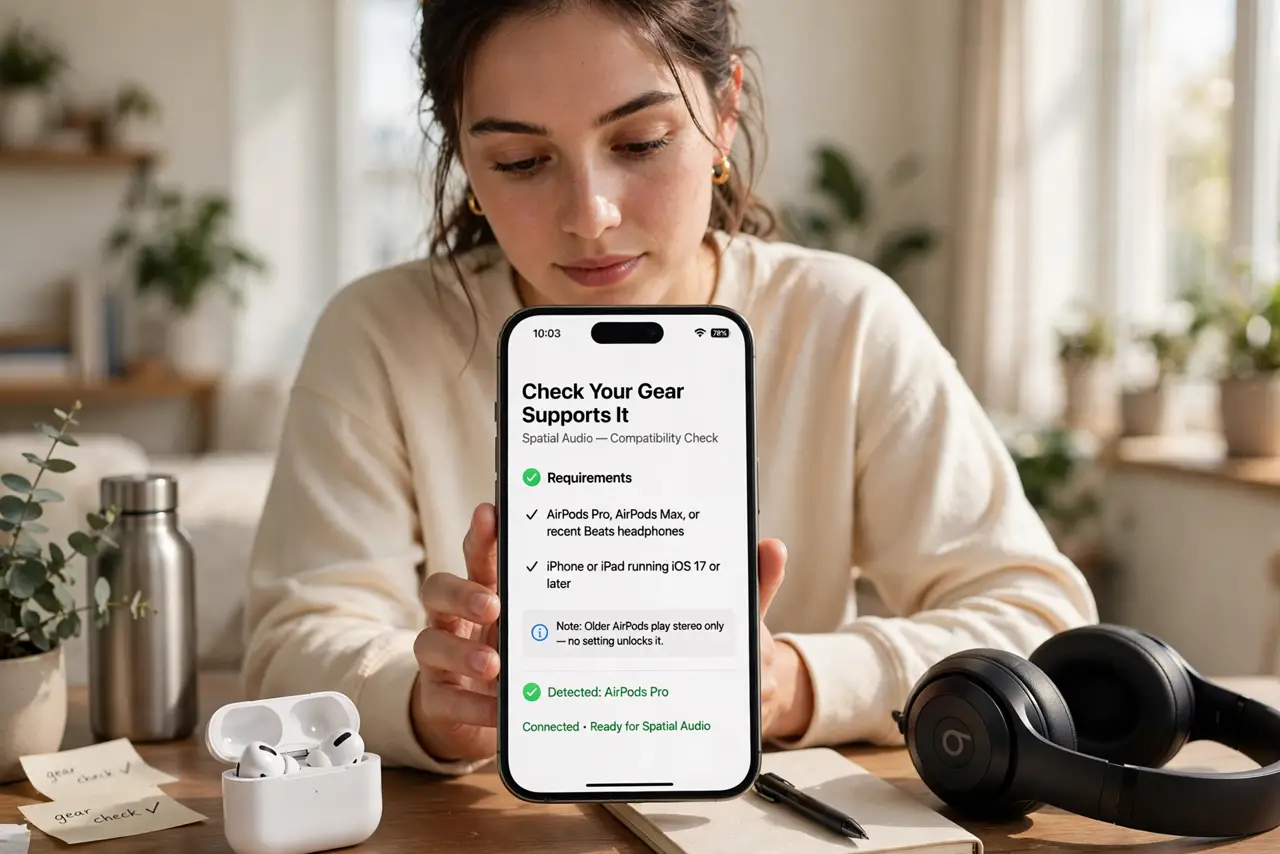
- Check your gear supports it. You need AirPods Pro, AirPods Max, or recent Beats, plus an iPhone or iPad. Older AirPods play stereo only — no setting unlocks it.
- Enable it in Control Center. With the buds in, open Control Center, long-press the volume slider, and tap Spatial Audio. Choose Off, Fixed, or Head Tracked.
- Try Head Tracked first. Head Tracked anchors the soundstage in the room — turn your head and the music stays put. It is the wow demo; Fixed is subtler.
- Play spatial-mixed content. Look for the Dolby Atmos badge on tracks. Stereo tracks get a simulated spread that varies wildly — native spatial mixes sound best.
- Personalize it. In Settings, run Personalized Spatial Audio with the ear scan. It tunes the effect to your ear shape in about a minute.
- Know when to turn it off. Phone calls, podcasts, and poorly mixed tracks often sound worse spatialized. If voices sound distant or echoey, switch back to Stereo.
What NOT to do
- Do not expect miracles on stereo tracks. Simulated spatial on a mono podcast is an echo chamber, not an upgrade.
- Do not leave Head Tracked on while walking. The anchored stage can feel seasick-y in motion — Fixed or Off walks better.
- Do not assume every app supports it. The app must pass through the spatial pipeline; some players flatten everything to stereo.
- Do not crank the volume to hear the effect. Spatial Audio is about placement, not loudness — protect your ears.
Frequently asked questions
Does Spatial Audio drain the battery faster?
Slightly — the extra processing costs some power. Most users lose under an hour of listening time.
Why does it sound echoey?
Usually a stereo track being simulated, or a bad mix. Switch to Stereo for that content and move on.
Can I use it with wired headphones?
No — it needs the motion sensors in supported AirPods or Beats. Wired buds cannot do head tracking.