Style Subtitles
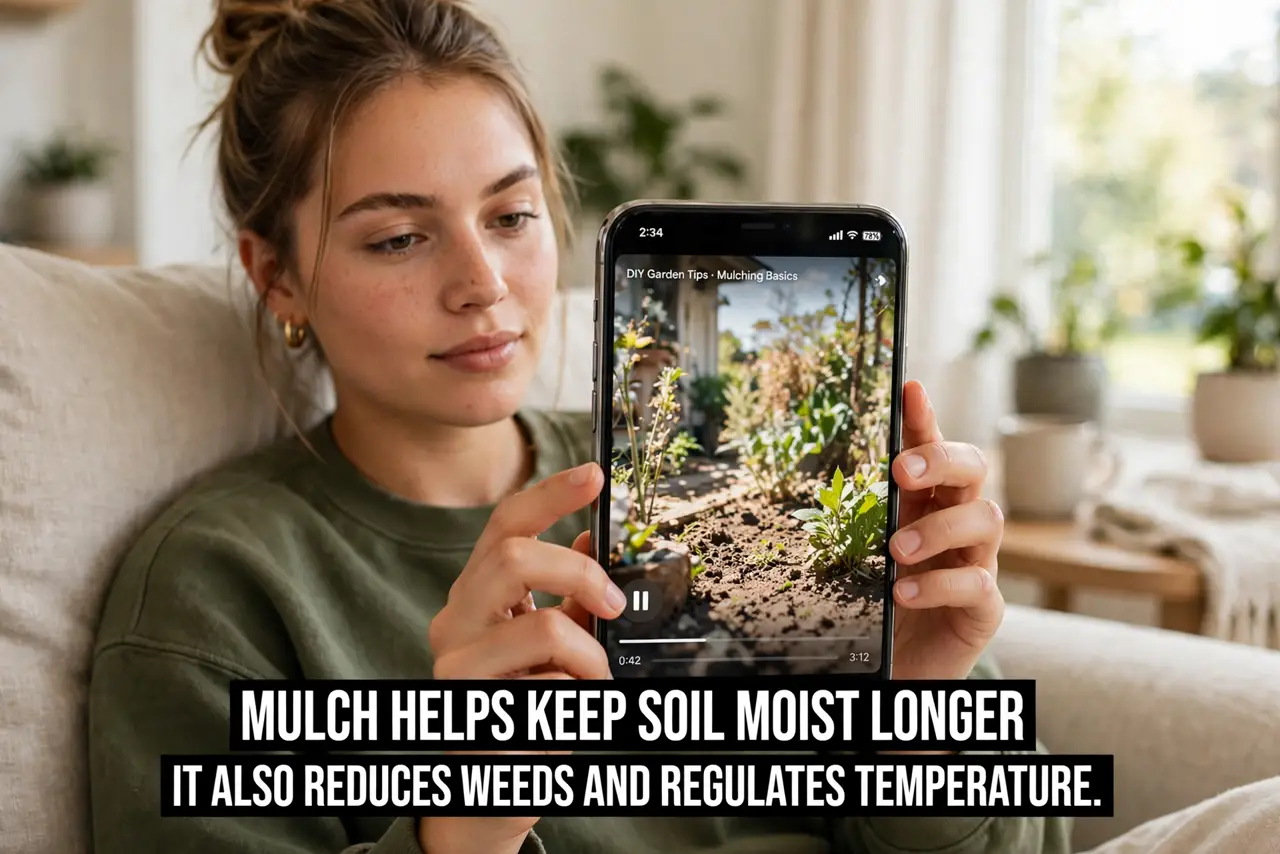
Captions are on but useless — tiny white text vanishing into bright scenes. iPhone lets you style subtitles completely: size, font, color, background, opacity. Two minutes of styling turns captions from decoration into genuinely readable text.
TL;DR / Quick Fix
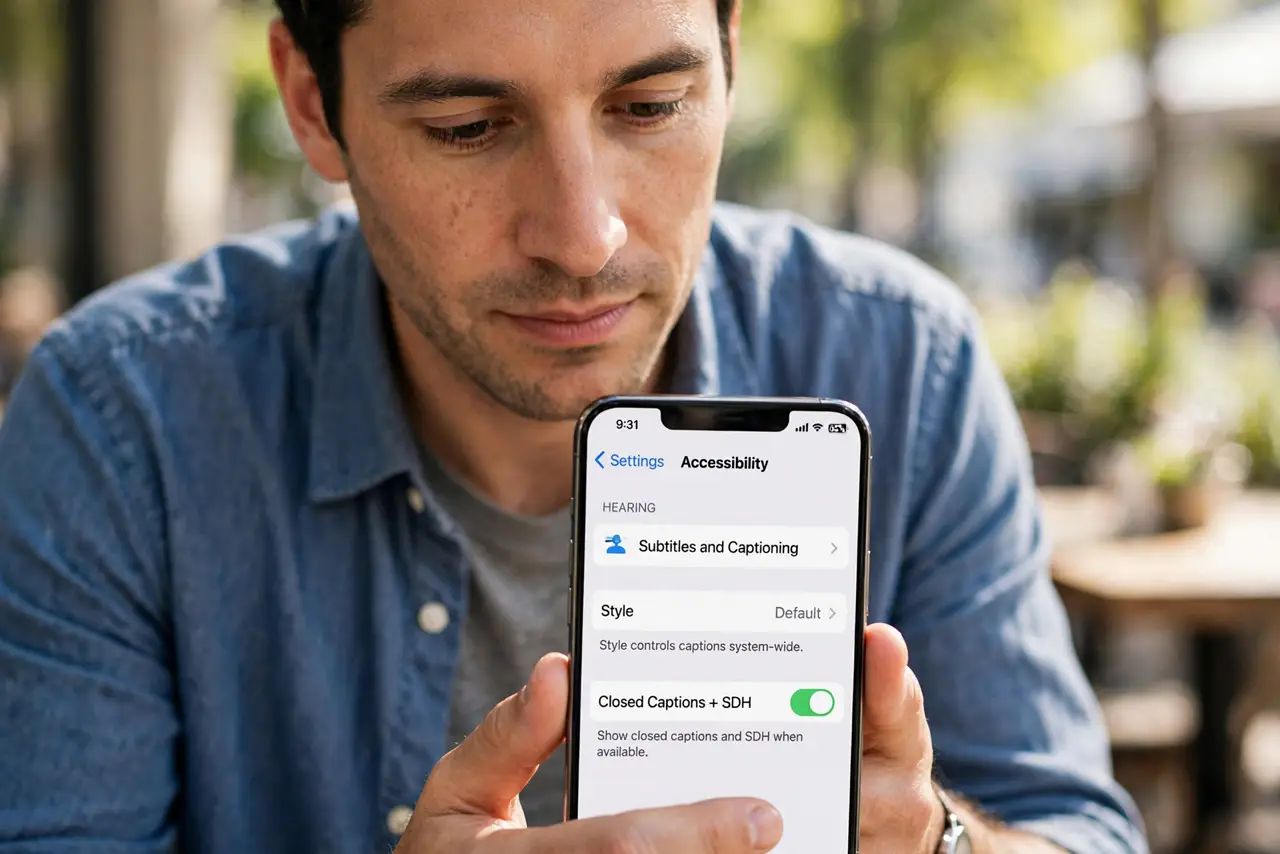
Quick fix: go to Settings, Accessibility, Subtitles and Captioning, then Style, and create a custom style. Choose large text with a semi-transparent black background — readable on any scene. Bump the font size until you can read from your normal viewing distance. Every app inherits your style automatically.
Follow these steps
- Open caption styling. Go to Settings, Accessibility, Subtitles and Captioning, then tap Style. This controls captions system-wide.
- Create a custom style. Tap Create New Style. Presets are starting points; custom is where readability lives.
- Size up the text. Choose Large or Extra Large. Captions you squint at are captions you will turn off — be generous.
- Add a background. A semi-transparent black background behind the text guarantees contrast on bright scenes. This single setting fixes most unreadable captions.
- Pick a clear font. Stick with a clean sans-serif. Fancy fonts look nice and read terribly at speed.
- Apply everywhere. The style applies to all apps using system captions. For the full caption setup, see Captions Everywhere.
What NOT to do
- Do not leave captions at default tiny white. Defaults fail on bright scenes — styling is the fix, not louder volume.
- Do not use transparent backgrounds. Text floating over video without backing disappears constantly.
- Do not pick decorative fonts. Readability beats personality for text that flashes past in seconds.
- Do not forget live captions differ. Styled captions cover media; live call captions have their own display.
Frequently asked questions
Why do some apps ignore my style?
Apps with their own caption engines use their own settings. Check the app's accessibility options separately.
What is the most readable combination?
Large white or yellow text on a semi-transparent black background — the broadcast standard for a reason.
Do styled captions work on Android?
Android has its own caption styling in Accessibility settings — same idea, different menu.