Move to a New iPhone
New iPhone day is exciting until the transfer stalls at 80% or the old phone dies mid-move. The modern transfer is nearly magic — hold the phones together and everything migrates — but a little prep (backup, battery, Wi-Fi) turns nearly magic into actually smooth. Heres the calm path.
TL;DR / Quick Fix
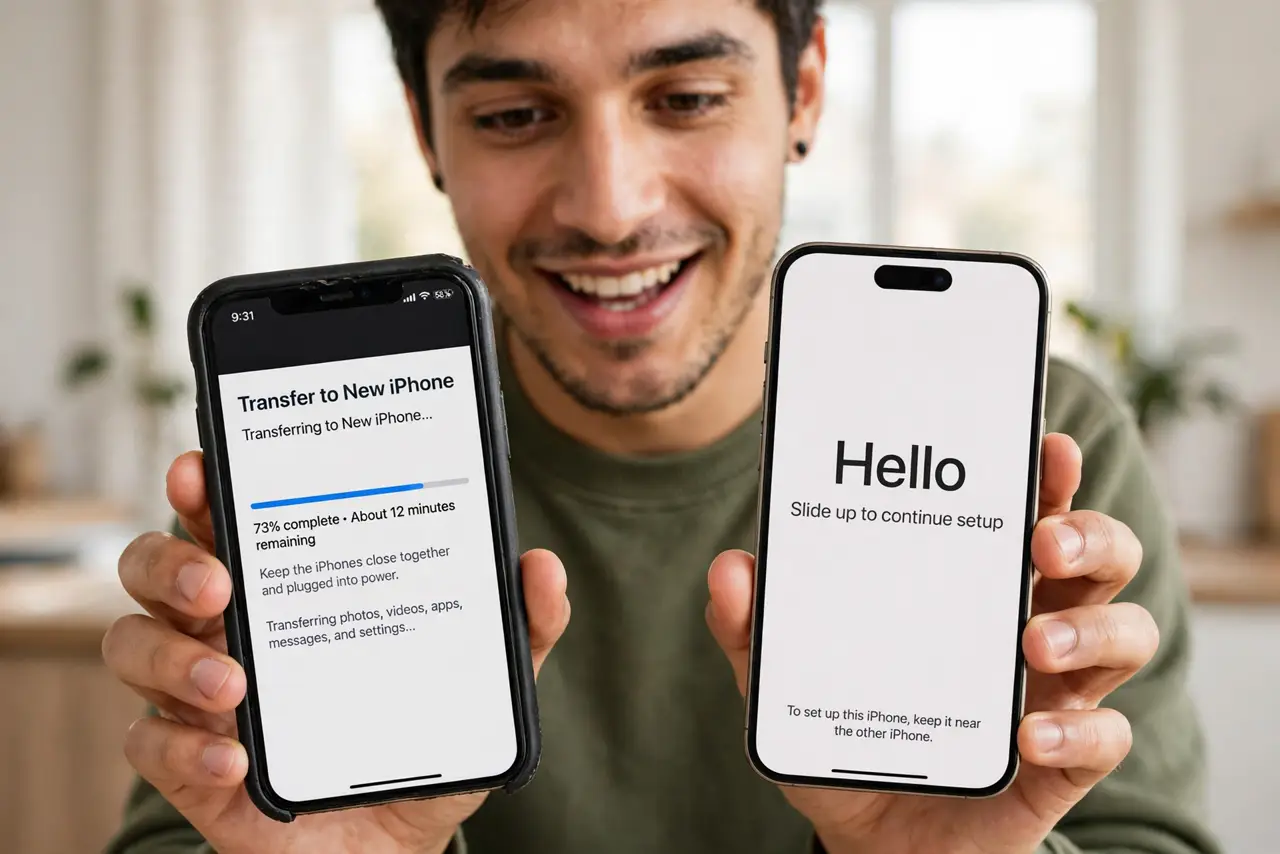
Quick fix: back up the old iPhone first, charge both phones, connect to Wi-Fi, then hold them together and follow the Quick Start prompts. Keep them close and plugged in until done. Most transfers finish in under an hour; the apps re-download themselves after.
Follow these steps
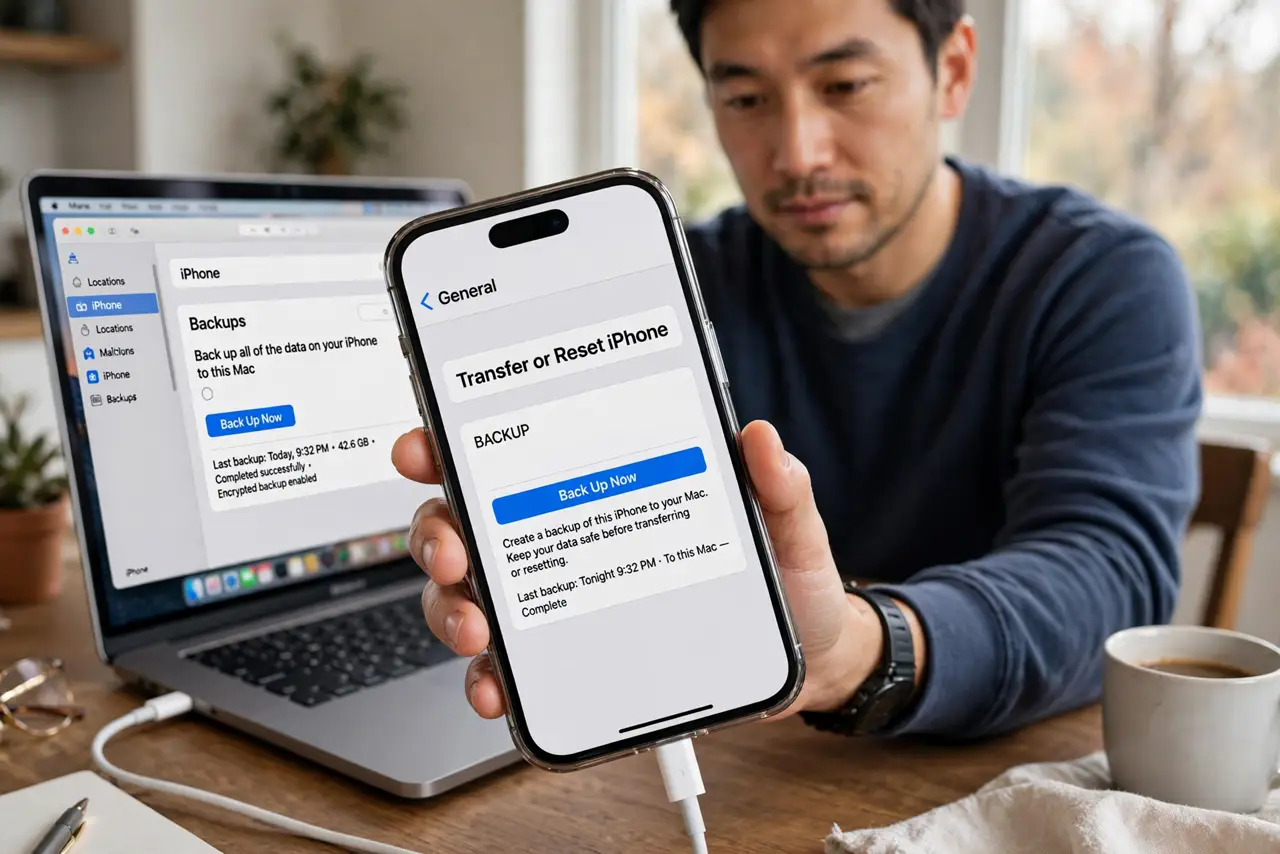
- Back up the old phone. Computer or iCloud — a fresh backup is the safety net. The computer backup is free and complete; do it the night before.
- Charge both phones. Transfers die on dead batteries. Both phones plugged in and charging — the move takes a while and the radios work hard.
- Use Quick Start. Hold the phones together; the animation pairs them. Follow the prompts — Apple ID, Face ID, transfer choice. It feels like magic because the prep made it so.
- Choose direct transfer. Phone-to-phone over Wi-Fi moves everything fastest. iCloud restore works too but downloads for hours — direct is the patient choice that finishes first.
- Move the eSIM. Cellular plans transfer in the same flow — or see the eSIM move for the dedicated walkthrough. Do not wipe the old phone until the new one makes calls.
- Let apps re-download. Apps install themselves after the core transfer. Give it an hour on Wi-Fi — the phone looks done before it is; patience completes it.
What NOT to do
- Do not wipe the old phone immediately. Keep it a week as the fallback — the new phone proves itself first.
- Do not transfer on a dying battery. Mid-transfer shutdowns corrupt the move; both phones plugged in, always.
- Do not skip the backup. Transfers are reliable until they are not — the backup is the undo button.
- Do not panic at the estimating time screen. It lies pessimistically; the real finish usually beats it.
Frequently asked questions
How long does the transfer take?
Typically 30 to 60 minutes for the core move, plus app re-downloads. Big photo libraries stretch it.
What if the transfer stalls?
Keep both phones close, plugged in, on Wi-Fi. Most stalls resolve; the backup is the fallback if it truly fails.
Do I need the old phone after?
Keep it a week, then wipe via Settings, General, Transfer or Reset. The week is the shakedown cruise.