Move Your eSIM
New phone, same number — but the eSIM lives on the old device and the carrier store is forty minutes away. Most carriers now let the eSIM hop phones digitally: during iPhone Quick Start or from Settings, the old phone hands the plan to the new one over Bluetooth. No store, no QR code scavenger hunt, no plastic SIM.
TL;DR / Quick Fix
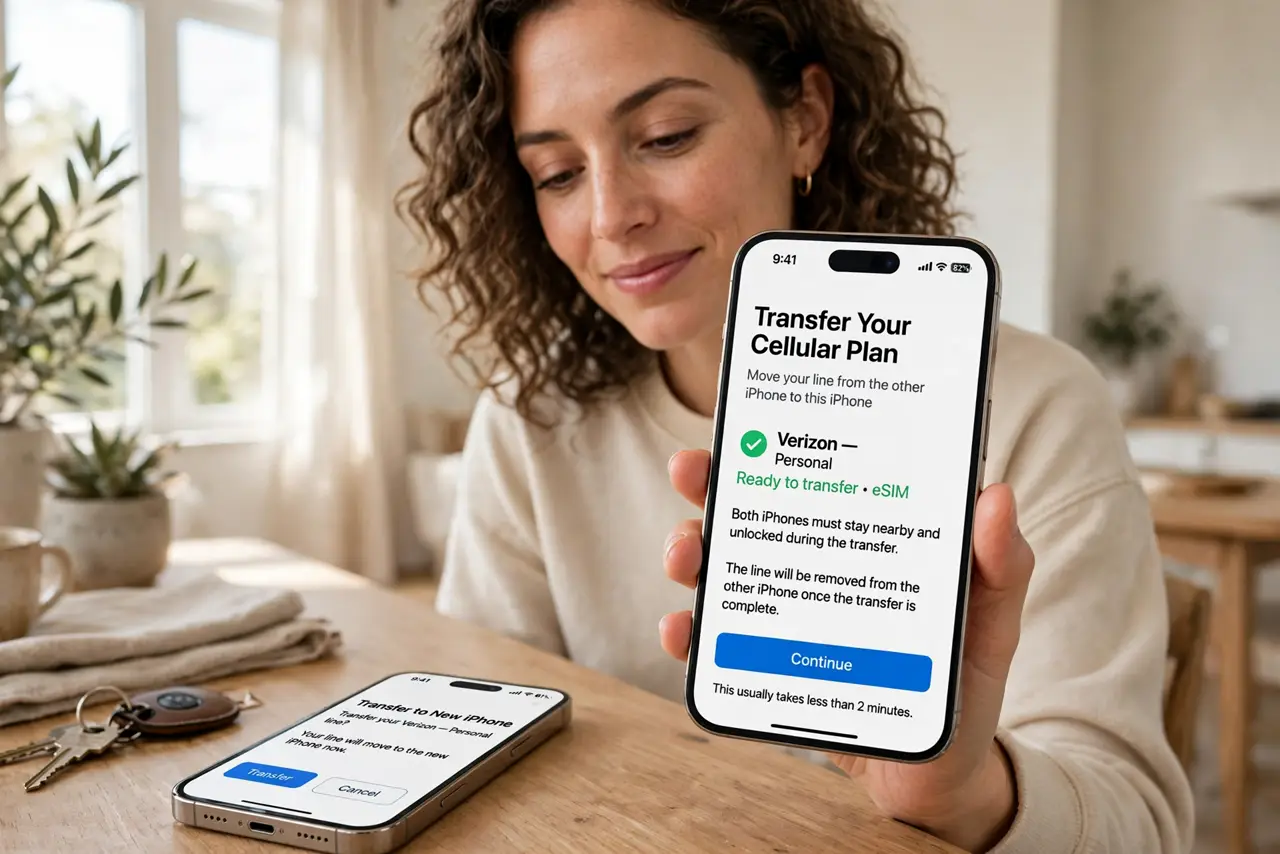
Quick fix: during new-iPhone Quick Start, accept the Transfer Cellular Plan prompt — or go to Settings, Cellular, Add eSIM, Transfer From Nearby iPhone. Keep both phones close, charged, and on Wi-Fi. If the carrier blocks it, their app or a quick call generates the QR code instead.
Follow these steps
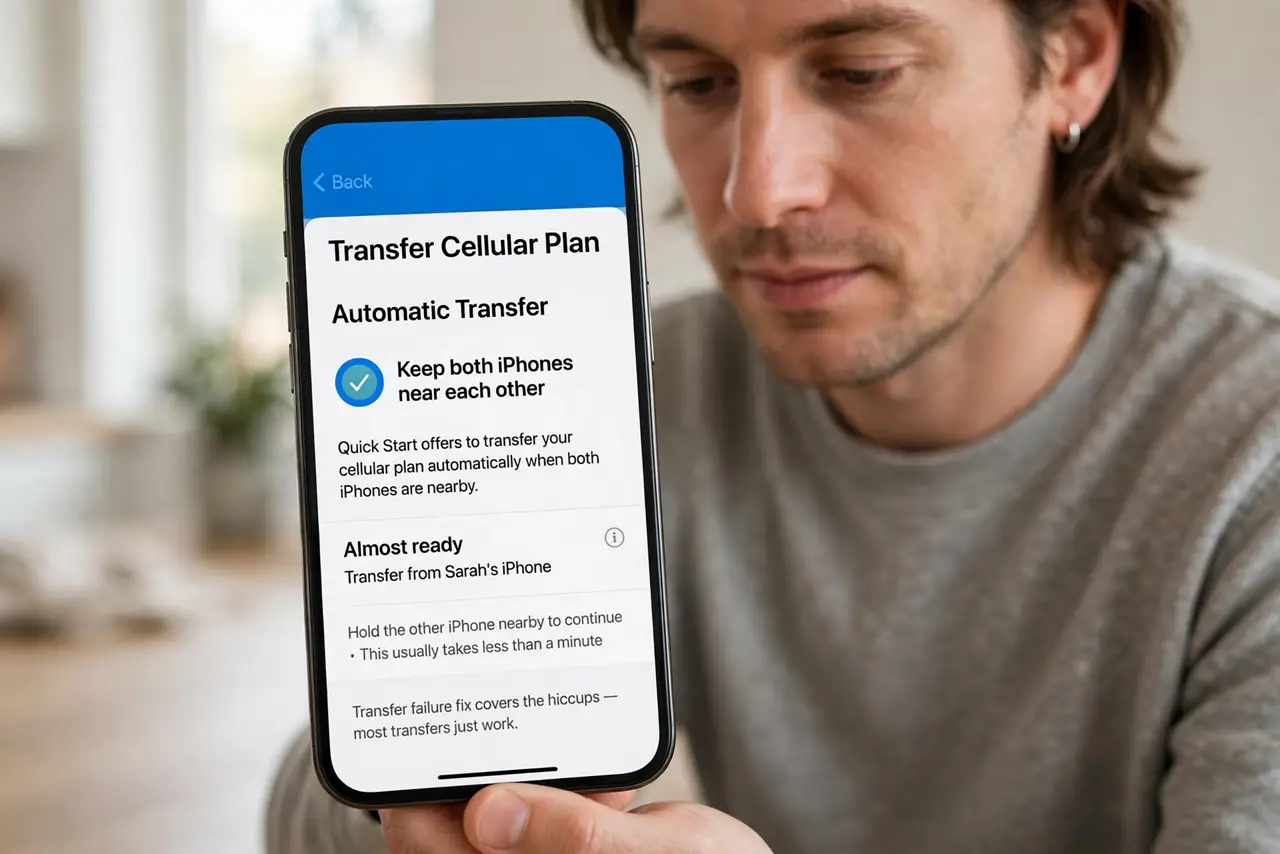
- Try the automatic transfer. Quick Start offers Transfer Cellular Plan when both phones are near. The transfer failure fix covers the hiccups — most transfers just work.
- Use Settings as the alternative. Settings, Cellular, Add eSIM, Transfer From Nearby iPhone — the manual path to the same handoff. Same requirements: proximity, power, Wi-Fi.
- Keep both phones alive. Charged, unlocked, Bluetooth on, Wi-Fi on. The handoff is a conversation between the phones — dead batteries end conversations.
- Know the Android path. Android to Android uses the carriers app or a QR code more often. The Android transfer details the less-magical route — same destination, more steps.
- Have the QR fallback ready. If digital transfer fails, the carrier app or support chat issues a QR code in minutes. The QR setup is the universal backup plan — screenshot it, do not lose it.
- Confirm service before wiping. New phone makes calls and data works? Then — and only then — wipe the old one. The dual eSIM note matters if you run two lines; move both.
What NOT to do
- Do not wipe the old phone first. Service confirmed on the new phone, then wipe — order matters absolutely.
- Do not delete the eSIM from the old phone manually mid-transfer. Let the handoff complete; manual deletion strands the plan.
- Do not assume every carrier supports it. Smaller carriers lag — check support before upgrade day surprises you.
- Do not lose the QR code. Screenshot it immediately; reissuing takes a support call you do not want.
Frequently asked questions
How long does eSIM transfer take?
Minutes when it works — the handoff itself is quick. Carrier-side provisioning can add up to an hour.
Can I transfer eSIM from iPhone to Android?
Carrier-dependent and clunkier — usually via QR code from the carrier rather than the magic handoff.
What if my carrier does not support transfer?
Their app or support issues a fresh eSIM QR code. Slightly more steps, same result — and the travel eSIM lesson warns about activation hiccups generally.