Back Up to Your Computer
iCloud is full, the paid tiers loom, and your photos have never existed anywhere but the phone. Backing up to your computer is the free, unlimited alternative: plug in, click backup, and the whole phone — photos, messages, settings — lands on your hard drive. No subscription, no cloud, no panic.
TL;DR / Quick Fix
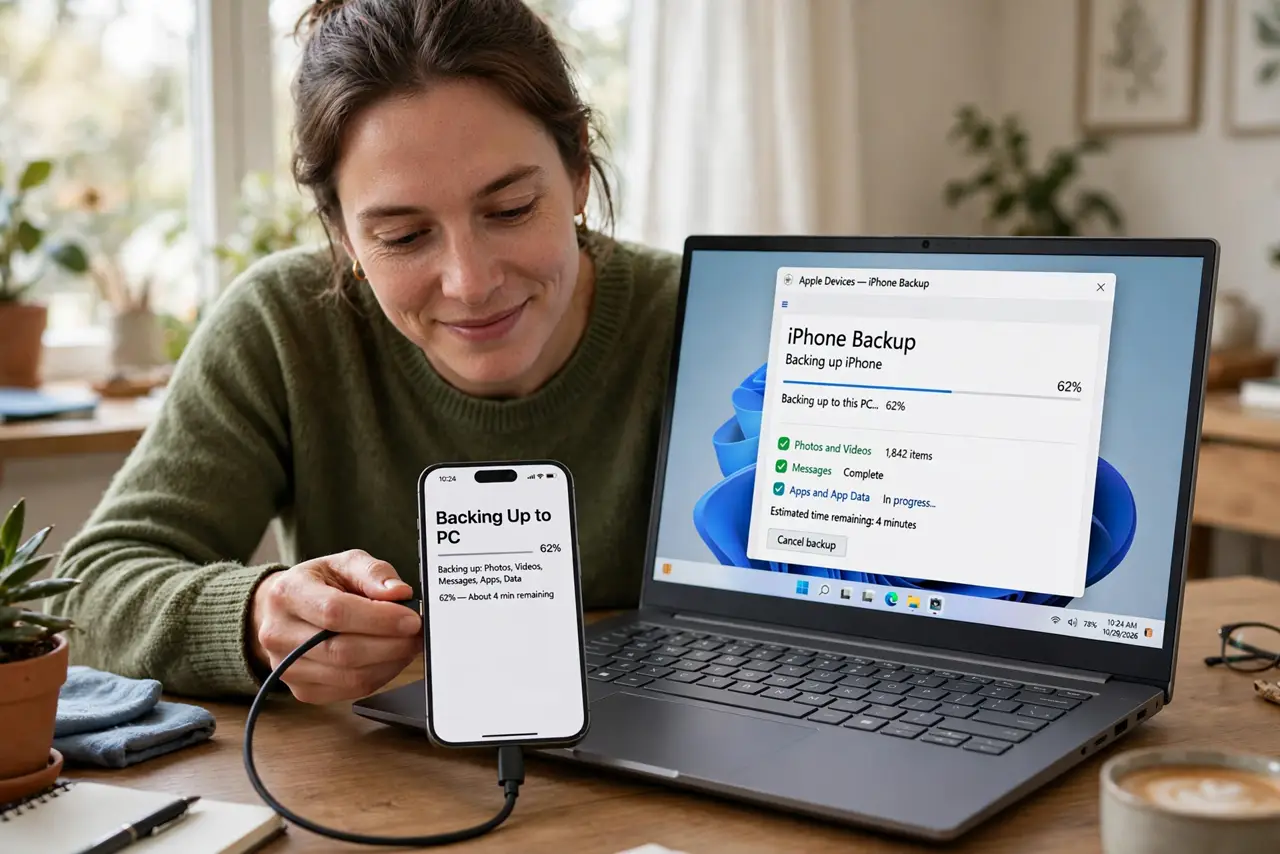
Quick fix: plug the iPhone into your computer, open Finder (Mac) or iTunes/Devices (Windows), select the phone, and click Back Up Now — encrypted for passwords and health data. Do it monthly; the first backup is slow, later ones quick. Your computer becomes the safety net iCloud charges for.
Follow these steps
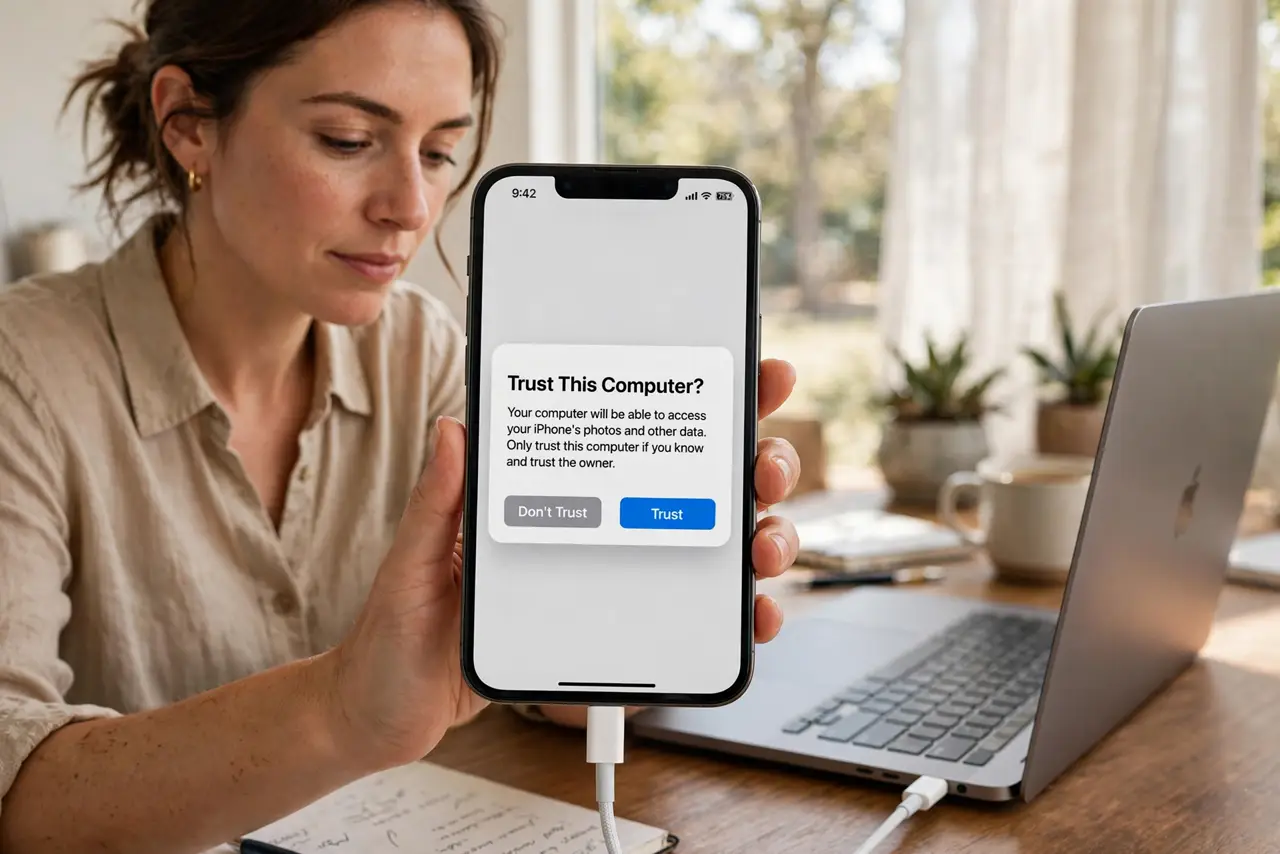
- Connect with a real cable. Use a proper data cable — some cheap cables charge only. Trust the computer when prompted on the phone — the cable trap bites here too.
- Find the backup screen. Mac: Finder sidebar, select the iPhone. Windows: Apple Devices app or iTunes. The backup button is right there — no account gymnastics.
- Encrypt the backup. Check Encrypt local backup and set a password you will remember. Encrypted backups include passwords and health data; unencrypted ones skip them — always encrypt.
- Back up now. Click Back Up Now and wait. First backups take a while — photos are heavy. Later ones are incremental and quick.
- Follow the 3-2-1 rule. Three copies, two media, one offsite. The backup rule is the gold standard — computer backup plus cloud covers it elegantly.
- Automate the habit. Monthly calendar reminder, or the automation guide for the set-and-forget version. Backups you have to remember are backups you skip.
What NOT to do
- Do not skip encryption. Unencrypted backups omit passwords and health data — the stuff you will actually miss.
- Do not forget the encryption password. Apple cannot recover it; a forgotten password bricks the backup.
- Do not rely on one backup location. Computer plus cloud is the minimum sane coverage — disks die too.
- Do not back up once and stop. A year-old backup restores a year-old phone — monthly is the rhythm.
Frequently asked questions
Computer backup or iCloud?
Computer: free, full, local. iCloud: automatic, offsite, paid. Both is the correct answer.
How often should I back up?
Monthly at minimum; before every iOS update and every trip, without exception.
Can I back up Android to a computer?
Yes — the Android backup options cover USB and wireless paths for the other half of phones.