iPhone Travel Checklist
A trip abroad is the worst possible time for phone surprises — roaming charges, a locked-out banking app, no maps at the airport. Run this checklist a few days before you fly, and your iPhone or Android becomes a reliable travel tool instead of an expensive headache. Most items take two minutes.
TL;DR / Quick Fix
Quick fix: before flying, sort data (a travel eSIM beats roaming fees), download offline maps, turn on Find My, back up the phone, save boarding passes and documents offline, and tell your bank you are traveling. Two-factor codes still work if you bring your number or set up an authenticator.
Follow these steps
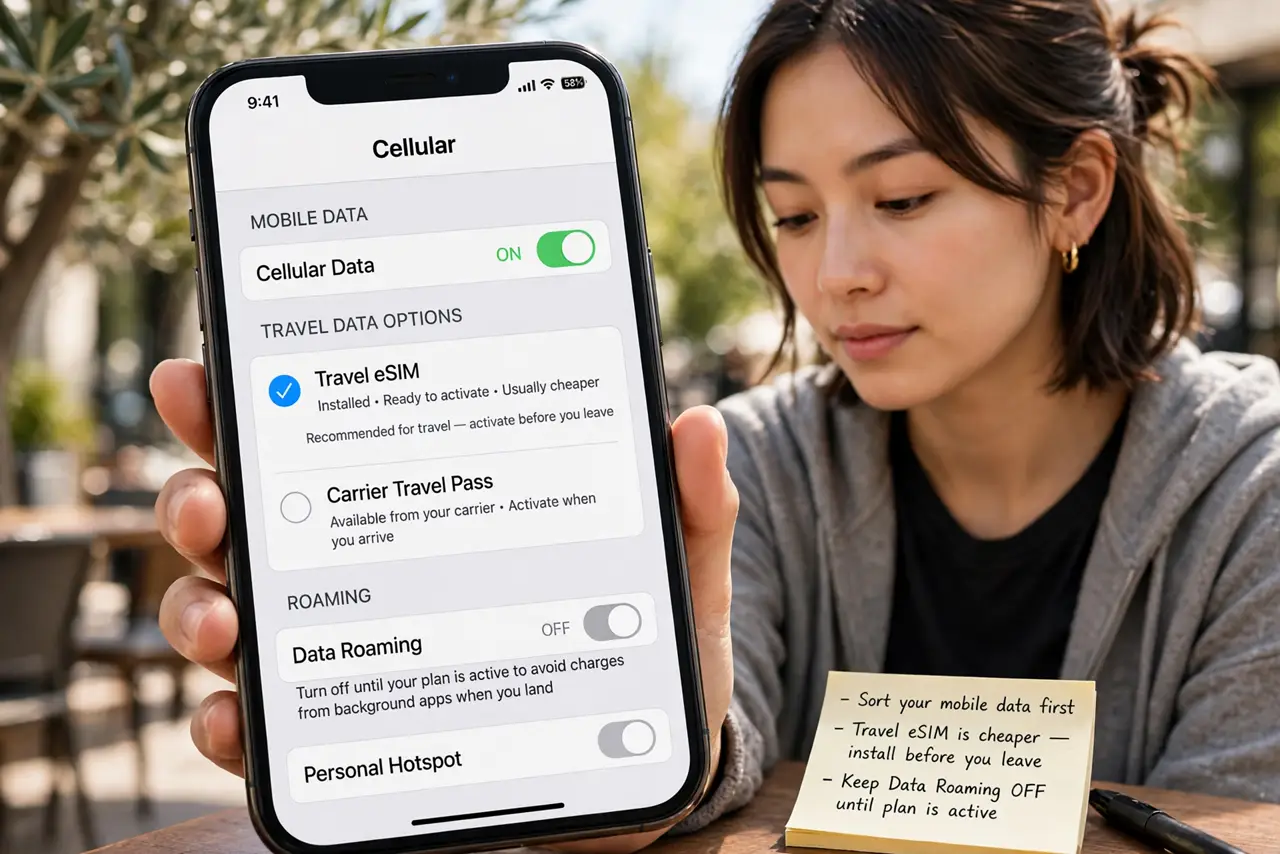
- Sort your mobile data first. Decide between your carrier’s travel pass and a travel eSIM — eSIMs are usually cheaper and install before you leave. Turn off data roaming until the plan is active, or background apps will spend your money the moment you land.
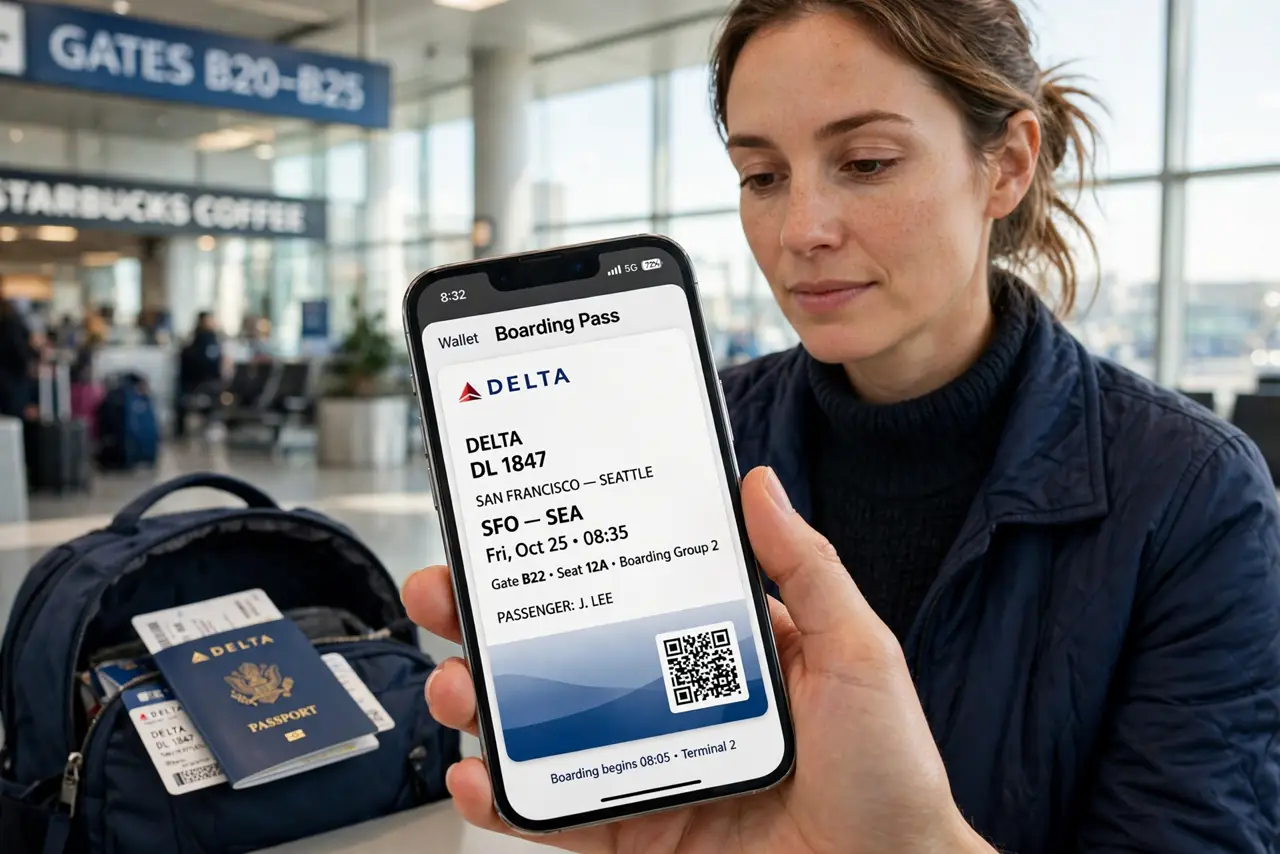
- Download offline maps and documents. Save your destination in Google or Apple Maps for offline use, and keep boarding passes, hotel confirmations, and a passport photo in a folder that works without a connection. Airport Wi-Fi is unreliable at exactly the moment you need it.
- Back up the phone and turn on Find My. Run a full backup to iCloud or Google before you leave — a lost phone abroad is recoverable only if the backup exists. Confirm Find My iPhone / Find My Device is on and location sharing works with a travel companion.
- Tell your bank and payment apps. Notify your bank of travel dates so cards are not frozen mid-trip, and check your payment app works with the local currency. Carry one physical backup card separate from your phone.
- Lock down security for public Wi-Fi. Hotel and airport networks are prime snooping territory — use a VPN on public Wi-Fi before opening banking or email, and avoid logging into sensitive accounts on networks that ask for odd personal details.
- Pack the right charger and adapters. Check the plug type for your destination and bring one good adapter plus a multi-port charger. A dying phone with the wrong plug is a solved problem only if you solved it at home.
What NOT to do
- Do not land with data roaming on and no plan. Background sync can burn through roaming charges before you even leave the airport.
- Do not rely on airport Wi-Fi for two-factor codes. If your bank texts a code to your home number and you swapped SIMs, have an authenticator app or backup codes ready.
- Do not skip the backup. A stolen or drowned phone abroad without a backup turns a bad day into a lost-photos disaster.
- Do not use public USB charging stations blindly. Juice-jacking is rare but real — a USB data blocker or your own adapter removes the question.
Frequently asked questions
Should I get an eSIM or a local SIM?
eSIMs install before departure and keep your home number active for texts and calls; local SIMs are sometimes cheaper for long stays. For trips under a month, a travel eSIM is usually the simplest win.
Will my two-factor codes still work abroad?
Authenticator apps work anywhere without a signal. SMS codes need your home number reachable — keep the SIM, use Wi-Fi calling, or set up backup codes before you fly.
How do I avoid roaming charges completely?
Turn off data roaming, install a travel eSIM or use Wi-Fi only, and check that no app is set to sync over cellular. Airplane mode with Wi-Fi on is the bulletproof option.