True Tone Makes the Screen Yellow? Fix It
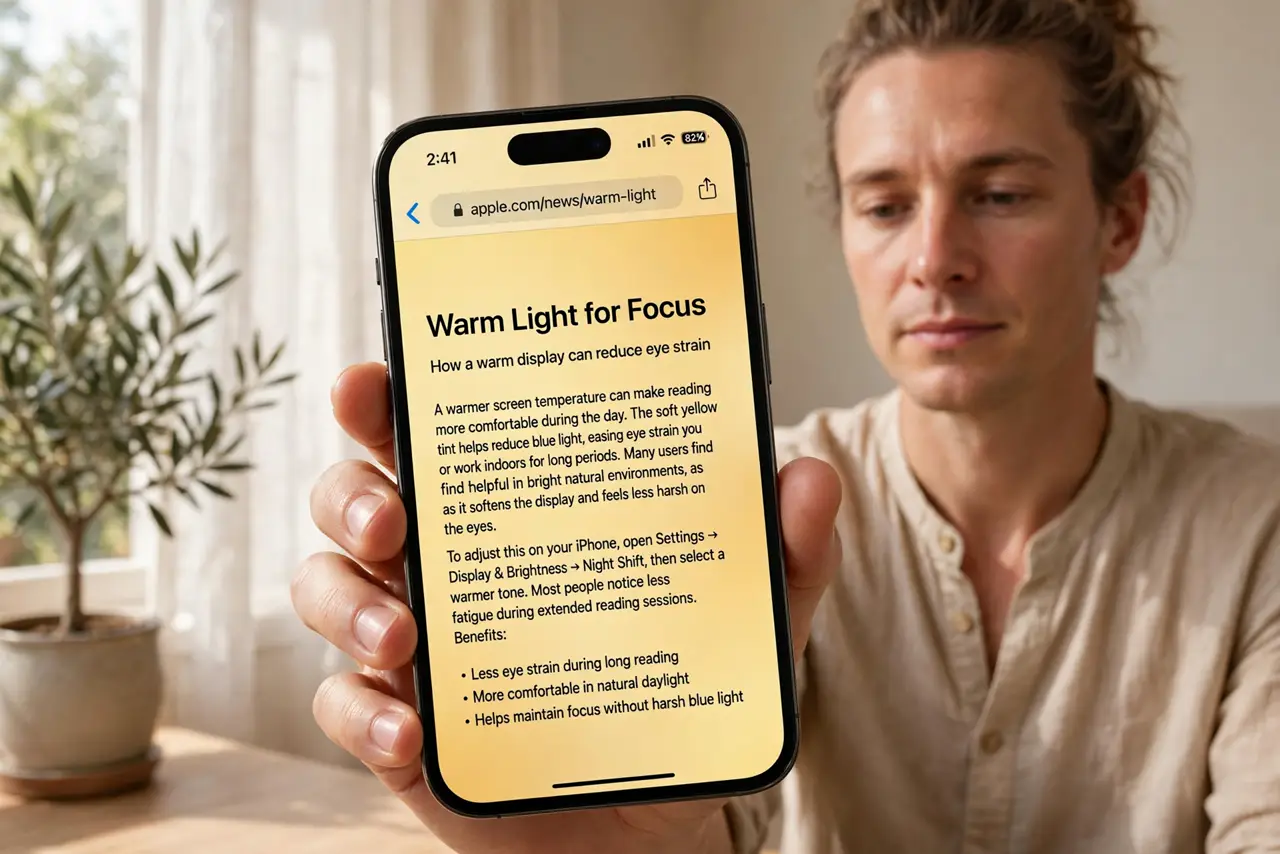
True Tone adjusts the screen to match the light around you, but sometimes it goes too far and everything looks yellow or dingy. The fix is usually one toggle — but first it helps to know whether True Tone or Night Shift is the real culprit, since both warm the screen in different ways.
TL;DR / Quick Fix
Quick fix: turn off True Tone in Display settings and see if the yellow cast disappears. If the screen is still warm, check Night Shift too. True Tone is a comfort feature, not a defect — keep it on for warmer whites, off for neutral colors.
Follow these steps
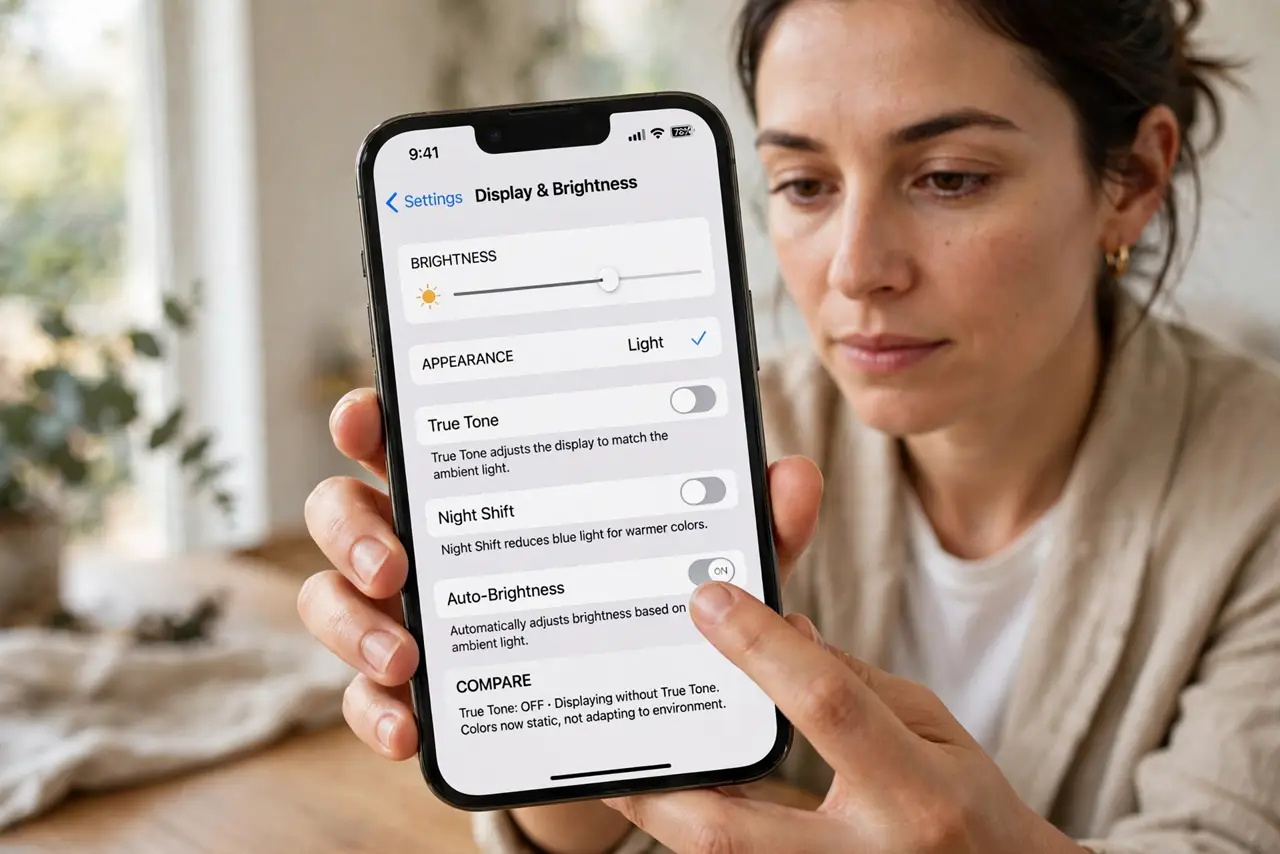
- Turn off True Tone and compare. Go to Settings, Display & Brightness, and toggle True Tone off. Look at a white page — if the yellow cast vanishes, True Tone was the cause.
- Check Night Shift separately. Night Shift also warms the screen on a schedule. If the yellow appears mainly in the evening, Night Shift is the culprit, not True Tone.
- Compare under neutral light. True Tone reacts to room lighting — under warm lamps every screen looks yellow. Step into neutral daylight before judging the display.
- Decide based on comfort, not correctness. Neither setting is 'correct.' True Tone eases eye strain for many people; turning it off gives punchy neutral whites. Pick what your eyes prefer.
- Check for a real display issue. If the yellow is blotchy, only on part of the screen, or appeared suddenly after a drop, that is not True Tone — get the display checked.
- Adjust per situation. Some people keep True Tone on by day and off for photo editing. There is no rule — toggle it when color accuracy matters to you.
What NOT to do
- Do not assume a yellow screen means a defective iPhone. True Tone and Night Shift explain the vast majority of yellow-tint complaints.
- Do not crank brightness to 'fix' the tint. Brightness does not change color temperature — it just wastes battery.
- Do not edit photos with True Tone on if color accuracy matters. The warm cast will mislead your edits.
- Do not factory-reset over a warm screen. The setting is one toggle, not a system problem.
Frequently asked questions
Why does my iPhone screen look yellow?
Usually True Tone warming the display to match room light, or Night Shift on a schedule. Both are settings, not defects.
Should I keep True Tone on or off?
On for eye comfort in varied lighting, off for neutral whites and color-accurate work. It is purely preference.
True Tone is off but the screen is still yellow — why?
Check Night Shift, and compare the phone under neutral daylight. A blotchy or sudden yellow tint needs a professional display check.