Visual Voicemail Not Working? Fix It
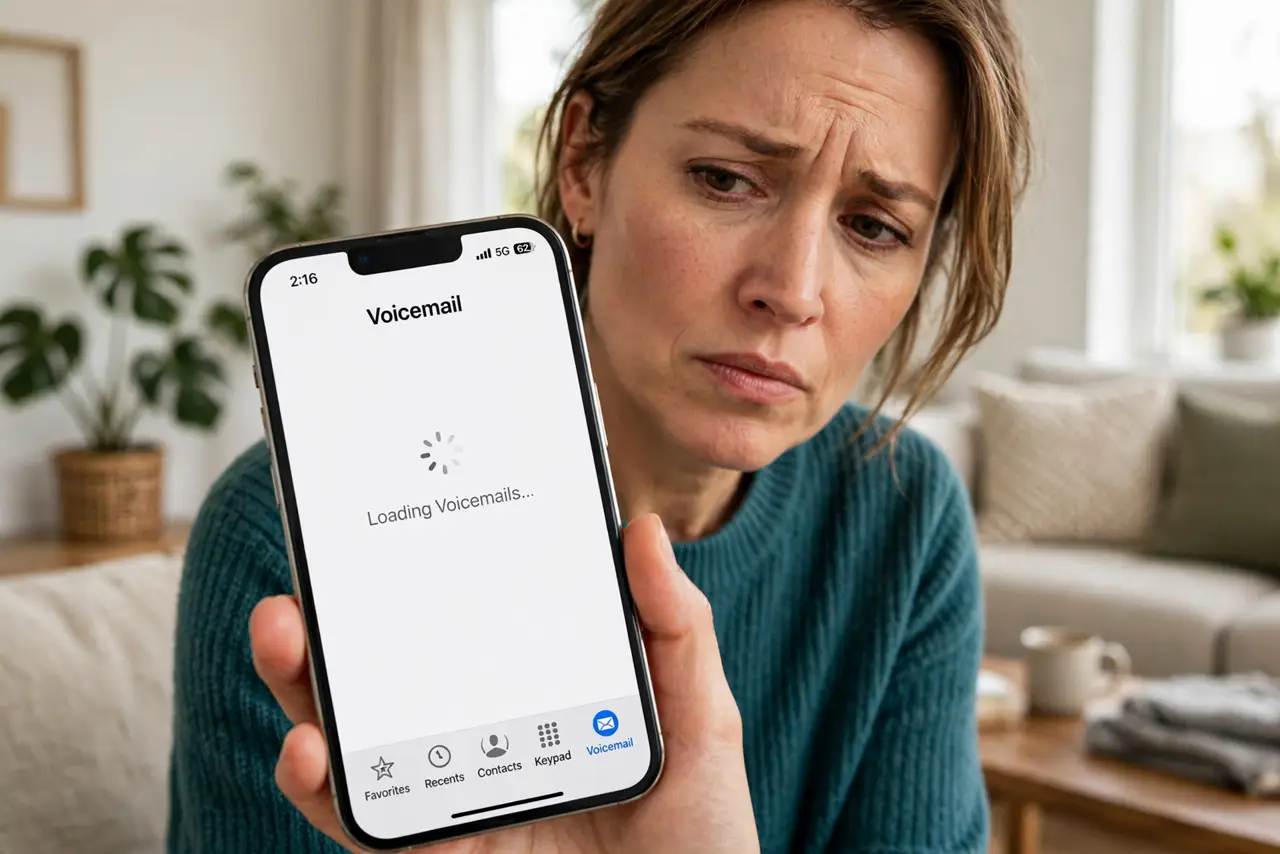
Visual voicemail shows a blank list, spins forever, or says it cannot connect — while regular voicemail by phone call works fine. The feature needs carrier support and correct settings to fetch messages. This guide gets the list loading again, and covers what to do when the transcript is blank.
TL;DR / Quick Fix
Quick fix: toggle airplane mode on for ten seconds, then off, to re-register with the carrier. Check that mobile data is on — visual voicemail needs data to fetch messages. If the list still won't load, reset network settings. As a fallback, hold 1 to call traditional voicemail.
Follow these steps
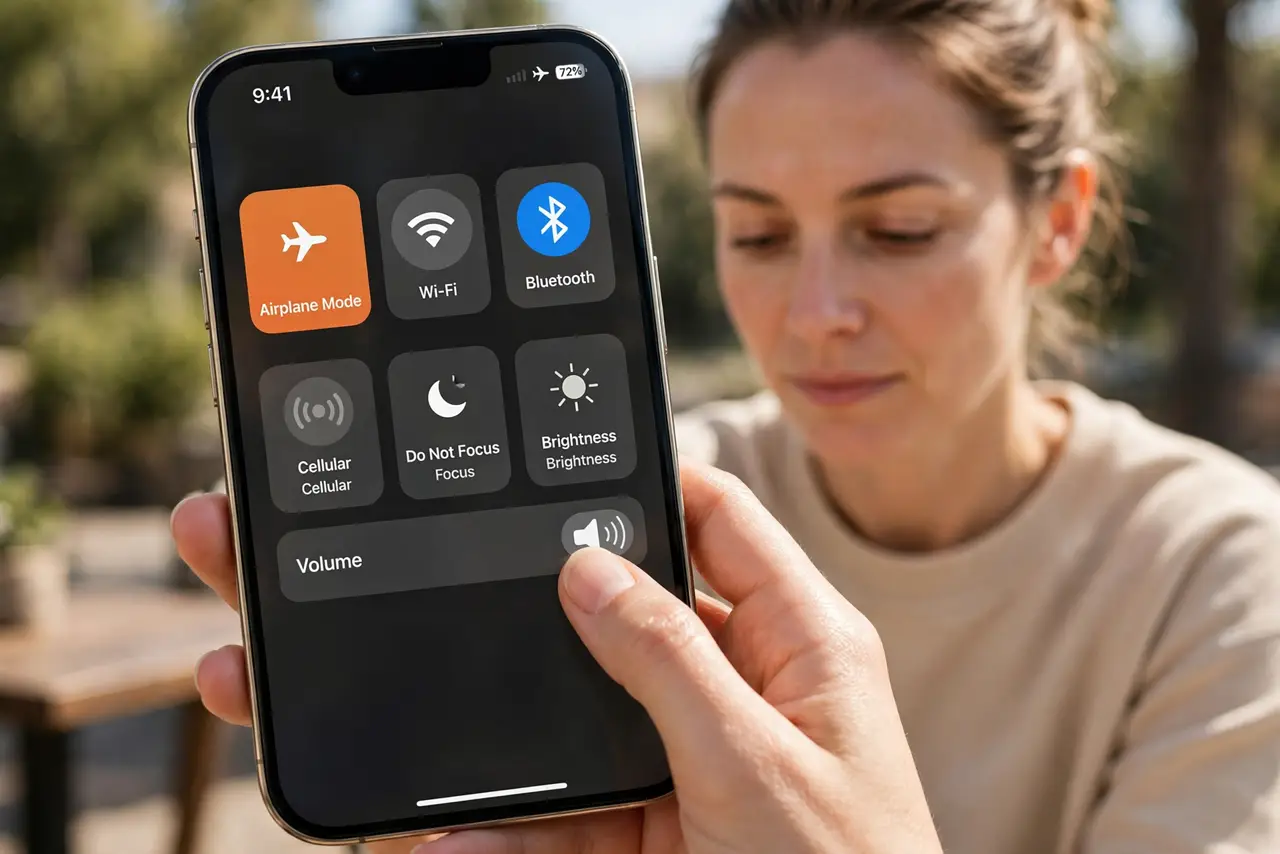
- Toggle airplane mode. Turn airplane mode on for ten seconds, then off. This forces the phone to re-register with the carrier, which often restarts a stuck voicemail fetch.
- Confirm mobile data is on. Visual voicemail downloads over data, not over the voice channel. If mobile data is off or restricted, the list cannot load.
- Check for a carrier settings update. Go to Settings, General, About, and wait a few seconds. If a carrier update is offered, install it — voicemail features often depend on it.
- Reset network settings. In Settings, reset network settings. This clears the cellular configuration without deleting your data, and fixes many voicemail connection issues.
- Confirm the carrier supports it. Not every carrier or plan includes visual voicemail. Check with your carrier, especially after switching providers or plans.
- Use traditional voicemail meanwhile. Hold 1 on the keypad to call your voicemail box directly. Your messages are safe — only the visual list is broken.
What NOT to do
- Do not delete the Phone app's data hoping to fix it. That will not restore carrier voicemail and may complicate setup.
- Do not assume your messages are lost. A broken visual list does not delete messages — they are still on the carrier's system.
- Do not keep toggling voicemail passwords randomly. Too many wrong attempts can lock the voicemail box.
- Do not ignore a carrier settings update prompt. It is small, quick, and often exactly what visual voicemail was waiting for.
Frequently asked questions
Why is visual voicemail not working?
Usually a carrier registration glitch, mobile data off, or a missing carrier settings update. The messages themselves are safe.
Do I need mobile data for visual voicemail?
Yes — the message list downloads over data. Wi-Fi alone is not always enough, depending on the carrier.
Visual voicemail worked, then stopped after switching carriers — why?
The new carrier may not support it on your plan, or the phone needs a carrier settings update for the new network.