A Widget Stack Shows the Wrong Widget
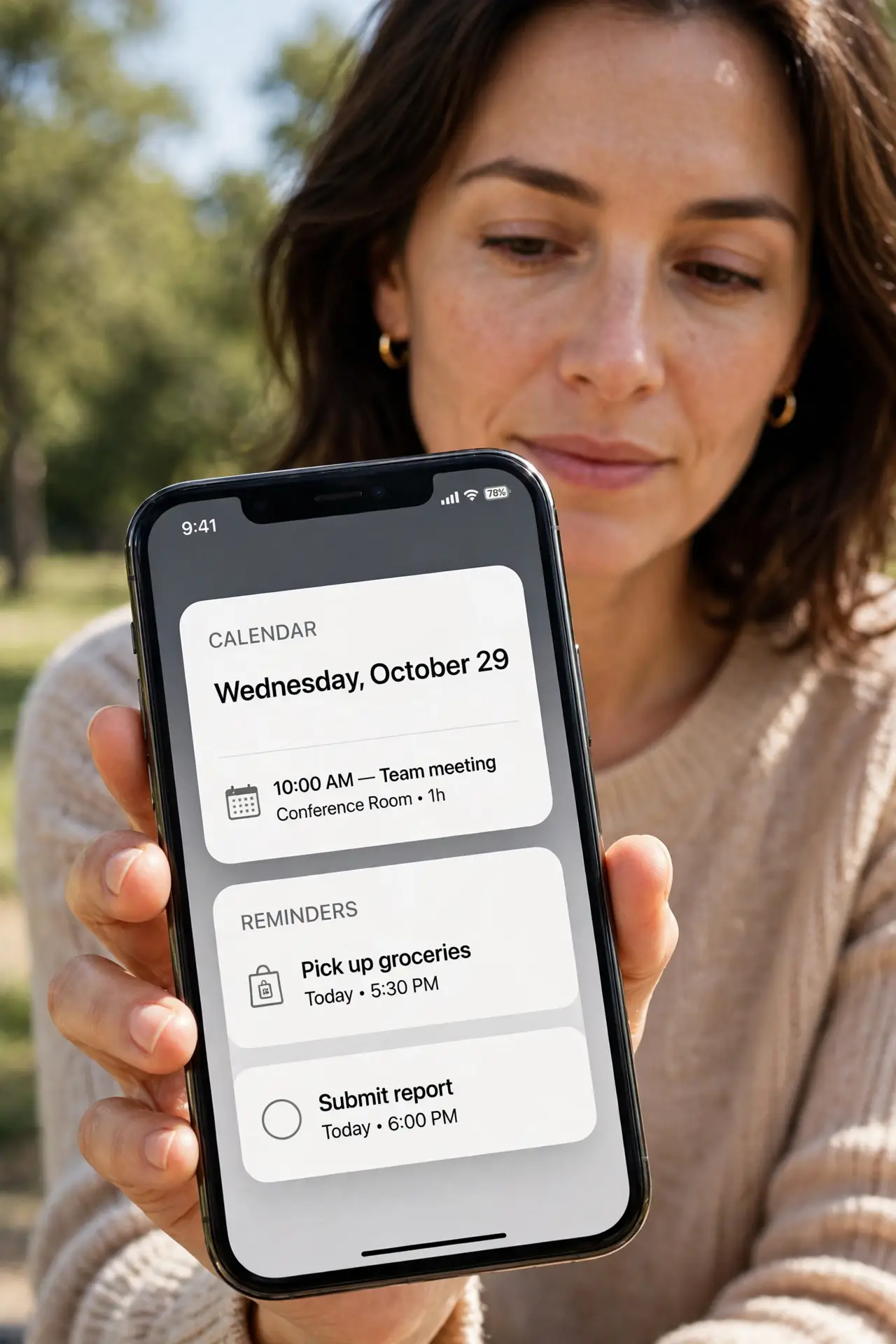
A widget stack rotates to a widget you did not want on top, or shows the same one every time. Smart Rotate and the stack order decide what appears — and both are easy to change.
TL;DR / Quick Fix
Quick fix: press and hold the stack, choose Edit Stack, and turn off Smart Rotate. Then drag the widget you want to the top of the list, and check the stack shows it first and keep Smart Rotate off for a fixed top widget.
Follow these steps
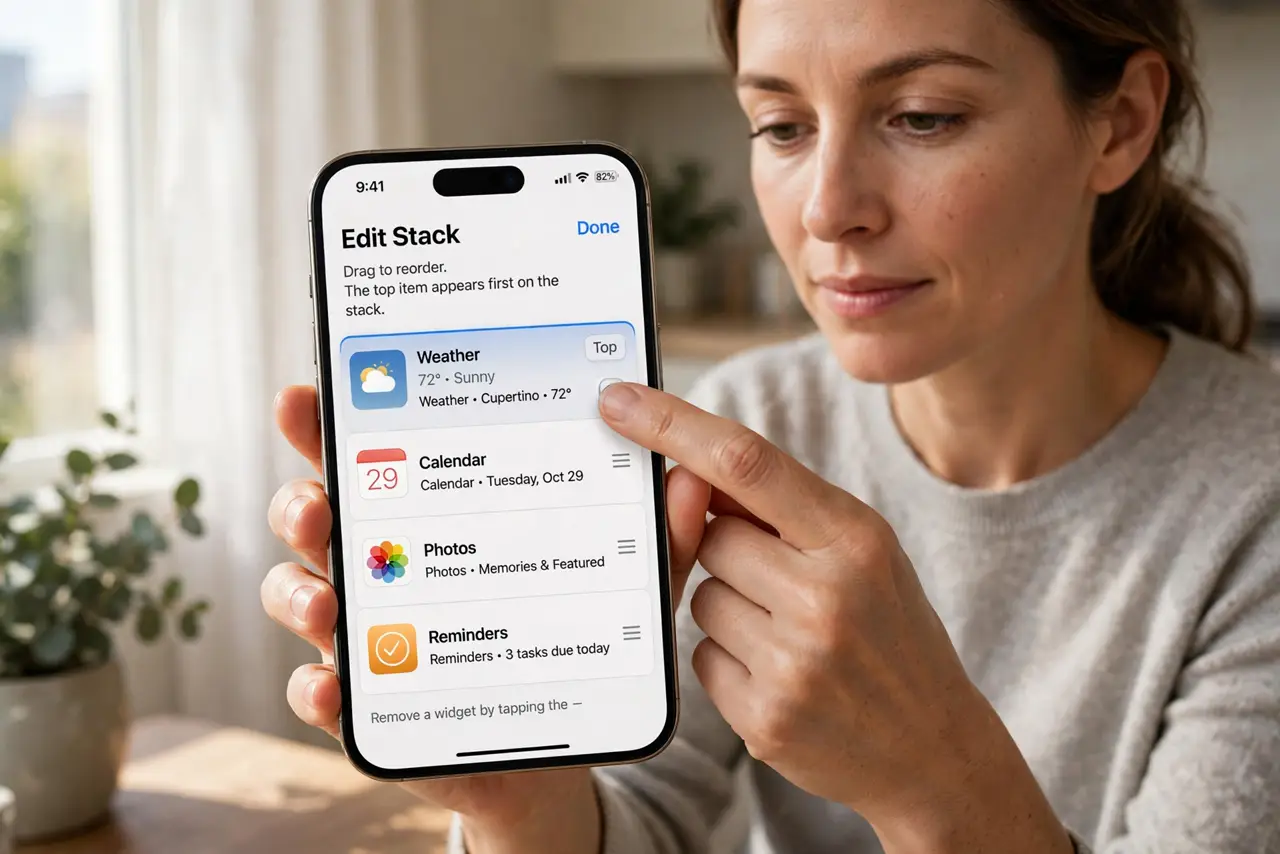
- Edit the stack. Press and hold the widget stack, then choose Edit Stack. The list shows every widget in the stack in order, so you can see exactly which one sits on top.
- Turn off Smart Rotate. In Edit Stack, turn off Smart Rotate. Smart Rotate swaps the top widget based on time and activity, which is why the top widget keeps changing on its own.
- Drag your favorite widget to the top. In the same list, drag the widget you want to the top position. With Smart Rotate off, the stack keeps that widget on top until you change it again.
- Remove widgets you never use. Still in Edit Stack, remove widgets you do not want in the rotation. Fewer widgets mean fewer surprises, even if you later turn Smart Rotate back on.
- Check the same stack on the lock screen. If the stack also lives on the lock screen, edit it there separately. Home screen and lock screen widgets are separate layouts, so fixing one does not fix the other.
- Restart if the stack ignores your order. If the stack still shows the wrong widget after editing, restart the iPhone once and check again. A restart clears a stuck widget state that editing alone cannot shift.
What NOT to do
- Do not delete the whole stack to fix one wrong widget. Editing the stack order and Smart Rotate fixes the top widget without rebuilding the stack.
- Do not assume the stack is broken because it rotates. Rotation is Smart Rotate working as designed, so turning it off is the fix when you want a fixed top widget.
- Do not edit a different stack by mistake. Stacks can look alike, so press and hold the exact stack that shows the wrong widget.
- Do not add ten widgets to one stack. A huge stack rotates through too many options, so keep a stack to the few widgets you actually check.
Frequently asked questions
Why does the top widget keep changing?
Because Smart Rotate swaps the top widget based on time and activity, instead of keeping one widget fixed on top.
How do I pin one widget on top?
Turn off Smart Rotate in Edit Stack, then drag your chosen widget to the top of the list.
Does editing one stack change all stacks?
No. Each stack has its own order and Smart Rotate setting, so edit the exact stack that misbehaves.