IPv6 Breaks Just One Website You Visit
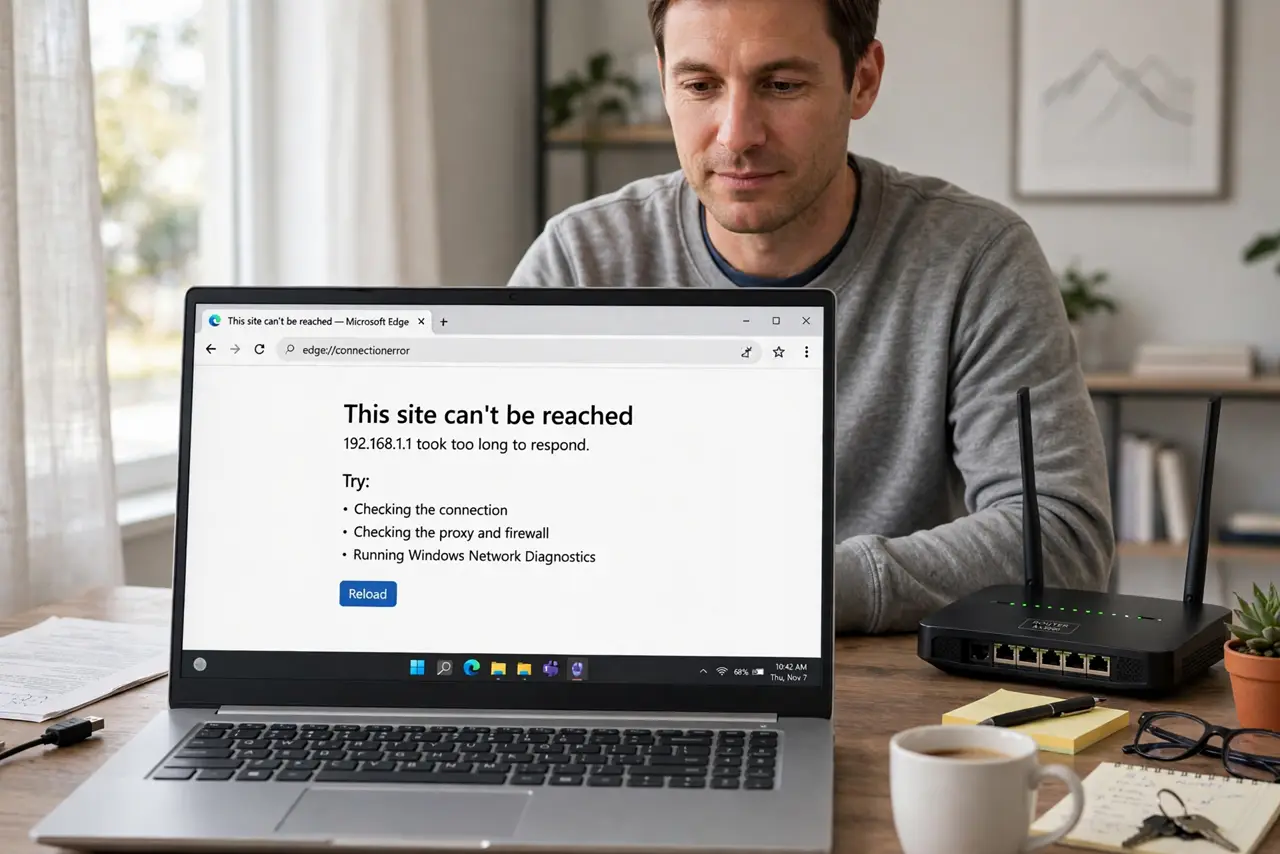
Every site loads except one — it times out or half-loads, on every device at home. When a single site fails everywhere on your network, a broken IPv6 path to that site is a prime suspect.
TL;DR / Quick Fix
Quick fix: test the site on mobile data — if it loads there, your home network's IPv6 path is the suspect. Temporarily disable IPv6 on the router to confirm, then re-enable it and report the issue to your provider. Keep IPv6 on unless the problem is proven.
Follow these steps
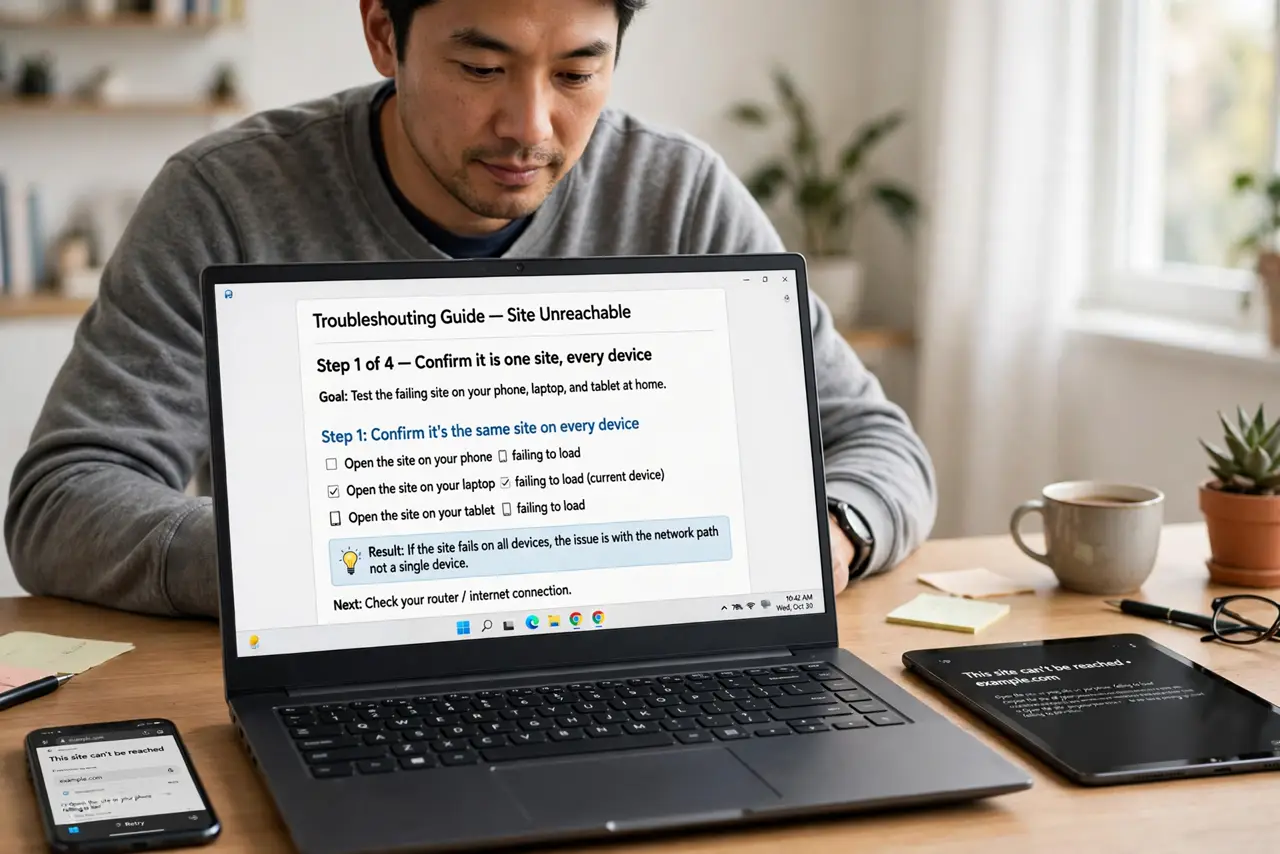
- Confirm it is one site, every device. Test the failing site on your phone, laptop, and tablet at home. One site failing everywhere points at the network path, not any single device.
- Test on mobile data. Turn off Wi-Fi and load the site on cellular. If it works there, the problem is specific to your home connection — which is where IPv6 lives.
- Temporarily disable IPv6 on the router. In the router admin, switch IPv6 off and retest the site. If it loads, you have confirmed an IPv6 path problem to that destination.
- Re-enable IPv6 after the test. Turn IPv6 back on. Disabling it permanently is a workaround, not a fix — the modern internet increasingly expects IPv6 to work.
- Report it to your provider. Tell your internet provider which site fails over IPv6. Broken IPv6 routes are their infrastructure to fix, and reports are how they learn about them.
- Check the site's own status. Search for the site's status page or outage reports. Occasionally the site's own IPv6 setup is broken, and the fix arrives on their end.
What NOT to do
- Do not leave IPv6 off forever as the 'fix.' You lose the modern protocol's benefits and may break other things that expect it.
- Do not assume the site is down for everyone. One site failing only on your network is a routing problem, not a global outage.
- Do not reinstall browsers to fix a network path issue. Every browser on the network fails identically when the route is broken.
- Do not pay for a VPN just to reach one site. A VPN may dodge the broken path, but reporting it fixes the actual problem for free.
Frequently asked questions
What is IPv6?
The newer internet address system, alongside the older IPv4. Most connections now try IPv6 first and fall back to IPv4 if it fails. If the router shows an IP conflict warning instead, that is a different network fault.
Why would only one site break?
That site's IPv6 route from your provider is broken while others work. Routing is per-destination, so one bad path affects one site.
Is disabling IPv6 dangerous?
Not dangerous, just limiting. It is a fine diagnostic step, but the goal is a working IPv6 path, not a permanently disabled one.