Test for Throttling
Every evening Netflix turns to mush while your speed test claims everything is fine — the classic fingerprint of throttling, where your ISP slows specific traffic at busy hours. But evening congestion looks identical, so guessing wastes everyone's time. This guide tests properly and tells the two apart.
TL;DR / Quick Fix
Quick fix: if Netflix crawls every evening but speed tests look fine, your ISP may throttle video — test by comparing a speed test with and without a VPN at the same hour. Similar speeds mean congestion; a big VPN improvement suggests throttling. Document results before calling to complain.
Follow these steps
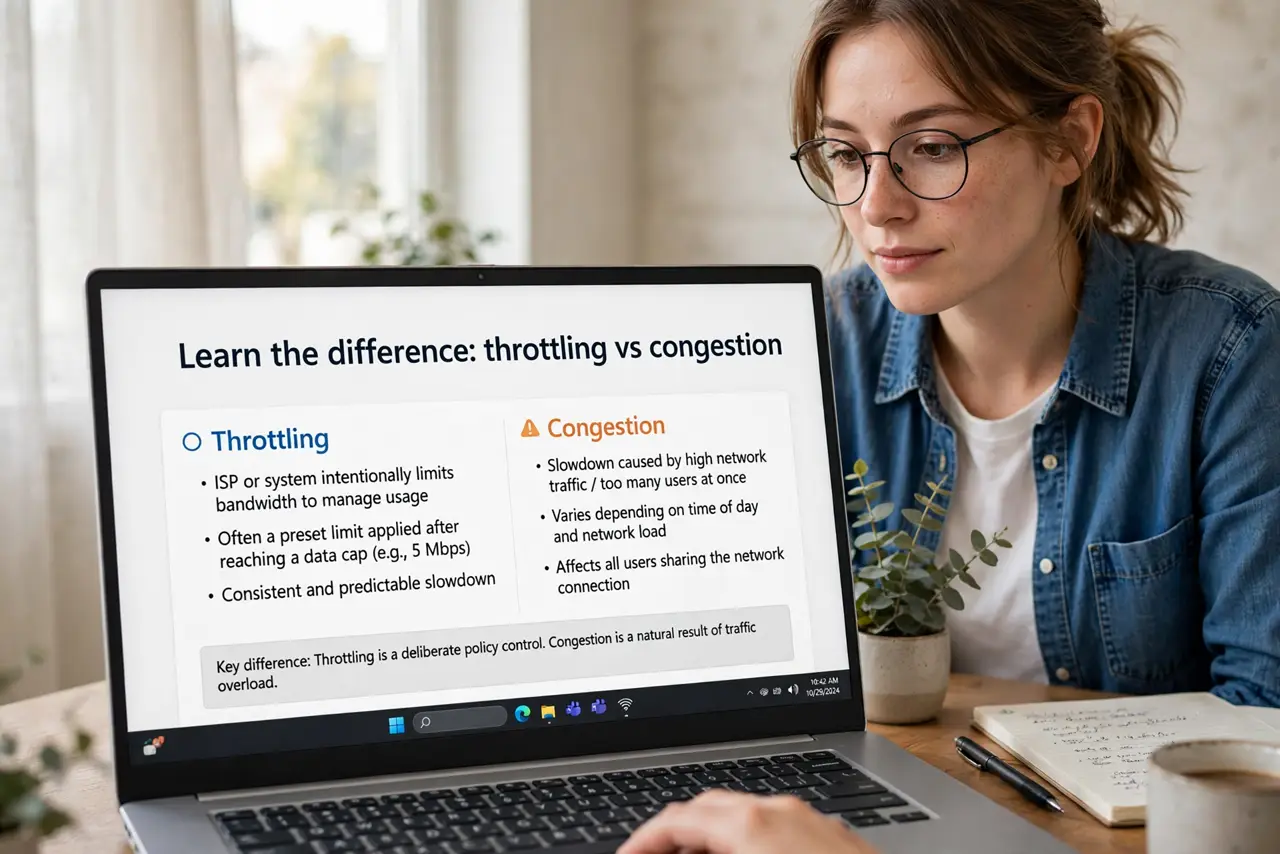
- Learn the difference: throttling vs congestion. Throttling targets specific services deliberately; congestion slows everything when the network is busy. The test must separate 'Netflix slow' from 'everything slow'.
- Test at the problem hour, wired. Run a general speed test at 8pm from a wired computer. Note the numbers — this is your baseline for the evening.
- Test the specific service. Stream the problem service and note the quality/bitrate it actually achieves. 'Netflix slow' needs a number, not a feeling.
- Repeat both tests through a VPN. A VPN hides which service your traffic belongs to. If Netflix suddenly streams fine through the VPN at the same hour, throttling is likely — the ISP cannot target what it cannot identify.
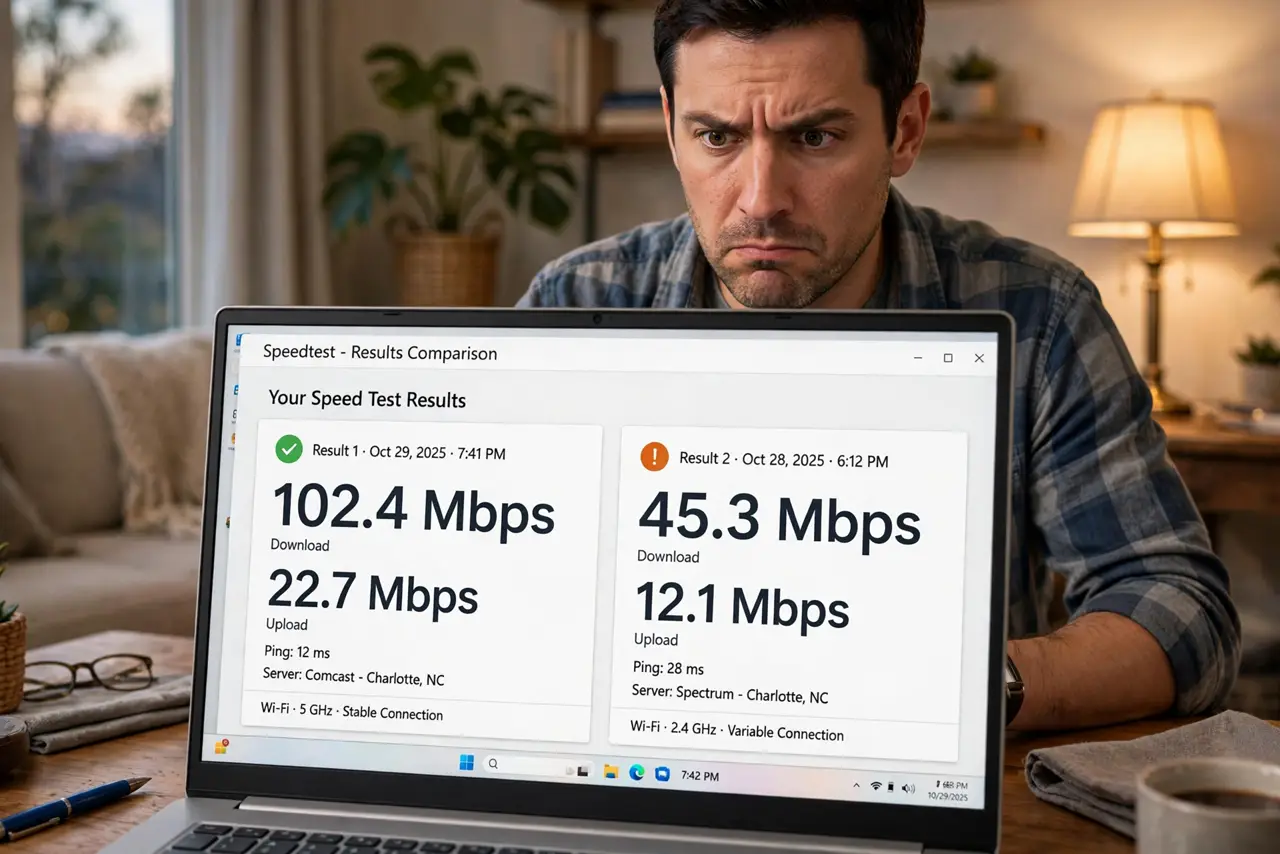
- Compare and document. Same hour, same conditions, VPN on vs off — screenshot everything. Two evenings of data beats one anecdote when you complain.
- Know what to do with proof. With evidence, complain citing the numbers, or switch providers. Also rule out slow downloads generally and local Wi-Fi issues first — throttling is a diagnosis of exclusion.
What NOT to do
- Do not conclude throttling from one bad evening. Congestion varies; you need the VPN comparison to separate the causes.
- Do not test throttling over Wi-Fi. Wireless issues mimic every symptom — wire up before accusing the ISP.
- Do not expect the VPN test to be perfect. VPNs add overhead; look for big differences, not small ones.
- Do not skip documenting. 'It feels slow' gets scripted responses; timestamps and screenshots get escalations.
Frequently asked questions
Is throttling legal?
Depends on your country's net neutrality rules — which have changed over time. The test tells you what is happening; the law tells you whether it is allowed.
Will a VPN always fix throttling?
It defeats service-specific throttling by hiding the traffic type. It cannot fix genuine congestion or a slow plan.
Why only in the evening?
Peak hours strain networks — which is exactly why both congestion and throttling show up then. Timing alone proves nothing.