Beware Juice Jacking
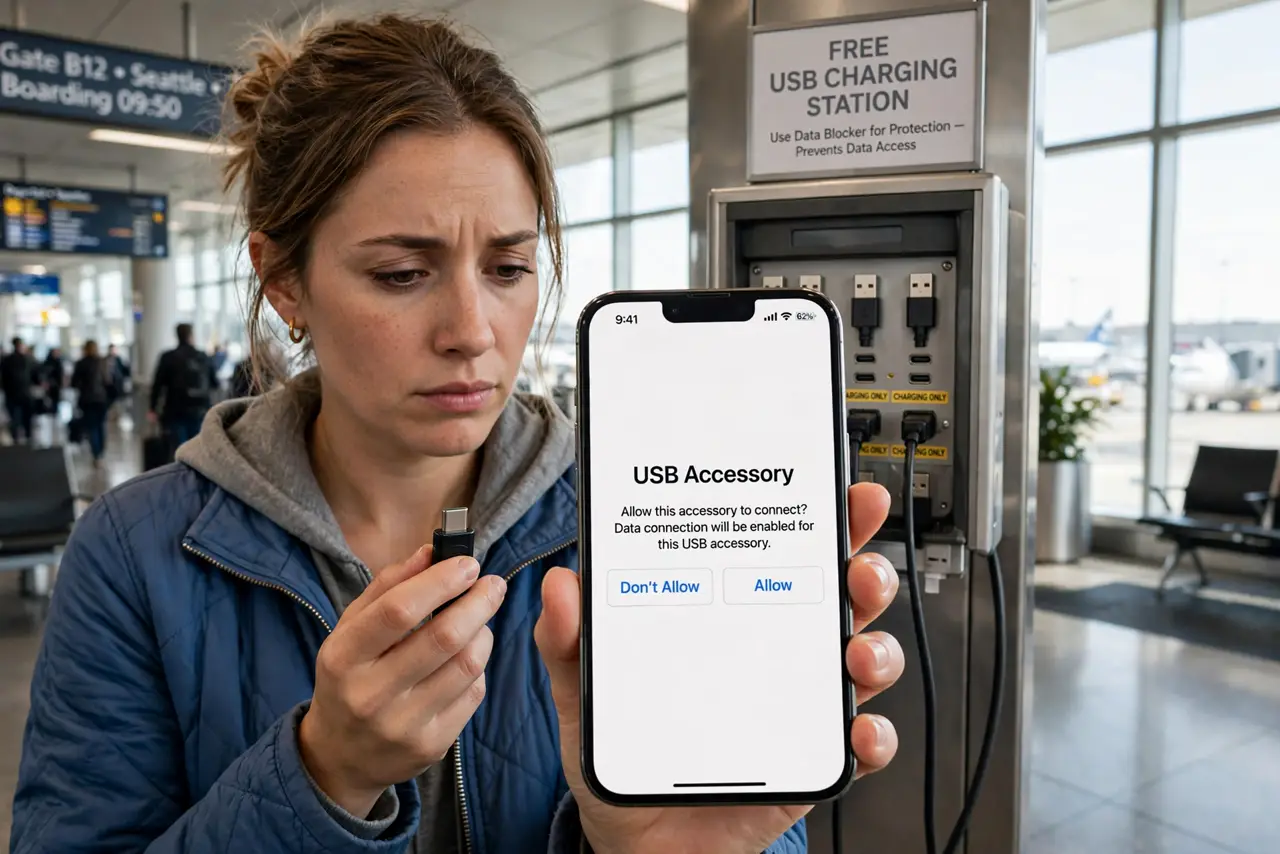
That free USB charging port at the airport looks like kindness — but a compromised port can sip your phone's data while it charges. This attack is called juice jacking, and the defense is delightfully simple: block the data, keep the power. This guide shows the three ways to charge safely in public.
TL;DR / Quick Fix
Quick fix: public USB charging ports can steal data as well as deliver power — that is juice jacking. Defeat it with a USB data blocker, a charge-only cable, or your own wall adapter and cable. Never trust an airport or café USB port with your phone's data connection.
Follow these steps
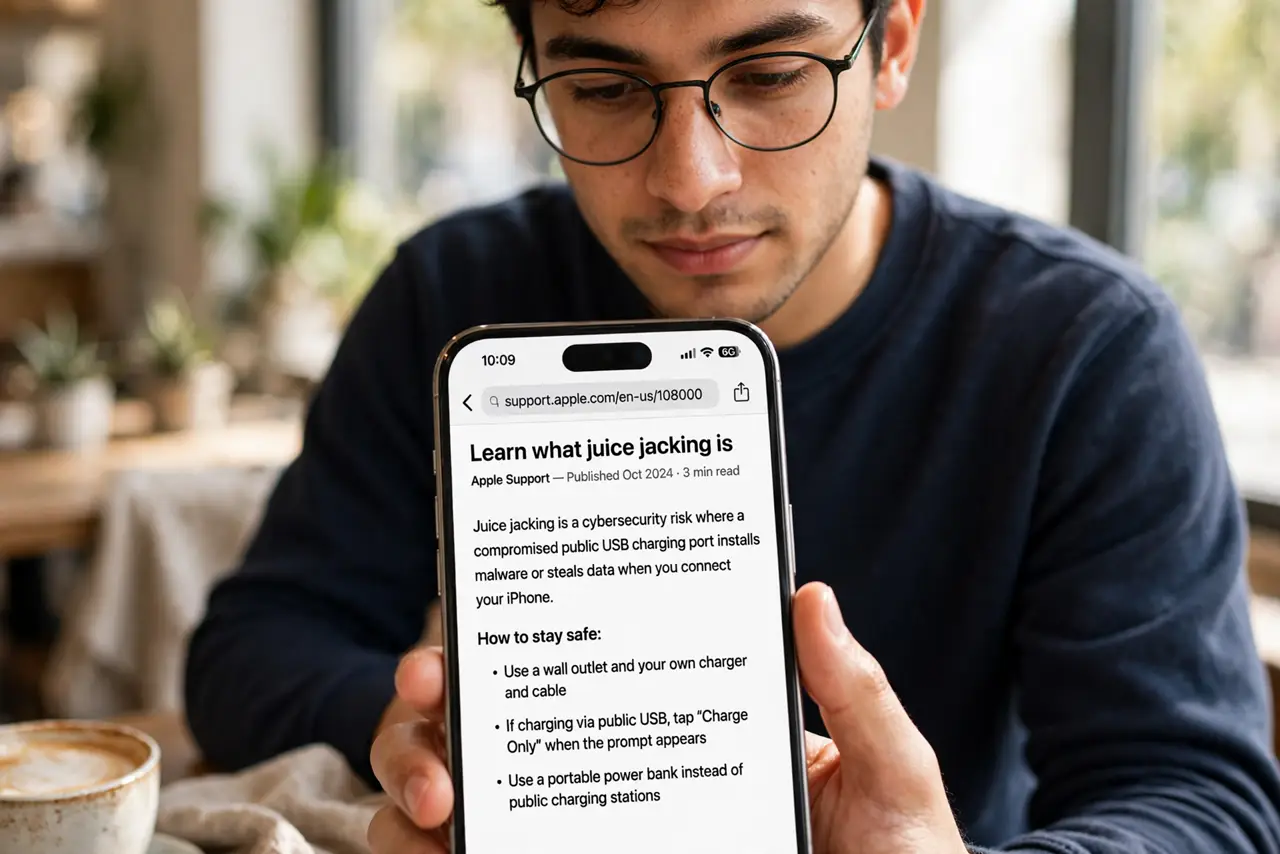
- Learn what juice jacking is. A tampered USB port — or a malicious cable left behind — can access your phone's data or install malware while charging. The USB standard carries data and power on separate pins; attackers exploit the data ones.
- Use a USB data blocker. This tiny adapter passes power but physically blocks the data pins. Plug it between the public port and your cable — see how data blockers work for the details.
- Carry a charge-only cable. Some cables omit data wires entirely. A dedicated charge-only cable in your bag means any port becomes safe — learn to tell charge cables from data cables.
- Prefer your own adapter and outlet. A wall outlet with your own charger and cable has no data path at all. Outlets beat USB ports for safety every time.
- Use a power bank as a buffer. Charge the power bank from the public port, then charge your phone from the bank. The bank cannot pass data — it is an air gap you can hold.
- Watch for 'trust this computer' prompts. If a public port triggers a trust prompt, unplug immediately. A pure charger never asks for data trust — the prompt is the attack announcing itself.
What NOT to do
- Do not plug into random USB ports unprotected. A blocker or charge-only cable costs little; a compromised phone costs everything.
- Do not use a stranger's cable. 'Free' cables left at charging stations are a classic attack vector — use your own.
- Do not tap 'trust' on a public port. That prompt grants data access — exactly what the attacker wants.
- Do not assume a busy airport is safe. Juice jacking needs only a tampered port, not privacy — crowds do not protect you.
Frequently asked questions
Is juice jacking real or hype?
Real but rare — documented cases exist, and the defense is so cheap that caution costs nothing.
Does it affect iPhones and Android equally?
Both use USB data pins, so both are theoretically vulnerable. Locked, up-to-date phones resist better, but blocking data is still wisest.
Are wireless charging pads safer?
Yes — wireless charging has no data path at all. A Qi pad in a café is inherently juice-jack-proof.