Tell a Data USB Cable From Charge-Only
Some USB cables carry data, and some carry only power — and they look identical. A charge-only cable will happily charge your phone while silently refusing to move a single file, which makes identification worth learning.
TL;DR / Quick Fix
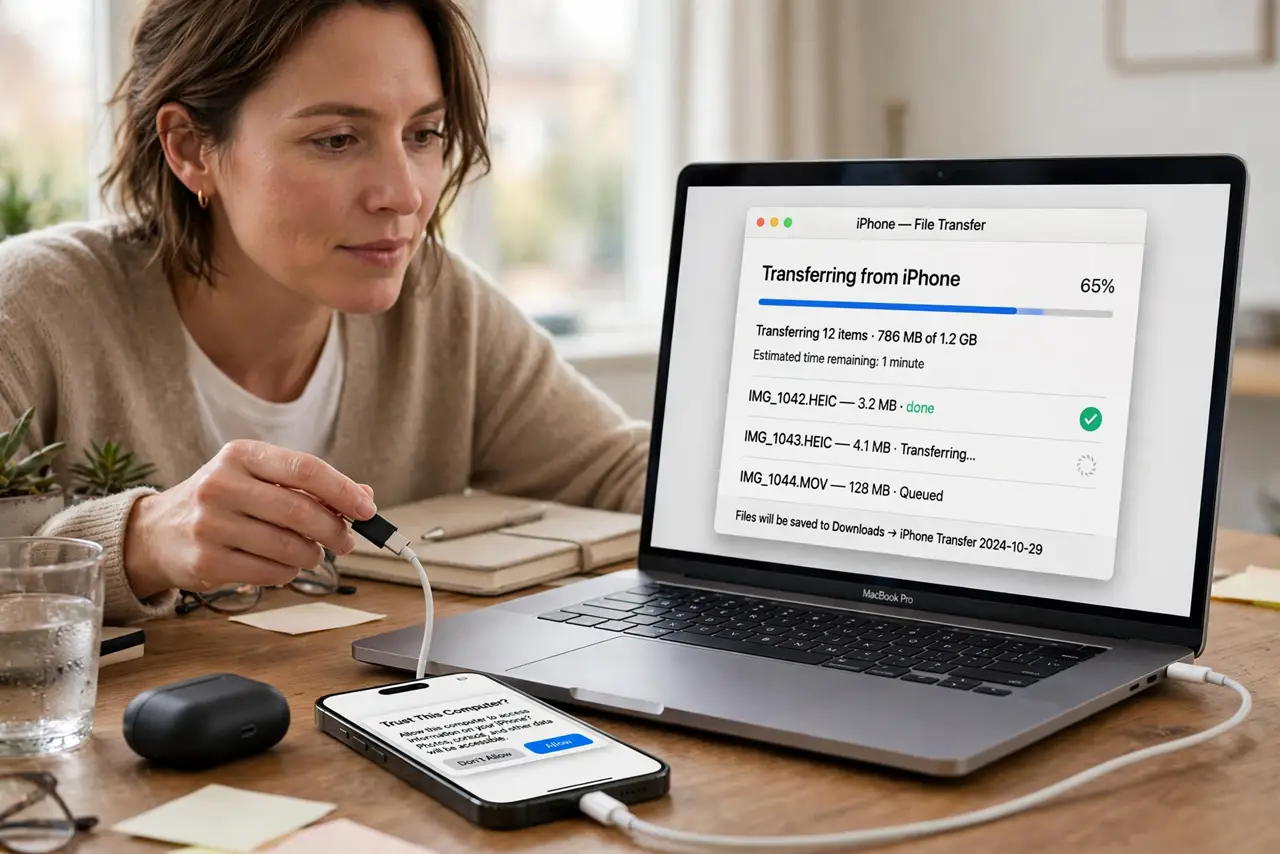
Quick fix: plug the cable between a phone and a computer and watch for a data connection prompt or file transfer option. If only charging starts with no data prompt, the cable is charge-only — label it and keep it for chargers.
Follow these steps
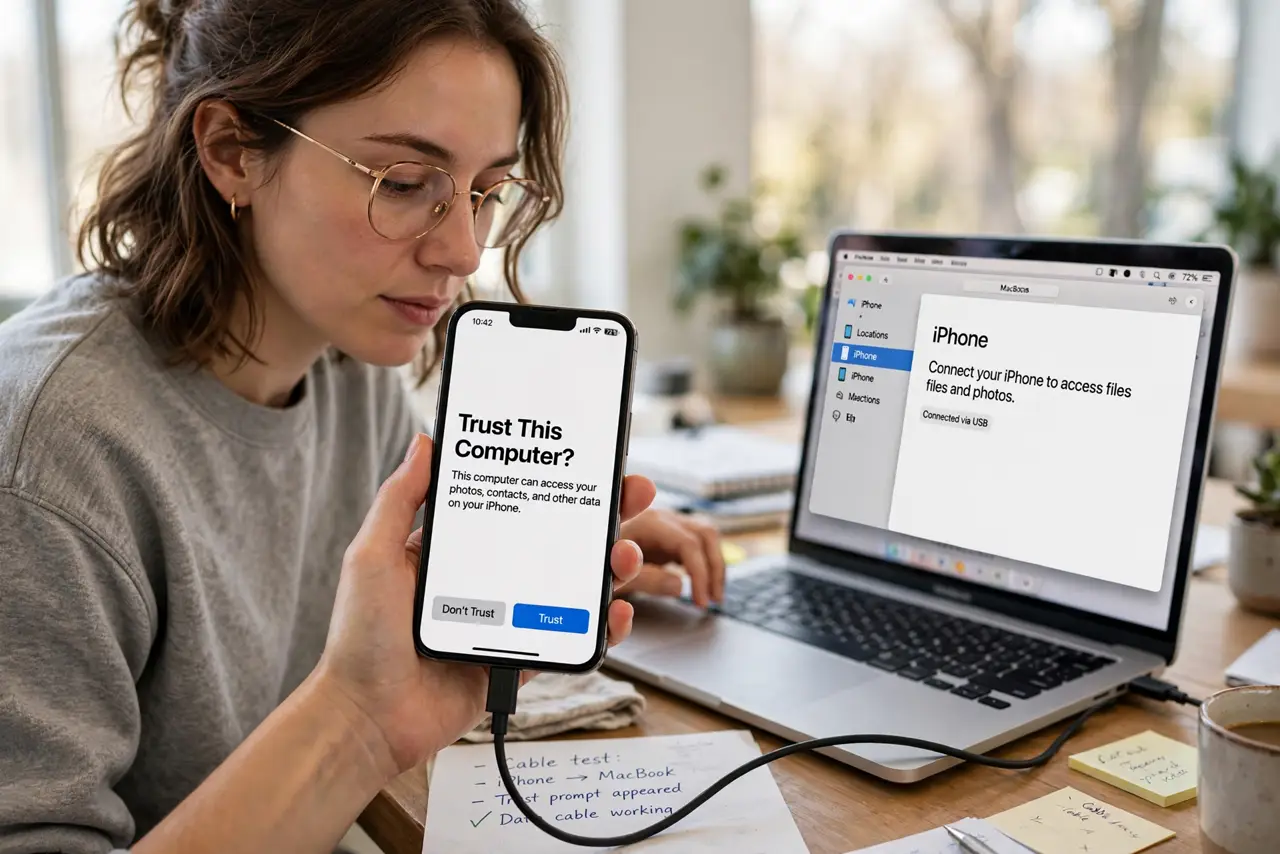
- Test with a phone and a computer. Connect a phone to a computer with the mystery cable. A data cable triggers a trust prompt or file transfer option, while a charge-only cable just starts charging.
- Try a USB drive or accessory. Plug a USB flash drive or accessory through the cable with an adapter. If the device never appears, the cable carries no data lines.
- Check the cable's original purpose. Cables bundled with chargers, power banks, and cheap accessories are often charge-only. Cables bundled with phones and hard drives are usually data cables.
- Look for USB logos and specs. Data cables more often carry USB trident logos or speed markings. No marking proves nothing, but a marked cable is more likely a full data cable.
- Label every cable you test. Tag charge-only cables for chargers and data cables for syncing. A labeled drawer ends the mystery-cable problem permanently.
- Keep a known-good Thunderbolt cable as reference. When a transfer fails, swap in your Thunderbolt reference cable. If the transfer works, the suspect cable — not the devices — was the problem.
What NOT to do
- Do not assume a thick cable carries data. Thickness often means better power wires, not data wires.
- Do not throw away charge-only cables. They are perfect for chargers and power banks, where data lines are useless anyway.
- Do not test with a charger and a phone only. Both cable types charge, so that test cannot tell them apart.
- Do not force a data transfer repeatedly with a suspect cable. If the first clean test shows charge-only, believe it and label the cable.
Frequently asked questions
Why won't my phone transfer files with this cable?
Because the cable is probably charge-only. Test it with the phone-computer prompt check and label it.
Are charge-only cables bad?
No. They charge just fine and are ideal for power banks and wall chargers where data is irrelevant.
Can a cable be data-only and not charge?
Practically no. Data USB cables also carry power, so a cable that syncs will also charge.