Capture with Google Keep
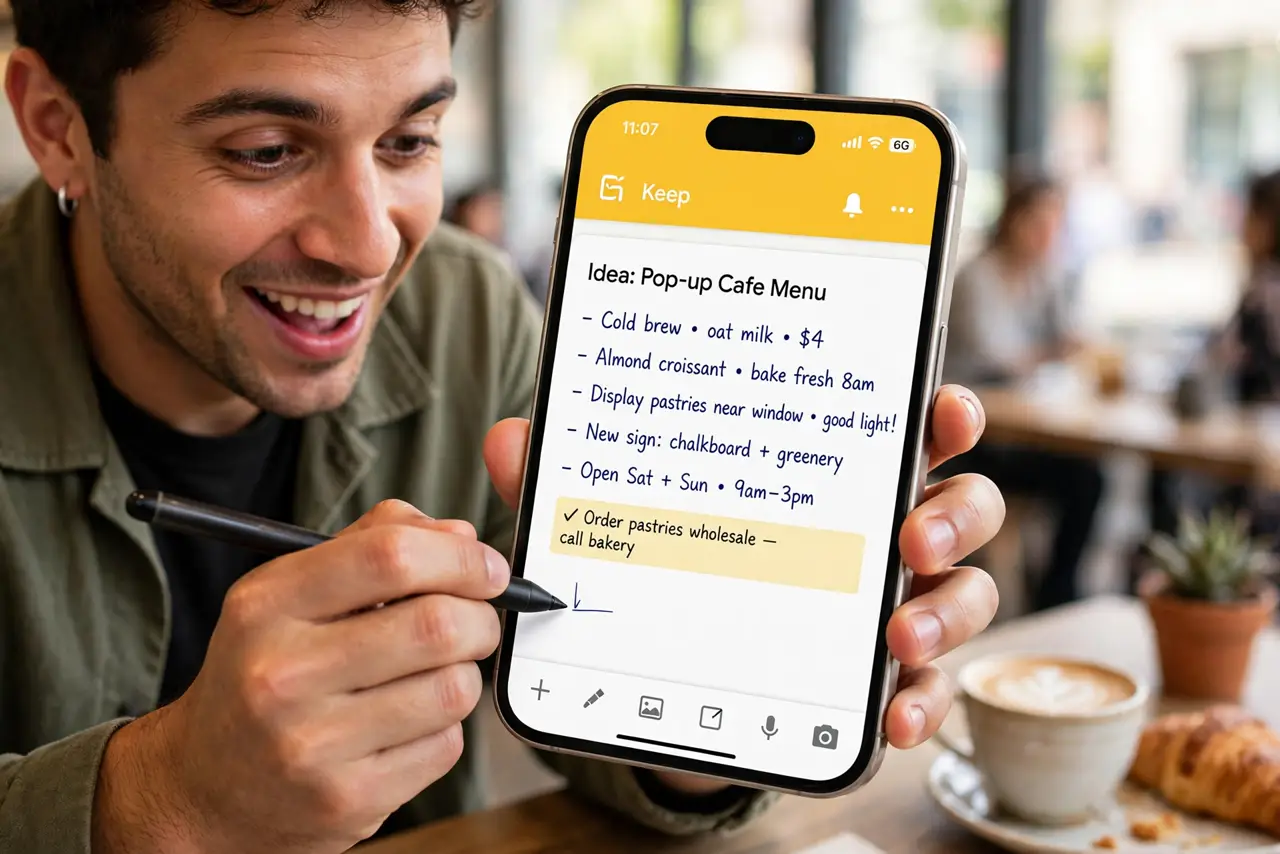
Ideas evaporate — the brilliant thought in the shower, the book recommendation at lunch, gone by dinner. Google Keep is the capture bucket: instant notes, voice memos, checklists, and photo notes, synced everywhere, searchable in seconds. The best note app is the one open before the idea fades.
TL;DR / Quick Fix
Quick fix: install Google Keep and make it your default capture — one tap to a new note, voice memo when walking, photo note for whiteboards. Pin the three notes you live in. Capture now, organize later; the search finds everything anyway.
Follow these steps
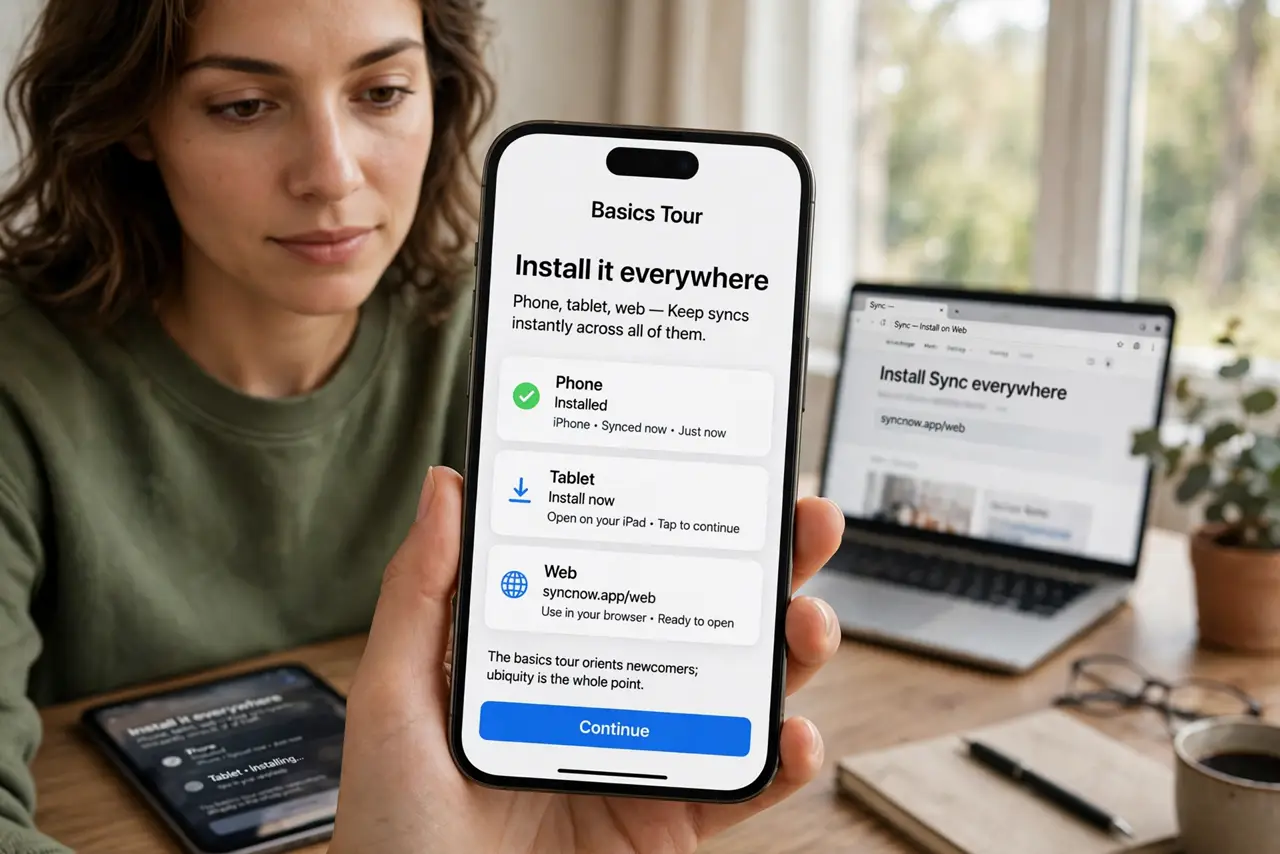
- Install it everywhere. Phone, tablet, web — Keep syncs instantly across all of them. The basics tour orients newcomers; ubiquity is the whole point.
- Capture in under five seconds. Widget on the home screen, voice memo while walking. Speed is the feature — a capture tool slower than memory loses to memory.
- Use labels lightly. A few labels — ideas, shopping, work — beat an elaborate taxonomy. Keep is for capture; heavy organizing belongs elsewhere, like the OneNote comparison suggests.
- Pin the live ones. Pin the grocery list, the packing list, the current project. Pinned notes float to the top — unpinned is the archive.
- Set reminders on notes. Time and location reminders turn captures into actions. The milk reminder that fires at the store is Keep at its best.
- Archive, do not delete. Archive finished notes instead of deleting. The searchable archive becomes a personal memory — ideas you can actually revisit.
What NOT to do
- Do not build a complex folder system. Keep has labels, not folders — embrace the flat, searchable pile.
- Do not let the inbox note rot. One weekly skim files or archives the strays — capture without review is hoarding.
- Do not store passwords in Keep. It is convenient and insecure — a password manager exists for exactly this.
- Do not use Keep as a document editor. Long-form writing belongs in Docs; Keep is the capture bucket.
Frequently asked questions
Is Google Keep free?
Yes, completely — with generous storage under your Google account. No paid tier to upsell you.
Keep versus Apple Notes?
Keep wins on cross-platform and speed; Apple Notes wins on depth for Apple-only users. Capture speed is Keeps edge.
Can I share notes?
Yes — share checklists and notes with family for collaborative lists like groceries.