Start with Notion Templates
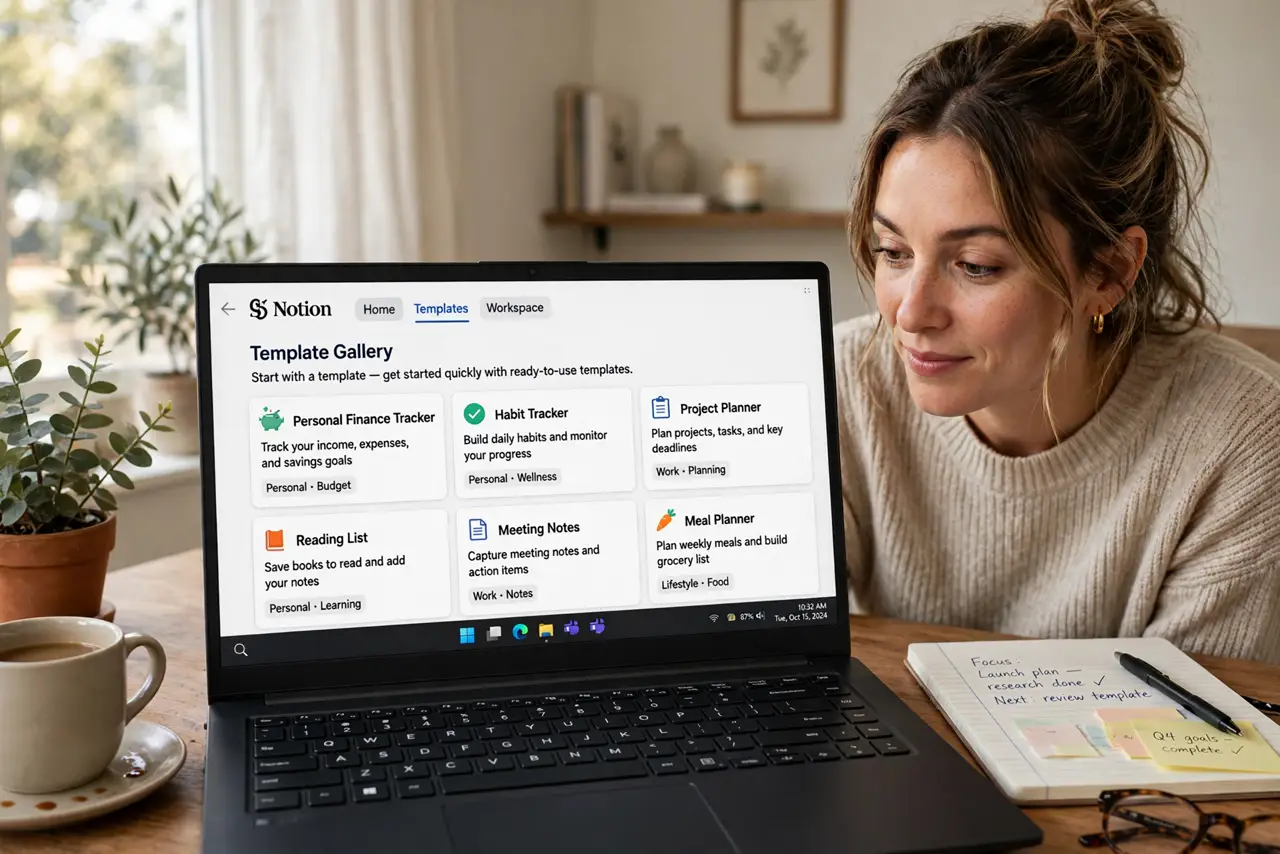
Notion greets you with a blank page and infinite possibility — which is exactly why most people bounce off it. Templates fix the cold start: a pre-built task manager, habit tracker, or project board you adopt in one click, then reshape. Start from someones finished system, not from nothing.
TL;DR / Quick Fix
Quick fix: open Notions template gallery and adopt one template matching your actual need — a simple task list, not the elaborate life OS. Use it as-is for two weeks before customizing. Templates teach the building blocks faster than any tutorial; the blank page can wait.
Follow these steps
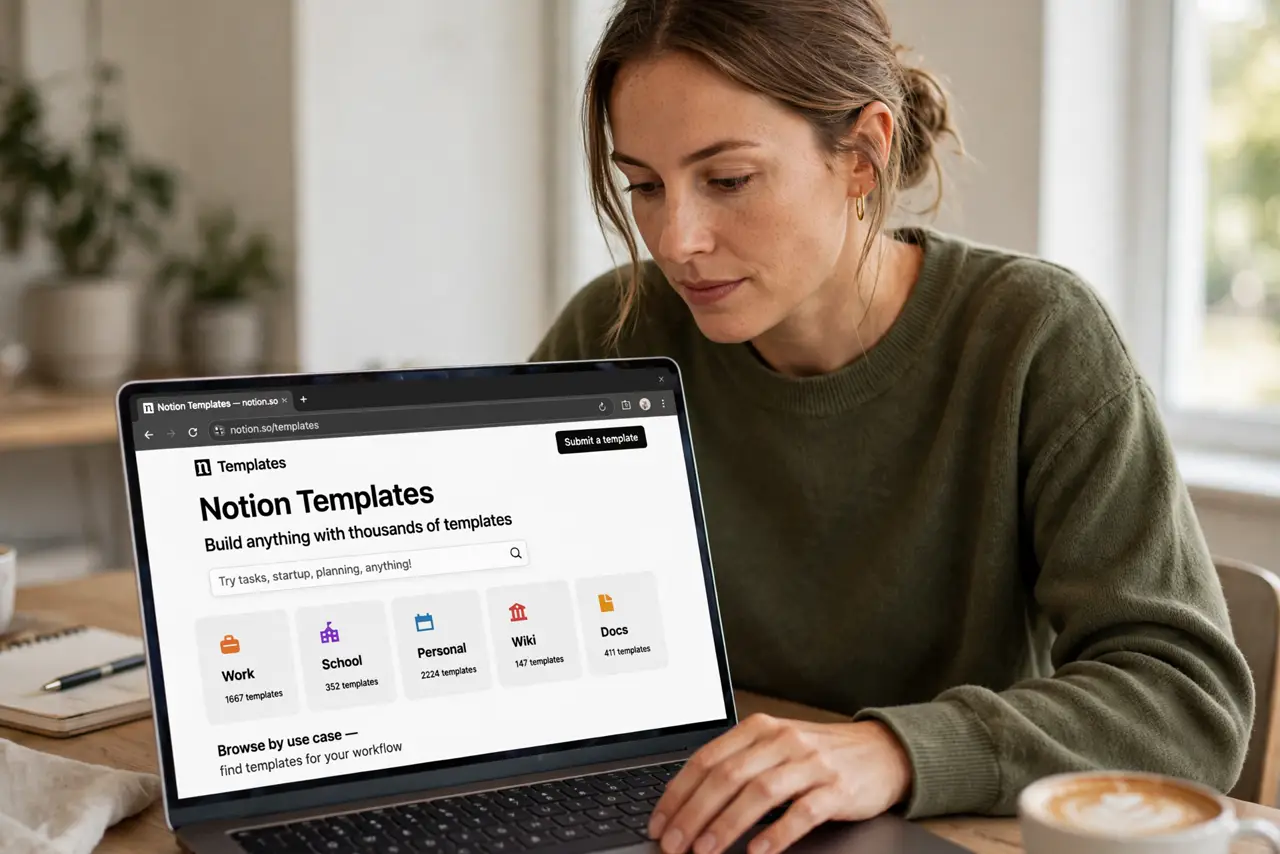
- Open the template gallery. Inside Notion, browse templates by use case. The basics guide orients first-timers — but the gallery is the real starting line.
- Pick the simplest match. A basic task list beats a 47-database life OS. Simple templates get used; elaborate ones get admired and abandoned.
- Use it unchanged for two weeks. Resist customizing on day one. Living with the template teaches what you actually need — then customize from evidence, not imagination.
- Learn databases gently. Notions power is databases; templates are the gentle on-ramp. The databases intro makes sense after two weeks of template living.
- Compare with the alternatives. The Notion versus Keep versus OneNote comparison keeps you honest — sometimes a simpler tool was the answer all along.
- Build your own second. After the template clicks, build one page from scratch. That is graduation — templates to training wheels to riding solo.
What NOT to do
- Do not start from a blank page. The blank page is where Notion dreams go to die — templates first, always.
- Do not adopt the most elaborate template. Complexity impresses on day one and exhausts by day seven.
- Do not customize before using. Two weeks of real use reveals what to change; day-one tweaks are guesses.
- Do not force Notion for everything. Quick capture belongs in simpler tools — Notion is for systems, not scribbles.
Frequently asked questions
Is Notion free?
Yes, with generous free limits for personal use. Most individuals never need the paid plan.
Are templates free?
The gallery templates are free — community templates vary, but the official ones cost nothing.
Can I share templates?
Yes — duplicate any page as a template for your own reuse, or share template links with others.