Linear vs Tactile?
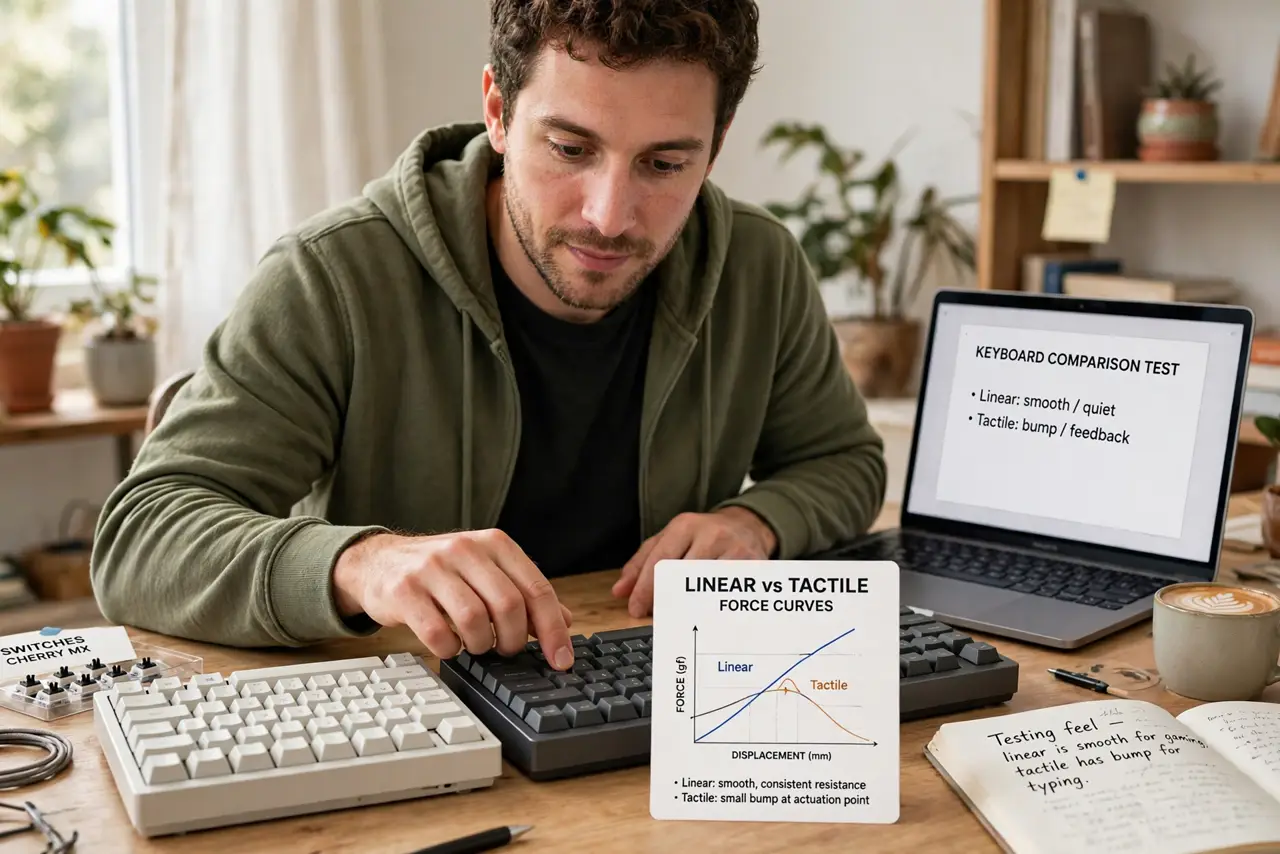
Switch shopping starts with one question — linear or tactile — and every forum has a holy war about it. The difference is physical: linear presses straight down smooth, tactile gives a bump you feel halfway. Here is what each feels like, who loves which, and how to decide without buying two keyboards.
TL;DR / Quick Fix
Quick fix: linear switches press straight down with no bump — smooth and quiet, loved by gamers. Tactile switches have a bump you feel mid-press — loved by typists. Try both with a sampler pack before buying a full board; feel beats specs every time.
Follow these steps
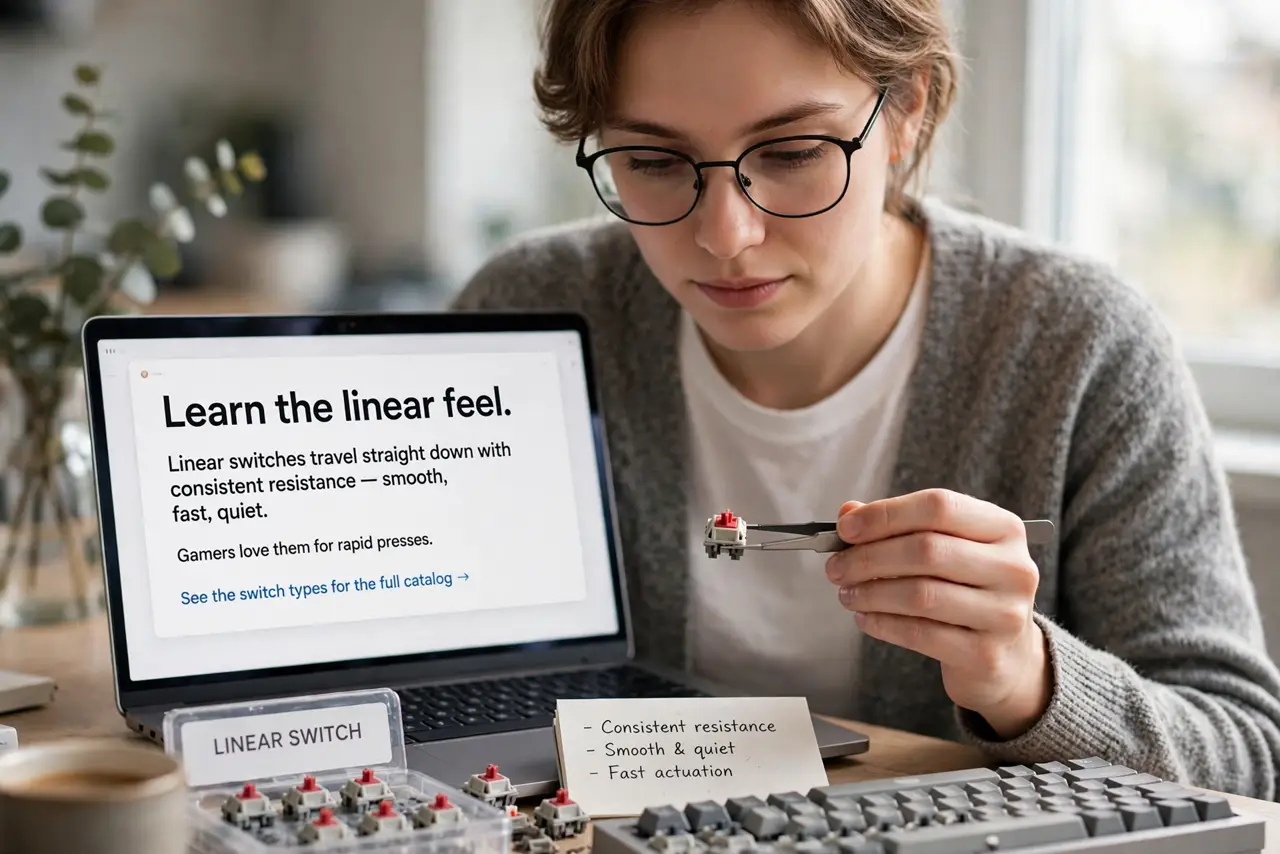
- Learn the linear feel. Linear switches travel straight down with consistent resistance — smooth, fast, quiet. Gamers love them for rapid presses. See the switch types for the full catalog.
- Learn the tactile feel. Tactile switches add a bump mid-press you can feel — feedback without the click. Typists love the confirmation. The mechanical switch types guide compares the families.
- Try both before buying. A sampler pack with both types costs little and answers the question definitively. Ten minutes of typing beats ten hours of forum reading.
- Consider your noise tolerance. Tactile is quieter than clicky but louder than linear. Household and office tolerance matters — test where you will actually type.
- Think about your main use. Gaming: linear's speed. Typing: tactile's feedback. Mixed: many people go tactile — the bump helps typing and does not hurt gaming.
- Remember hot-swap exists. Choose wrong and you are not stuck — see the hot-swap guide for swapping switches without soldering. The decision is reversible.
What NOT to do
- Do not buy 70 switches untested. The sampler pack is cheap; a full board of the wrong feel is expensive.
- Do not confuse tactile with clicky. Tactile is a bump; clicky adds a loud click — different switches, different noise, different households.
- Do not trust sound tests alone. Microphones lie about keyboard sound — feel in your fingers matters more than audio in your ears.
- Do not overlook the keycaps. Switch feel is half the story; keycap shape and material change the typing experience too.
Frequently asked questions
Which is better for beginners?
Tactile — the bump teaches your fingers where actuation happens, which builds better typing habits.
Are linear switches bad for typing?
No — many fast typists use linear. It is preference, not quality; the sampler pack settles it.
What about clicky switches?
The third family — tactile plus a loud click. Fun, loud, and a fast way to annoy coworkers. Try them at home first.