Learn Keyboard Shortcuts Faster
Every time your hand leaves the keyboard for the mouse, you lose a few seconds — thousands of times a day. Keyboard shortcuts give that time back, but trying to memorize fifty at once never works. The trick is learning a handful that matter, then adding more.
TL;DR / Quick Fix
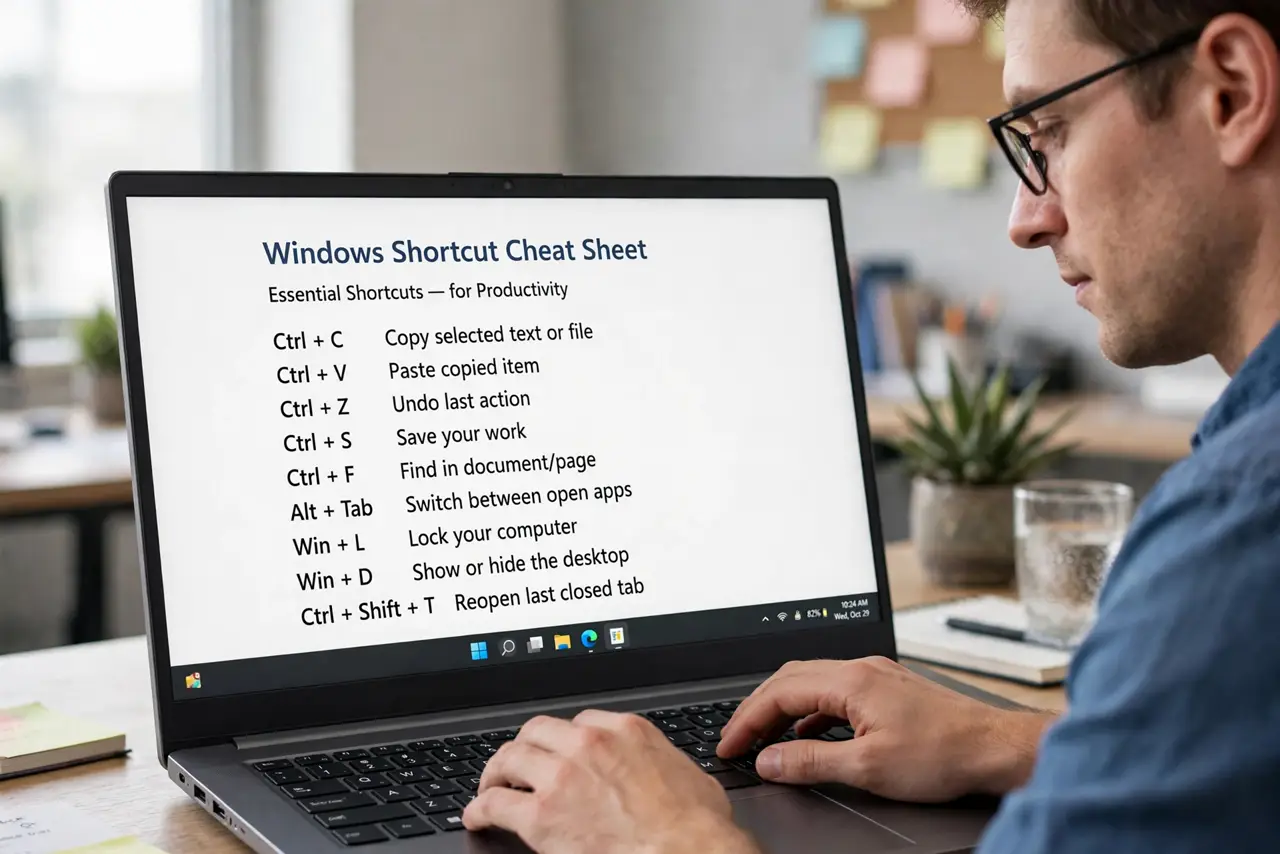
Quick fix: learn five shortcuts you will use daily — copy, paste, undo, save, and switch apps — and use them until they are muscle memory. Then add one new shortcut per week. Start with a short curated list of essential shortcuts, not a 200-item cheat sheet.
Follow these steps
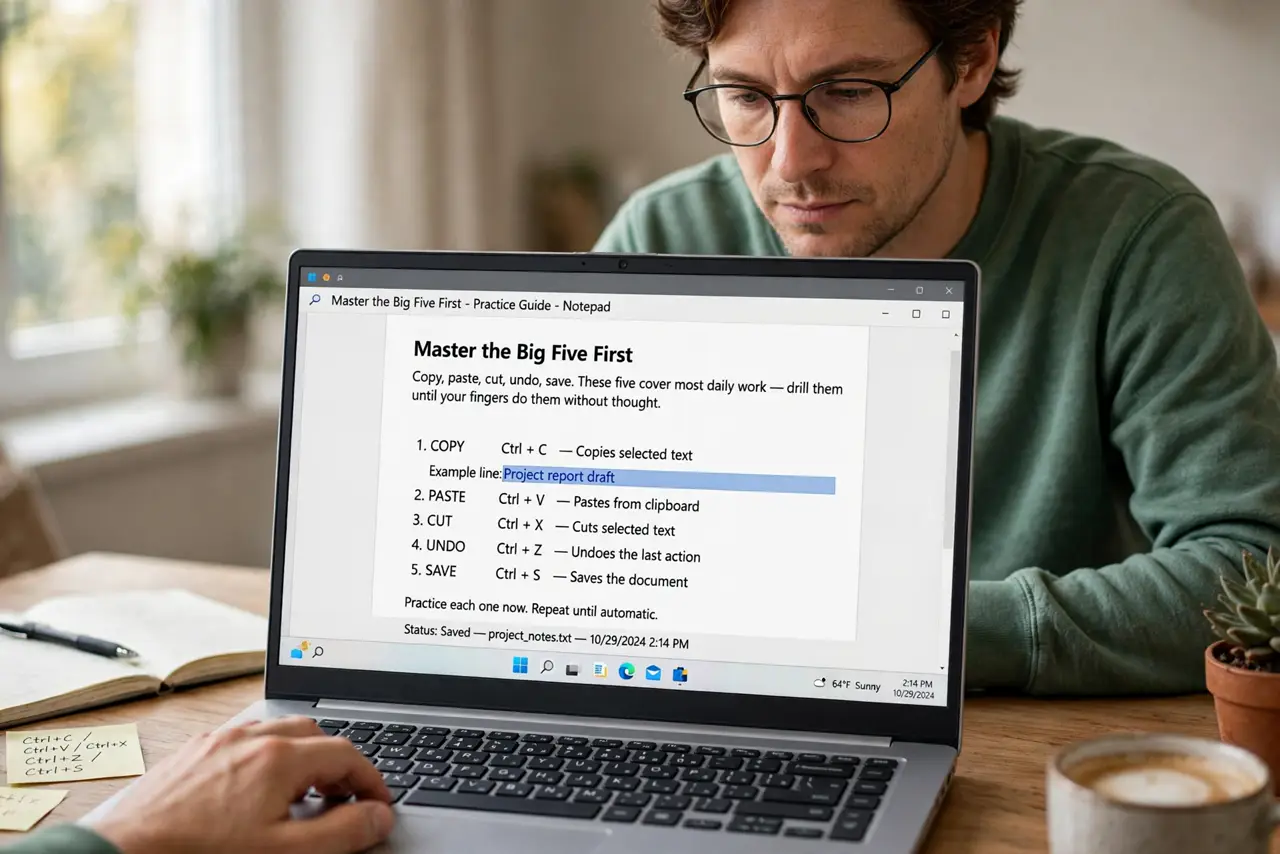
- Master the big five first. Copy, paste, cut, undo, save. These five cover most daily work — drill them until your fingers do them without thought.
- Add app-switching next. Alt+Tab (Windows) or Cmd+Tab (Mac) to switch apps, and the tab-switching shortcut in your browser. Window juggling is where mouse users bleed time.
- Learn one new shortcut weekly. Pick the action you do most with the mouse — maybe screenshot, maybe search — and learn its shortcut. One per week sticks; ten per day evaporates.
- Use a curated starter list. Do not memorize a poster of 200 shortcuts. Start with the shortcuts actually worth learning and ignore the rest until you need them.
- Customize the awkward ones. Most apps let you remap shortcuts. If a default twists your fingers, change it to something comfortable.
- Teach someone else. Showing a coworker your favorite shortcut cements it in your own memory — and starts a useful office arms race.
What NOT to do
- Do not try to learn fifty at once. Mass memorization fails; gradual layering works.
- Do not learn shortcuts you will never use. Relevance beats completeness every time.
- Do not ignore your OS basics. System shortcuts (search, window management) pay off across every app.
- Do not give up in week one. The first days feel slower — muscle memory needs about two weeks per shortcut.
Frequently asked questions
How long until shortcuts feel natural?
About two weeks of daily use per shortcut. The big five become automatic fastest because you use them constantly.
Are shortcuts really faster than the mouse?
For frequent actions, dramatically — your own week-two experience is the real proof.
What about shortcuts on a laptop without function keys?
The core shortcuts (copy, paste, undo, app-switch) work everywhere. Function-key shortcuts are the optional extras.