Keyboard Types Wrong Characters? Fix It
You press one key and a different character appears — the at-sign key produces a quote, y becomes z, or numbers turn into symbols. Nine times out of ten this is a switched keyboard layout, not a broken keyboard. This guide checks the layout first, then the deeper causes, including the external keyboard version of the same problem.
TL;DR / Quick Fix
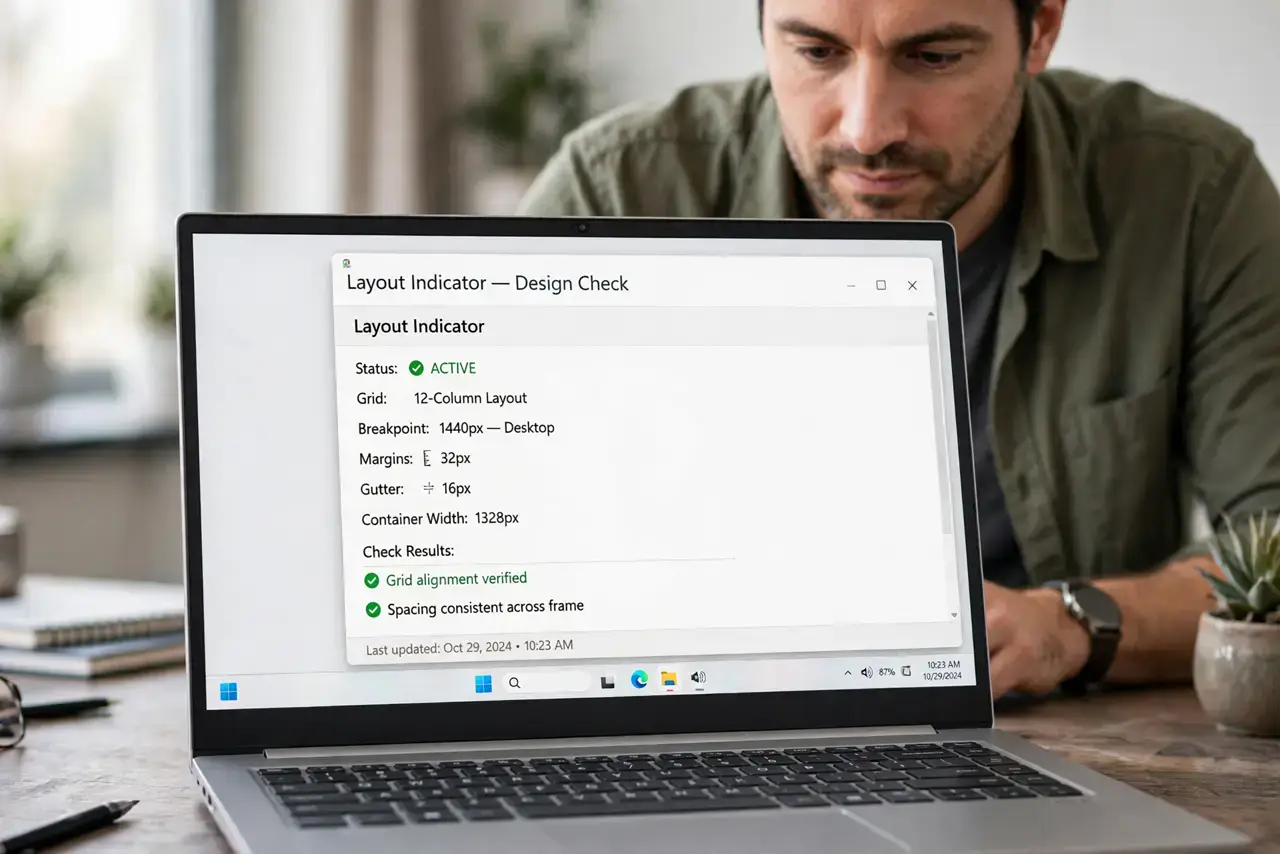
Quick fix: check your keyboard layout indicator in the taskbar or menu bar — if it says something unexpected like DEU or FRA instead of US, switch it back. The shortcut that accidentally changes it is usually Alt+Shift or Win+Space; press it once and watch the characters return to normal.
Follow these steps
- Check the layout indicator. Look at the taskbar (Windows) or menu bar (Mac) for the keyboard layout code. If it does not match your physical keyboard, you have found the culprit.
- Switch it back with the shortcut. Press Win+Space on Windows or check Input Sources on Mac to cycle layouts. One press often restores everything instantly.
- Remove layouts you never use. In language settings, delete every keyboard layout except yours. Fewer layouts means the accidental-switch shortcut has nowhere wrong to go.
- Disable the layout-switch shortcut. Turn off the Alt+Shift or Ctrl+Shift shortcut that keeps flipping your layout mid-typing. This prevents the problem from returning.
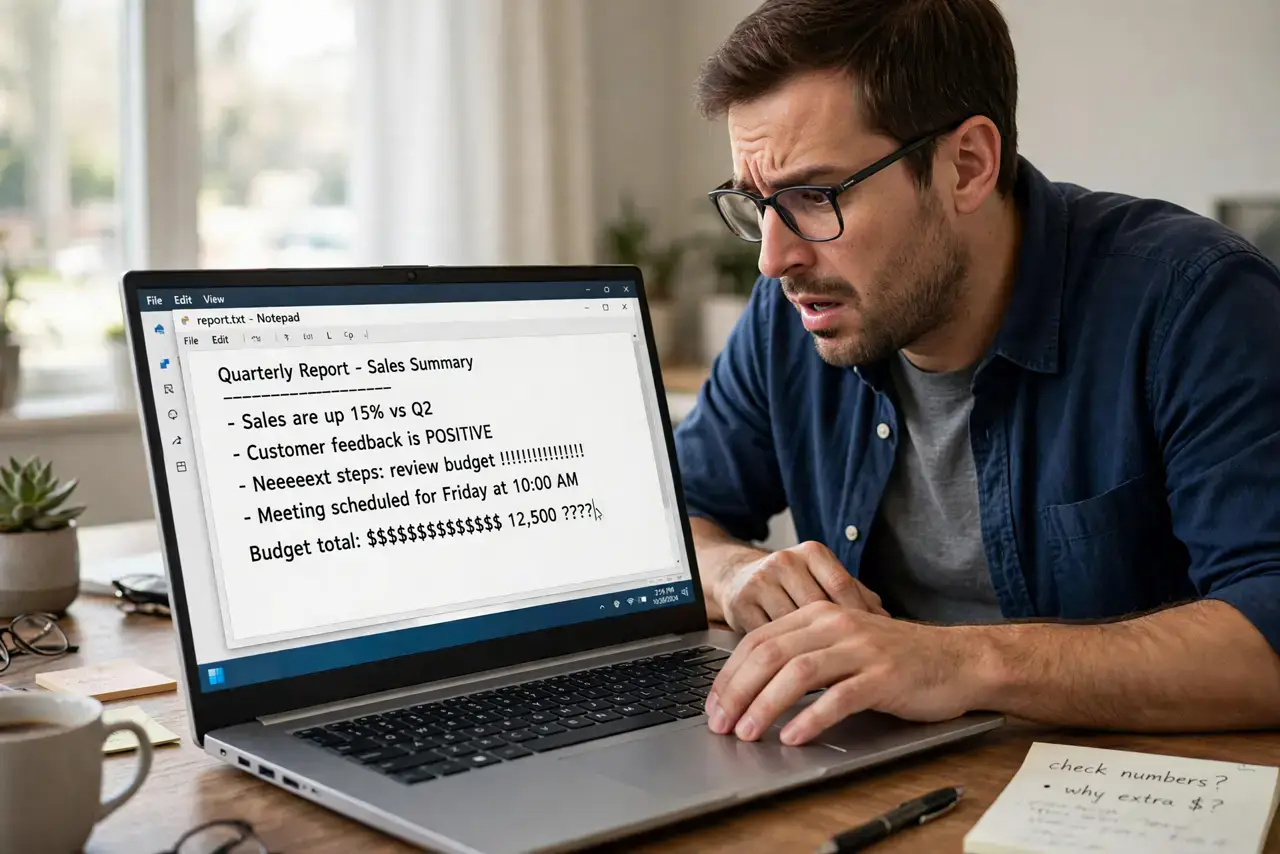
- Test in a plain text editor. Open Notepad or TextEdit and type the alphabet. If characters are wrong everywhere, it is software; if only in one app, check that app's settings.
- Consider a stuck modifier key. If Shift or Alt behaves as permanently pressed, tap each modifier key firmly a few times. A physically stuck key produces exactly these symptoms.
What NOT to do
- Do not buy a new keyboard first. A layout switch is free to fix and causes the vast majority of wrong-character cases.
- Do not reinstall your operating system over this. The layout setting is a two-click fix — a reinstall is a sledgehammer for a thumbtack.
- Do not ignore which characters are wrong. A consistent pattern (y/z swapped) screams layout; random wrong characters suggest a hardware fault.
- Do not forget external keyboards have layouts too. A USB keyboard can carry its own layout setting independent of the laptop's.
Frequently asked questions
Why did my layout change by itself?
You almost certainly hit the layout-switch shortcut (Alt+Shift or Win+Space) while typing. It is one of the most common accidental keypresses.
What is the difference between language and layout?
Language is the spell-check dictionary; layout is which character each physical key produces. You can have English language with a German layout — and chaos.
It only happens in one program — why?
Some apps, especially games and remote-desktop tools, set their own input handling. Check that app's keyboard settings.