See Who's on Your Wi-Fi Right Now
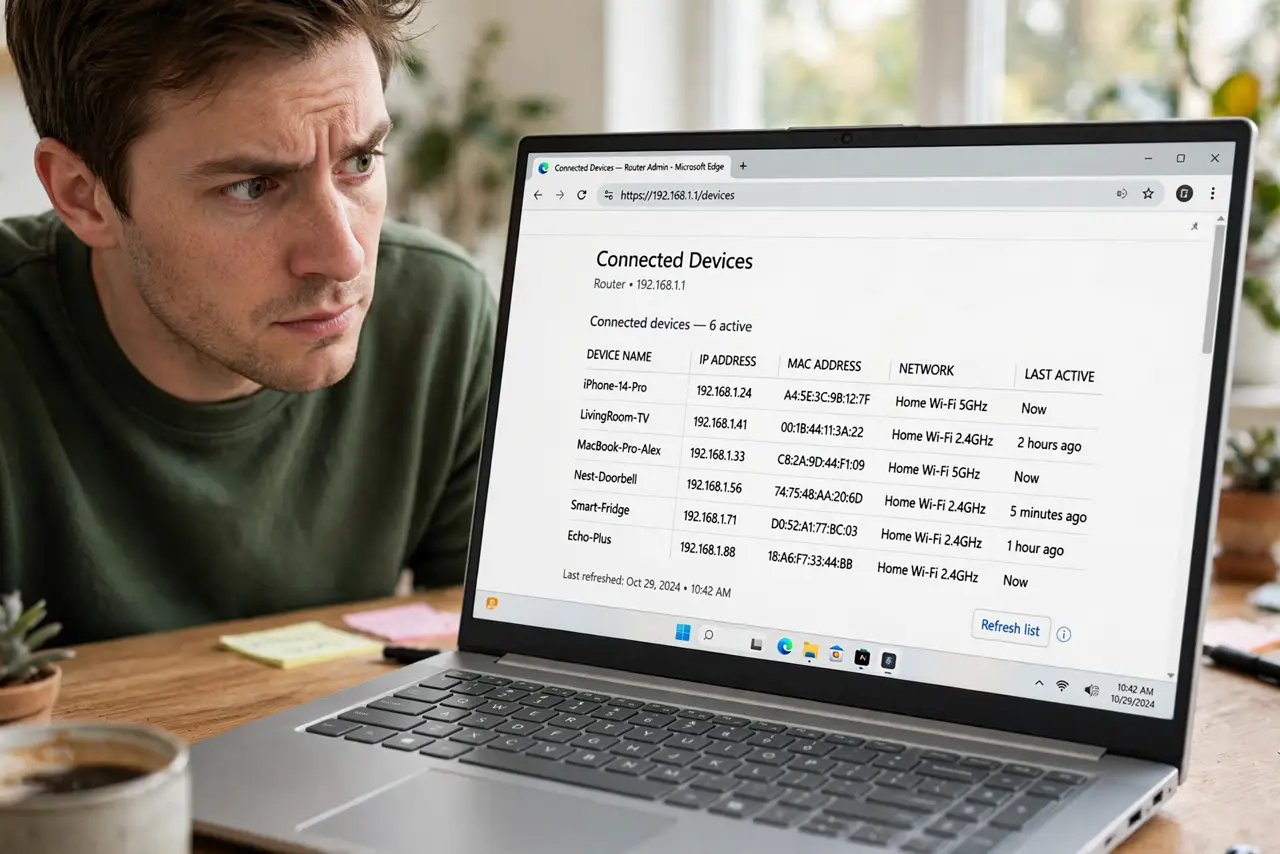
Is the neighbor streaming on your Wi-Fi? The router knows every connected device — you just have to look. Checking the device list is easy, and reading it correctly (what is that Unknown-3A7F?) is the actual skill. Here is both.
TL;DR / Quick Fix
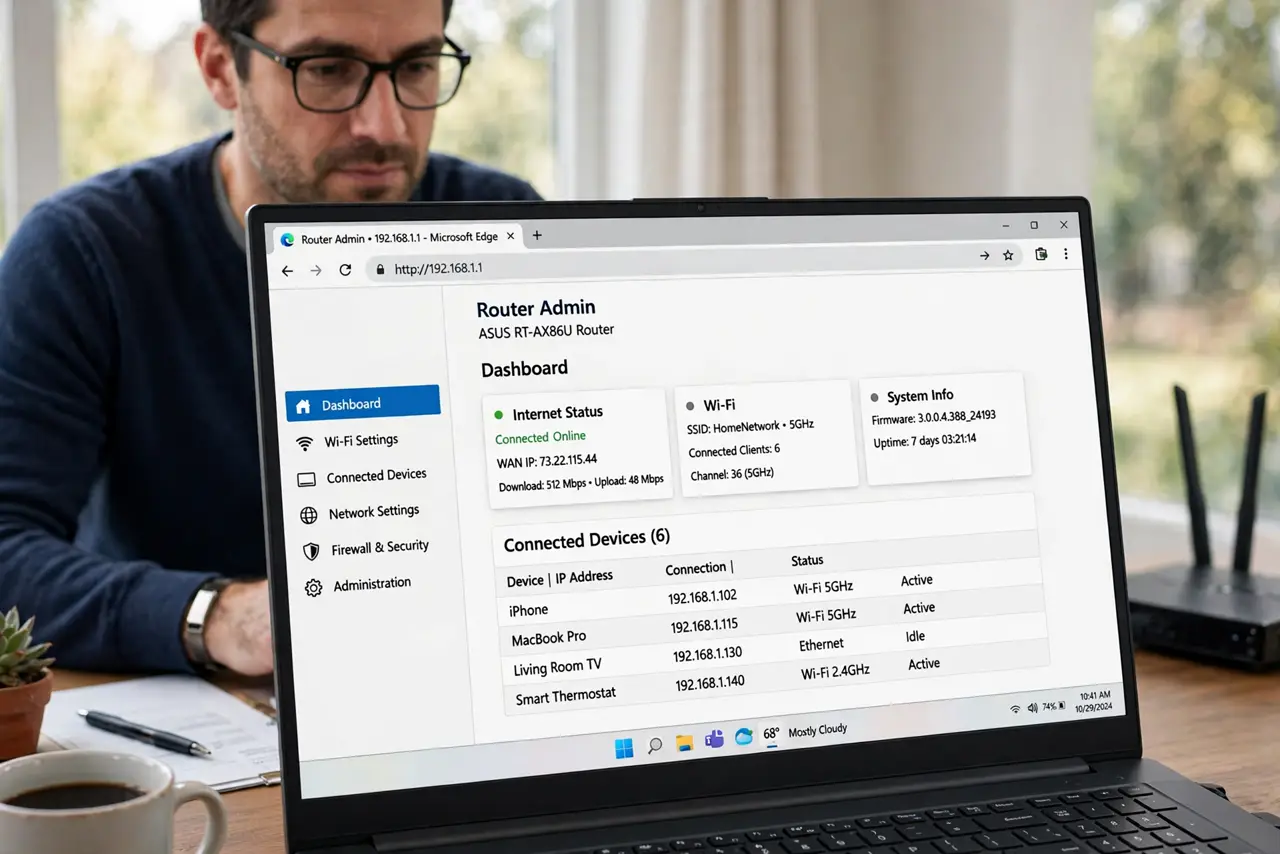
Quick fix: open the router admin page and find Attached Devices or the DHCP client list — every connected gadget appears with a name and MAC address. Match it against your household's devices; anything truly unknown deserves a password change. Cryptic names are usually your own smart gadgets.
Follow these steps
- Open the router admin page. The device list lives there — see admin page if it will not open.
- Find Attached, Client, or DHCP list. Names vary by brand: Attached Devices, Client List, DHCP Clients. Same list, different label.
- Count against your household. Tally phones, laptops, TVs, bulbs, watches. Most mysteries resolve at this step.
- Identify cryptic names. Espressif is a smart gadget chip; Unknown-3A7F is often a bulb. Search the MAC's first half to identify the maker.
- Check connection times. A device connected for weeks is yours. One that appears at 3 a.m. nightly deserves scrutiny.
- Act on true unknowns. Change the Wi-Fi password to evict them, then see kicking devices for the full eviction.
What NOT to do
- Do not panic at every unknown name. Your own gadgets ship with cryptic factory names — identify before accusing.
- Do not block your own devices by MAC guessing. A wrong block kills the baby monitor at midnight.
- Do not share the admin password to help check. The admin page controls everything — keep it private.
- Do not assume a neighbor is stealing. Most unknown devices are yours; actual theft is rarer than cryptic names.
Frequently asked questions
How do I know if someone is stealing my Wi-Fi?
An unrecognized device with regular activity, especially at odd hours, after you have accounted for all your gadgets.
What is a MAC address?
A hardware ID every network device carries. The router lists it per device — useful for identifying cryptic entries.
Can I see what they're browsing?
No — and don't try. The device list shows connections, not content. Evict unknowns; don't snoop.