Kids Tablet Location Sharing On? Turn It Off
A child tablet with location on for games and social apps can share where a child is, far beyond what any game needs. Turn location off for apps that do not need it, and keep only the family safety sharing you deliberately chose.
TL;DR / Quick Fix
Quick fix: open location permission per app on the tablet and set games and social apps to Never. Check family location sharing separately, keep only the trusted family sharing you want, and recheck after app updates. Turn the rest off today.
Follow these steps
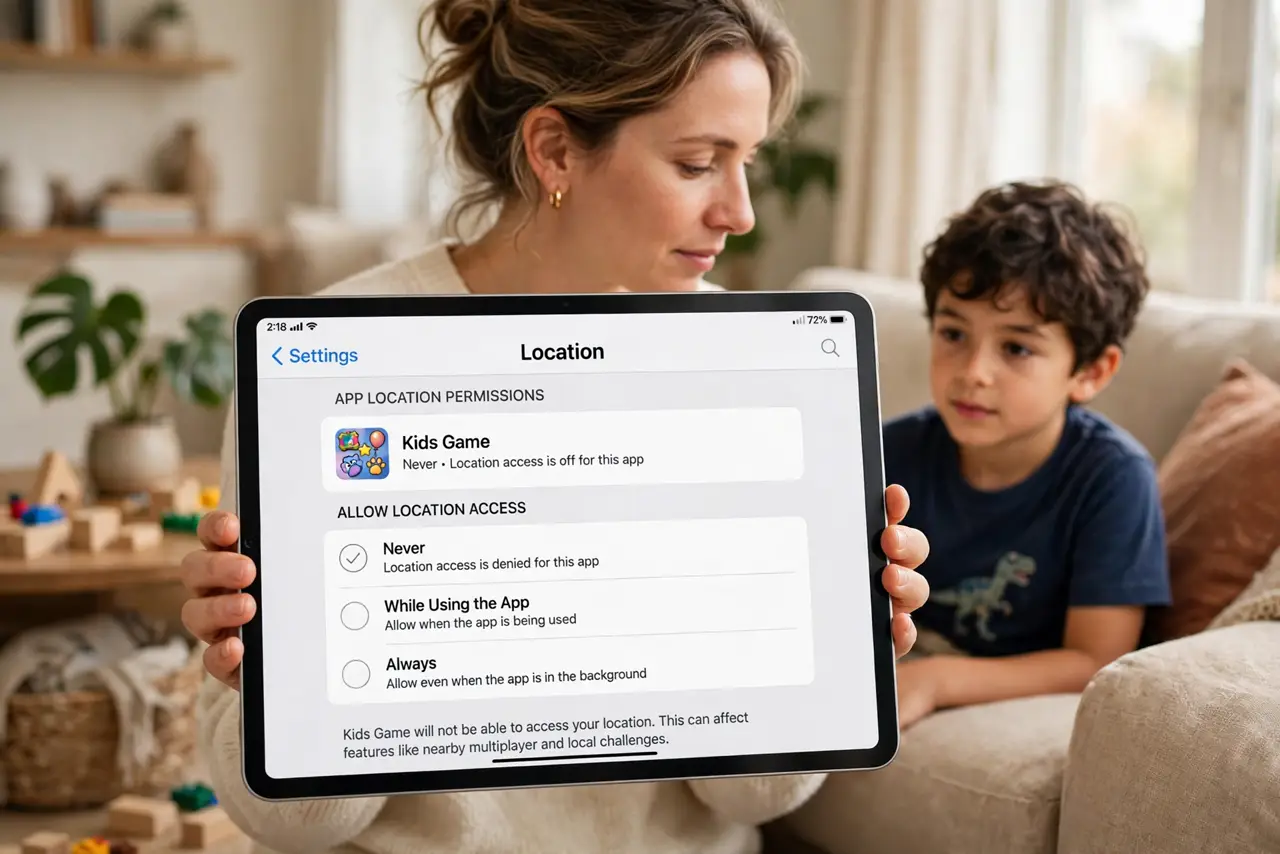
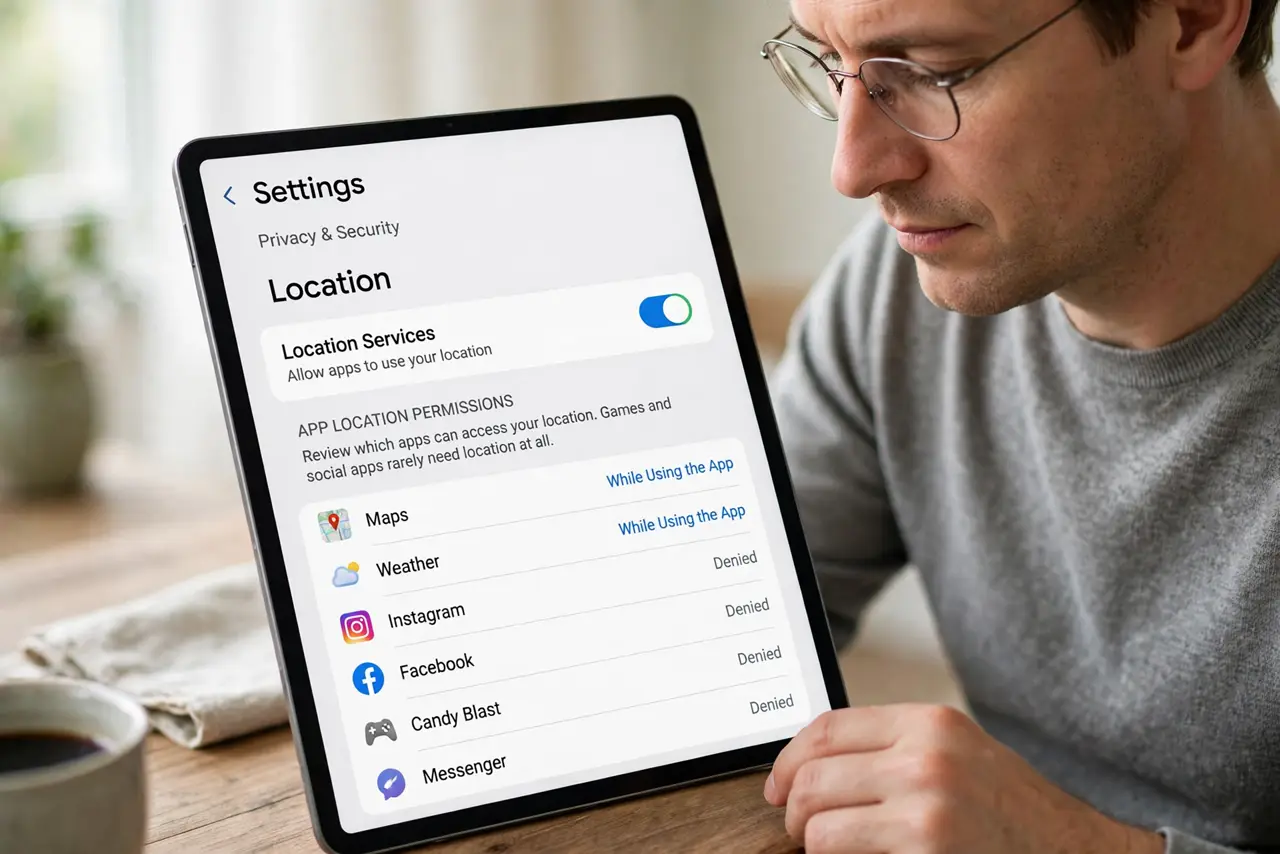
- Open location permission per app. In tablet settings, open privacy, then location, and review each app. Games and social apps rarely need location at all.
- Set games and social apps to Never. Change location for games, chat, and social apps to Never. They keep working for play and messages without knowing where the child is.
- Keep only deliberate family sharing. Check family sharing settings separately from app permissions. Keep location sharing only with trusted family members you chose, for safety, and turn off the rest.
- Turn off precise location. If an app genuinely needs a general area, turn off precise location for it. Approximate location is enough for weather or local content, without pinpointing a child.
- Check photo location too. Turn off camera location on the tablet, so photos a child shares do not carry a location pin. This matters as much as app location.
- Recheck after updates. Recheck location after app and system updates. Updates can ask for location again, and a quick review keeps unwanted sharing from returning.
What NOT to do
- Do not leave location on Always for a child tablet app because setup suggested it. Always is the widest choice, and children deserve the narrowest.
- Do not let a child grant location to new apps alone. Review new app permissions together, and deny location unless there is a clear need.
- Do not share a child live location in a public post or story. A post can reach far beyond family, even from a child account.
- Do not turn off all family safety sharing in a panic. Keep the deliberate family sharing you trust, and remove only the app-level extras.
Frequently asked questions
Will games still work without location?
Yes, almost always. Location rarely affects gameplay, and games that need a general area work with approximate location or none at all.
What about safety tracking for my child?
Keep family sharing with trusted adults on, if you chose it for safety. That is separate from letting every game and social app track location.
How do I explain this to a child?
Explain simply that some apps ask where they are, and that you decide together which apps are allowed to know. Children usually accept a clear, calm rule.