Kobo vs Kindle?
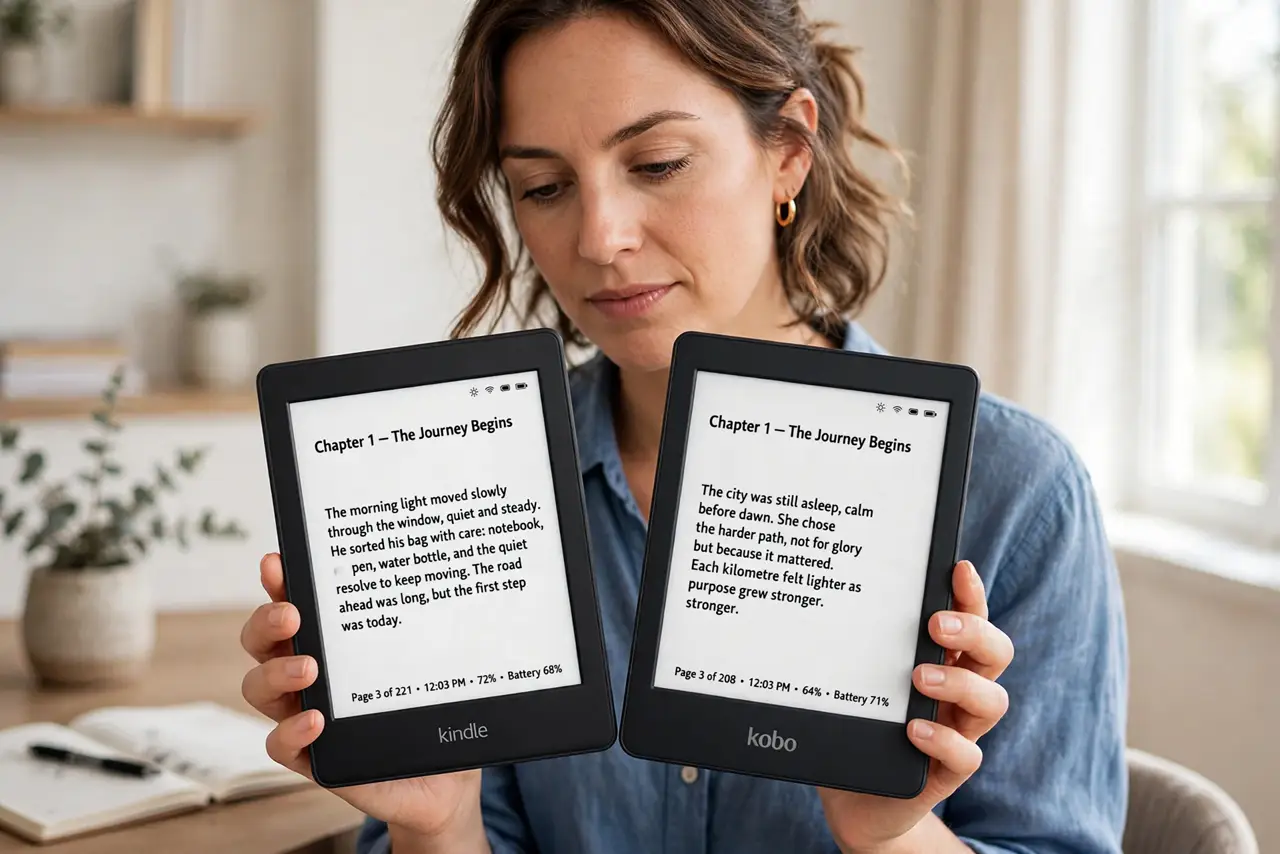
Two e-readers dominate the shelves — Kindle and Kobo — and they look nearly identical until you try to borrow a library book or move your collection. The hardware is close; the ecosystems are not. The right choice depends on where your books come from, not the screen.
TL;DR / Quick Fix
Quick fix: Kindle wins on store size and Audible integration; Kobo wins on openness (library books, more formats) and often price. Both have excellent e-ink screens and weeks of battery. Choose by ecosystem: deep in Amazon, get Kindle; borrowing library ebooks or sideloading, get Kobo.
Follow these steps
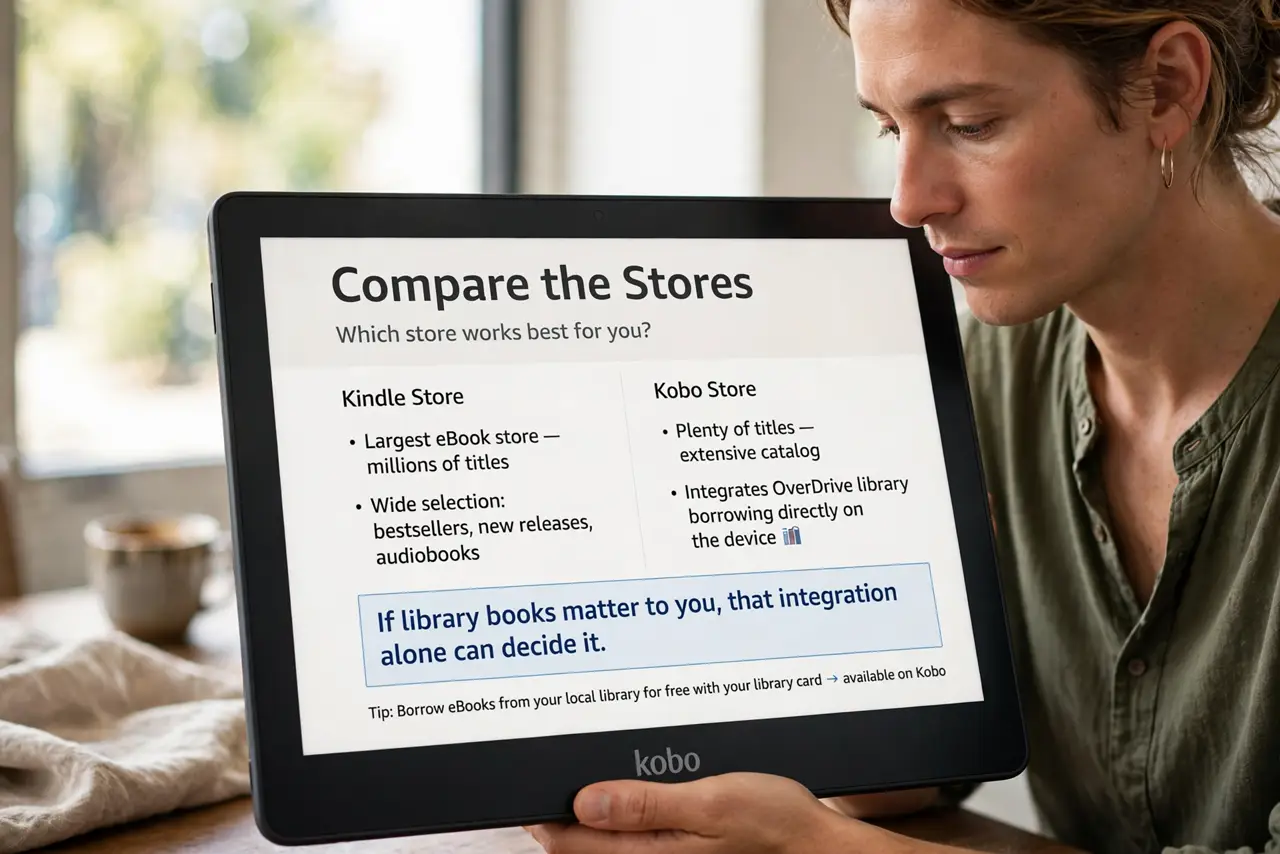
- Compare the stores. Kindle’s store is the biggest; Kobo’s is plenty big and integrates OverDrive library borrowing directly on the device. If library books matter to you, that integration alone can decide it.
- Check format freedom. Kobo reads EPUB natively and sideloads easily — your books, your files. Kindle prefers its own formats; getting EPUBs on involves conversion or email tricks.
- Weigh Audible integration. Kindle pairs with Audible for audiobooks with Whispersync between reading and listening. Kobo has its own audiobook store, smaller and separate — audiobook lovers should weigh this heavily.
- Compare the hardware honestly. Screens, lighting, and battery are close across comparable models — see battery notes for real-world expectations. Ergonomics and button vs touchscreen differ by model, not brand.
- Consider the price. Comparable Kobos often undercut Kindles, and Kobo runs frequent promos. But a cheap reader in the wrong ecosystem is no bargain — ecosystem first, price second.
- Think about leaving. Your purchased books live in the ecosystem. Switching later means rebuying or converting — choose like you will stay five years, because you probably will.
What NOT to do
- Do not choose on screen specs alone. E-ink screens are mature and similar — the ecosystem differences dwarf the hardware ones.
- Do not assume your library works on Kindle. US library borrowing favors Kindle; elsewhere, Kobo’s OverDrive integration is the smoother path — check your library.
- Do not buy for one feature you will not use. Waterproofing, color screens, stylus support — nice, but unused features are just cost. Match the model to your actual reading.
- Do not forget the used market. E-readers age gracefully — a two-year-old model does 95% of the job at half the price.
Frequently asked questions
Which is better for PDFs?
Neither is great — e-ink struggles with fixed-layout PDFs. Larger-screen models cope better; for heavy PDF use, a tablet wins.
Can I move my Kindle books to Kobo?
Officially no — DRM ties purchases to the ecosystem. Conversion tools exist in a legal gray area; assume your library stays where it was bought.
Do I need the latest model?
Rarely. E-reader progress is slow — last year’s model at a discount is the smart buy almost every time.