What Is a KVM Switch?
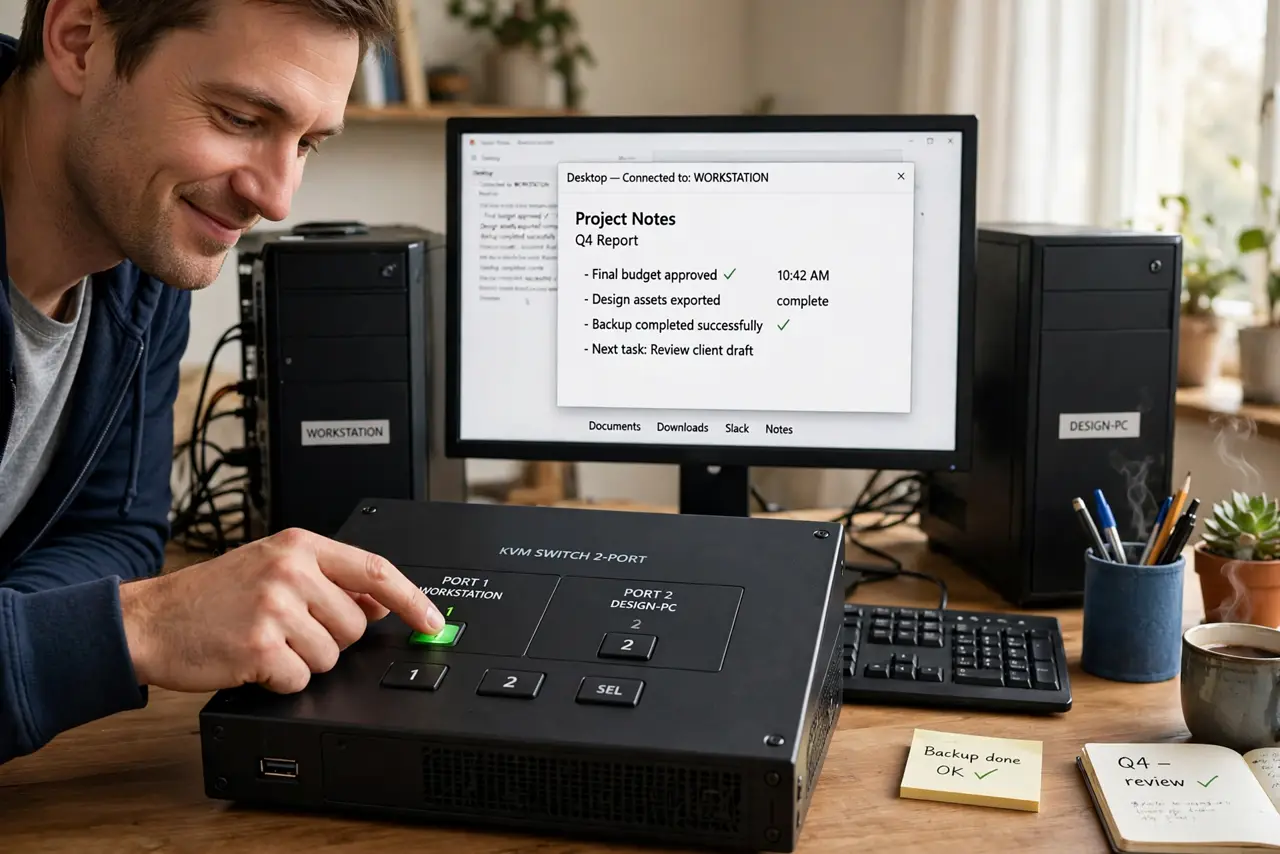
Your work laptop and your personal desktop share one desk, one monitor, and one keyboard — and switching between them means crawling behind the desk to move cables twice a day. A KVM switch ends that: one button swaps the keyboard, video, and mouse between computers instantly. It is the cheapest ergonomic upgrade for a two-computer desk.
TL;DR / Quick Fix
Quick fix: a KVM switch shares one keyboard, monitor, and mouse between two or more computers — press a button or hotkey to swap instantly. Match the switch's video ports and resolution to your setup before buying. It beats cable-swapping, and most quirks come from under-spec switches, not the concept.
Follow these steps
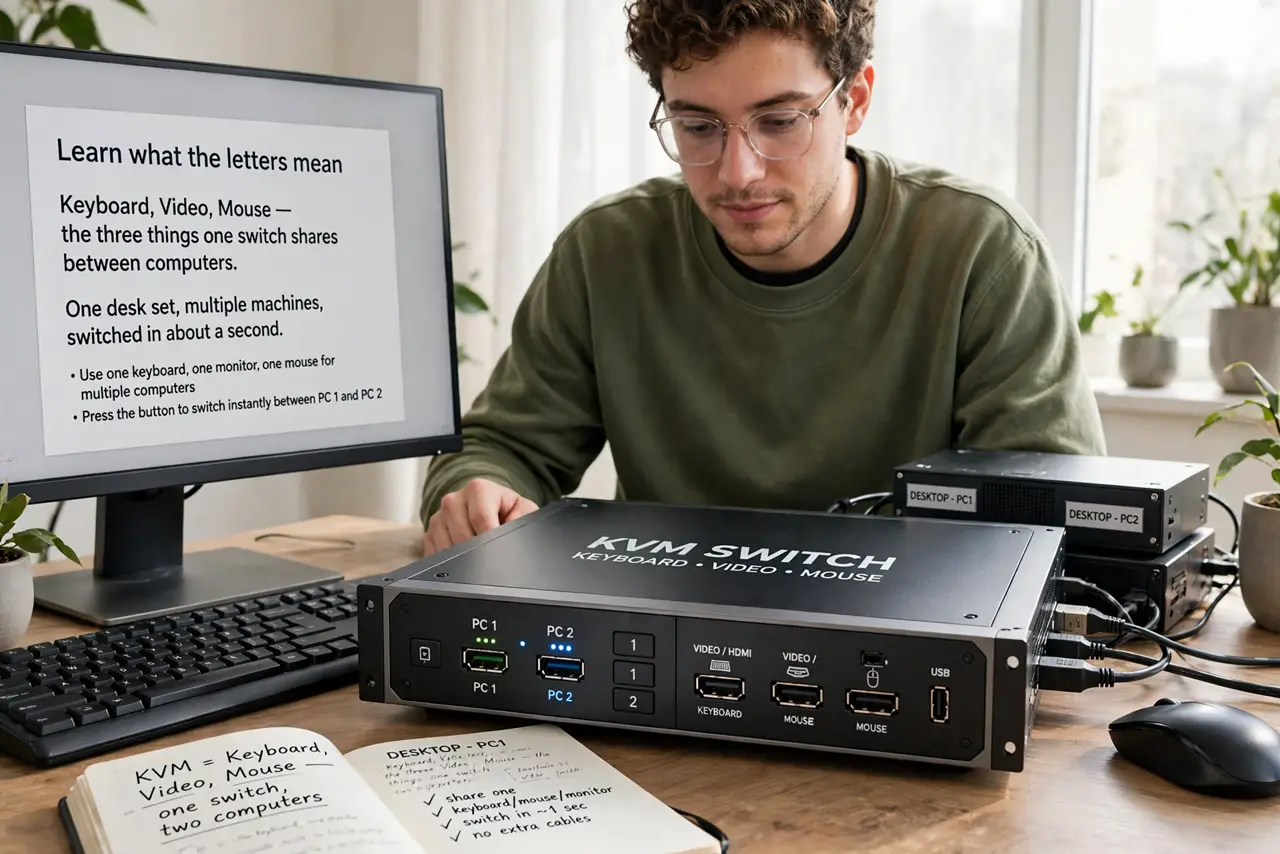
- Learn what the letters mean. Keyboard, Video, Mouse — the three things one switch shares between computers. One desk set, multiple machines, switched in about a second.
- Match video ports and resolution. Check the switch handles your monitor's connection and refresh rate — 4K 144Hz needs a far pricier switch than 1080p 60Hz. Under-spec switches silently downgrade your display.
- Count your USB devices. Keyboards, mice, webcams, headsets, drives — everything must fit the switch's USB ports. Count before buying; running out defeats the purpose.
- Expect a brief black screen. A second of darkness while switching is normal on nearly all units. If it stretches past a few seconds, suspect the cable or the switch's specs.
- Use the hotkey, not just the button. Most switches offer a keyboard hotkey to swap without reaching for the box. Learn it on day one — it is the difference between a gadget and a workflow.
- Test high-refresh stability early. Fussy behavior shows up fast at high refresh rates. Test during the return window with your actual monitor — see the mouse-lag notes if the cursor feels wrong.
What NOT to do
- Do not buy without checking max resolution and refresh rate. An under-spec switch quietly turns your 144Hz monitor into a 60Hz one.
- Do not expect instant switching. The brief black screen is normal physics, not a defect — budget for the pause.
- Do not run a gaming mouse through the cheapest switch. Polling quirks and lag are the classic bargain-KVM complaint.
- Do not forget audio. If your headset matters, confirm the switch passes audio — many cheap ones do not.
Frequently asked questions
Can one KVM handle a PC and a Mac?
Yes for video and USB — KVMs are OS-agnostic. Only keyboard-layout quirks between the systems need a moment of adjustment.
Why does my mouse feel laggy through the KVM?
Cheap switches mishandle high polling rates. Try a lower polling rate on the mouse or a better switch.
Is a KVM better than remote desktop?
For latency and full GPU performance, yes — it is a direct hardware connection. Remote desktop wins when the machines are in different rooms.