Black Screen but Backlight's On? Fix It
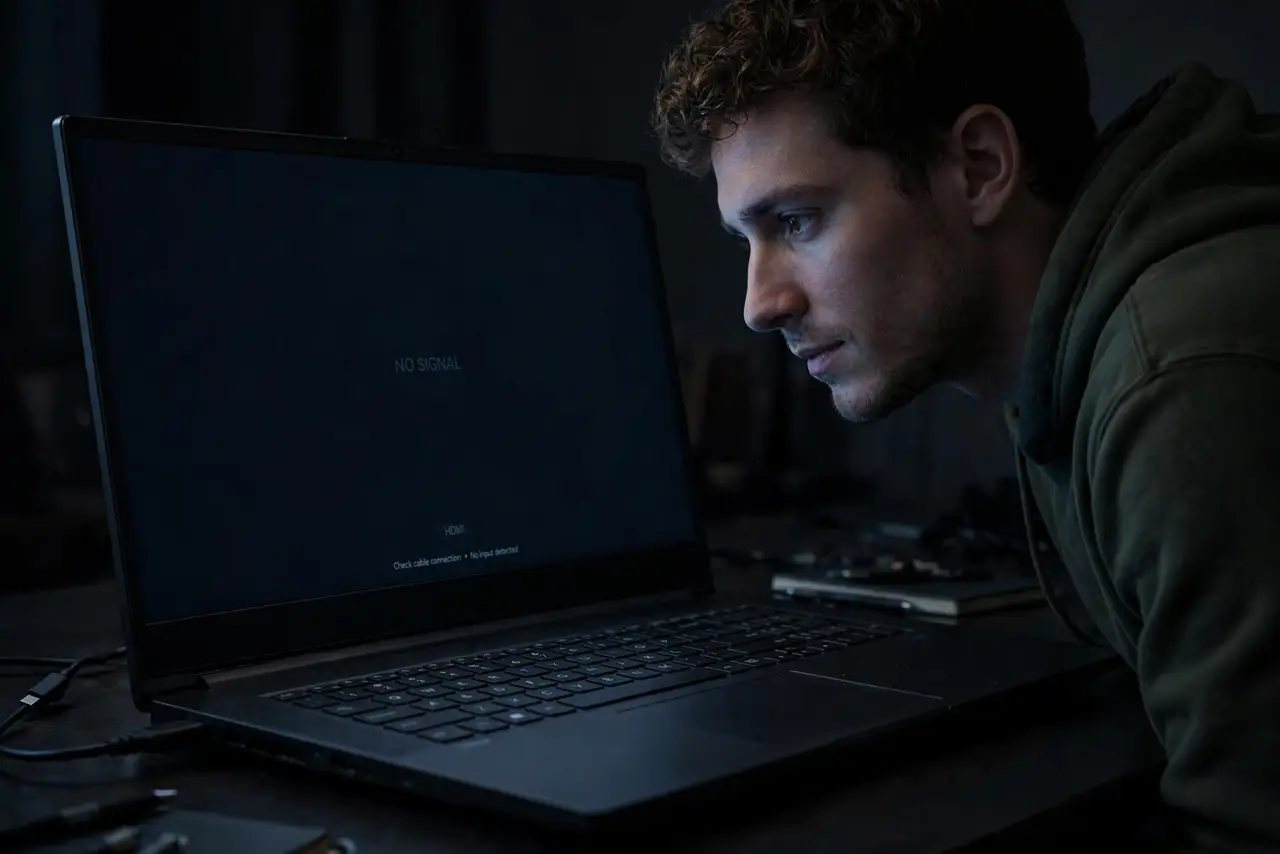
The screen glows faintly — the backlight is clearly on — but no image appears. Not a dead laptop, just a display that is not getting a picture. This specific symptom narrows the suspects fast. Here is the checklist.

TL;DR / Quick Fix
Backlight on but no image means the screen gets power but no signal — usually a display cable, GPU, or RAM issue. Connect an external monitor: a picture there blames the laptop's screen or cable. Try a hard reset and reseat RAM; a blank external monitor points at graphics hardware.
Follow these steps
- Confirm it is backlight, not fully dead. In a dark room, look for the faint glow. Glow means the backlight is alive and the panel lacks signal.
- Do a hard reset. Unplug, hold power 30+ seconds, reconnect. One clean reset is the test — repeats add nothing.
- Connect an external monitor. The great divider: a picture there means the laptop works and the built-in screen or cable is at fault — see the monitor test method.
- Try the brightness keys. A screen dimmed to zero mimics this fault exactly. Rule out the embarrassing cause first.
- Reseat the RAM. Poorly seated RAM kills the image signal while leaving the backlight on — see the RAM reseat guide.
- Suspect GPU or motherboard if all else fails. Especially with a history of overheating or prior graphics glitches.
What NOT to do
- Do not assume the screen is dead. The ribbon cable is cheaper and fails more often than the panel.
- Do not keep force-restarting. One hard reset is diagnostic; ten are just wear.
- Do not open the laptop for RAM reseating while under warranty. That is the maker's job.
- Do not ignore a flicker-before-death history. Flickering that progressed to black points at the cable — see the flicker pattern.
Frequently asked questions
Why is the screen glowing but black?
The backlight powers independently of the image signal. Glow with no picture means power is fine and signal is missing.
Could a Windows update cause this?
Rarely. Rule out hardware with the external monitor test before blaming software.
Is it worth repairing?
Screen and cable repairs are usually worthwhile. GPU or motherboard faults often are not, on older machines.