Laptop Screen Flickers When Moved? Fix It
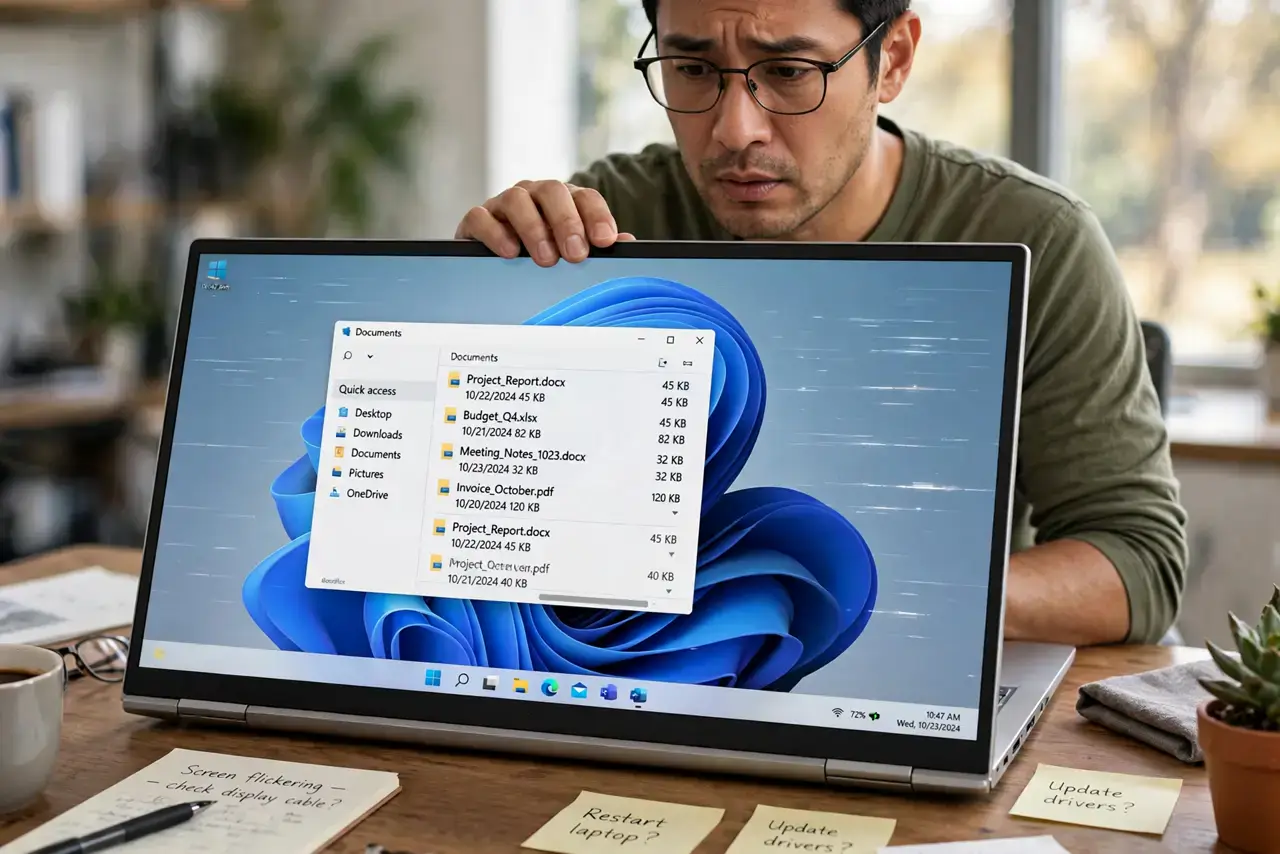
Your laptop screen flickers, glitches, or cuts out whenever you tilt it, open it wider, or pick it up — but sits perfectly still on the desk. That movement link points to the display cable running through the hinge, which flexes every time the lid moves. This guide confirms the diagnosis and lays out your options.
TL;DR / Quick Fix
Quick fix: slowly open and close the lid through its full range — if flicker tracks the angle, the hinge cable is the culprit. Back up your data now. A repair shop can replace the cable affordably, or use an external monitor as a workaround. Stop flexing the lid repeatedly.
Follow these steps
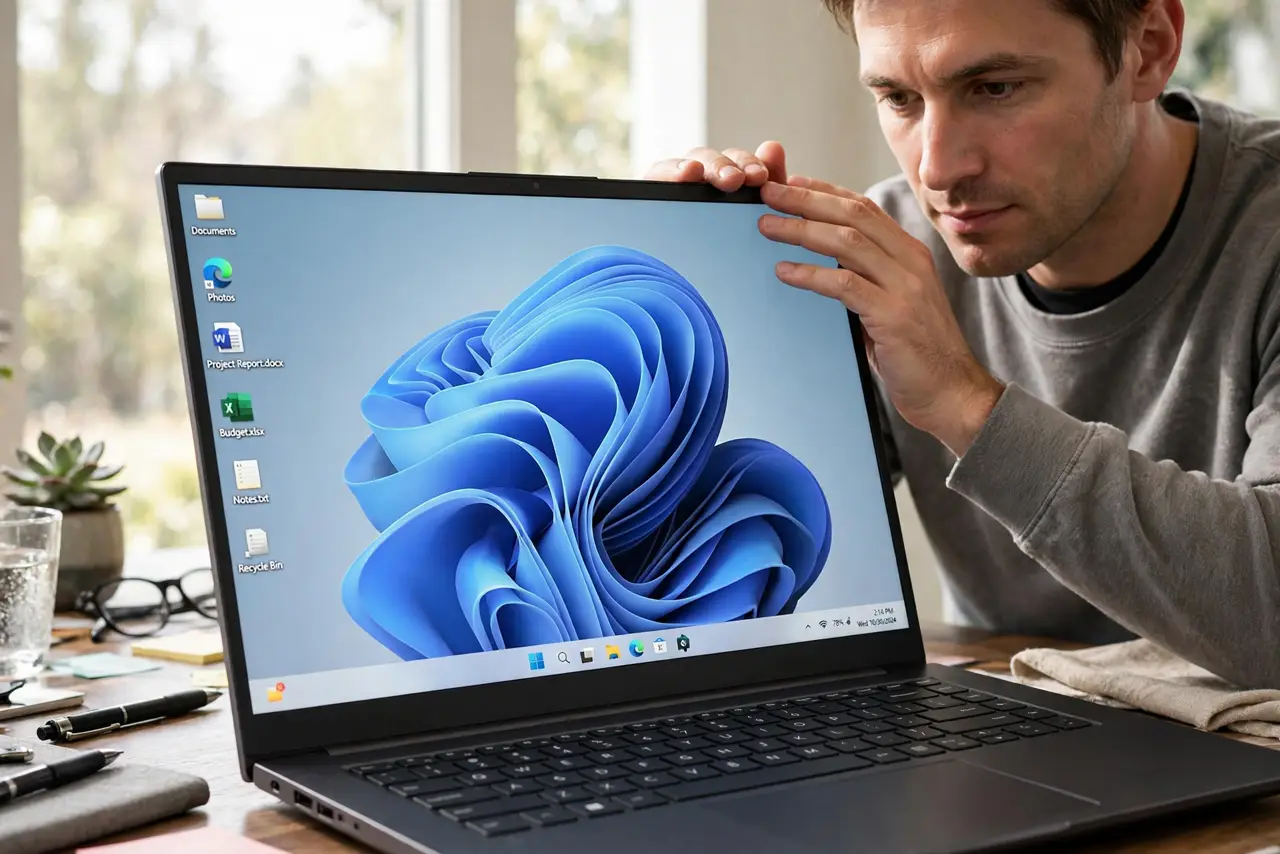
- Confirm the angle link. Slowly move the lid through its range while watching the screen. Flicker that appears and disappears at specific angles is the classic hinge-cable signature.
- Back up immediately. A failing display cable can precede other hinge-area damage. Back up your files now, while the screen still works well enough to do it.
- Test with an external monitor. Connect an external display. If it stays perfect while the laptop screen flickers, the GPU is fine and the internal cable or panel is the problem — the same isolation trick as for no-signal issues.
- Stop wiggling it. Every flex stresses the damaged cable further. Set the lid at a stable angle that works and leave it there until repair.
- Get a repair quote. A hinge cable replacement is a common, affordable shop repair — far cheaper than a new laptop. Ask specifically about the display cable, not the whole screen.
- Consider the external-monitor workaround. If repair is not worth it on an old machine, a cheap external monitor turns it into a perfectly good desktop.
What NOT to do
- Do not keep opening and closing the lid to demonstrate the problem. Each cycle worsens the cable damage and risks killing the display entirely.
- Do not attempt the cable repair yourself on a thin modern laptop. The hinge area packs fragile connectors that are easy to destroy without experience.
- Do not ignore flicker that worsens weekly. A degrading cable eventually fails completely — plan the repair before you are forced into it.
- Do not assume a driver update will fix it. Movement-linked flicker is physical by definition; no software changes a damaged cable.
Frequently asked questions
Why does moving the lid cause flicker?
The display cable threads through the hinge and flexes with every lid movement. Years of flexing wear it out, and the worn spot loses contact at certain angles.
Is it the cable or the screen?
The angle test decides: cable problems change with lid position, while panel problems stay constant no matter the angle.
How much does the repair cost?
Typically a modest shop repair — the cable itself is cheap; you are paying for the careful disassembly labor.