Laptop Charger Wattage Too Low: Symptoms
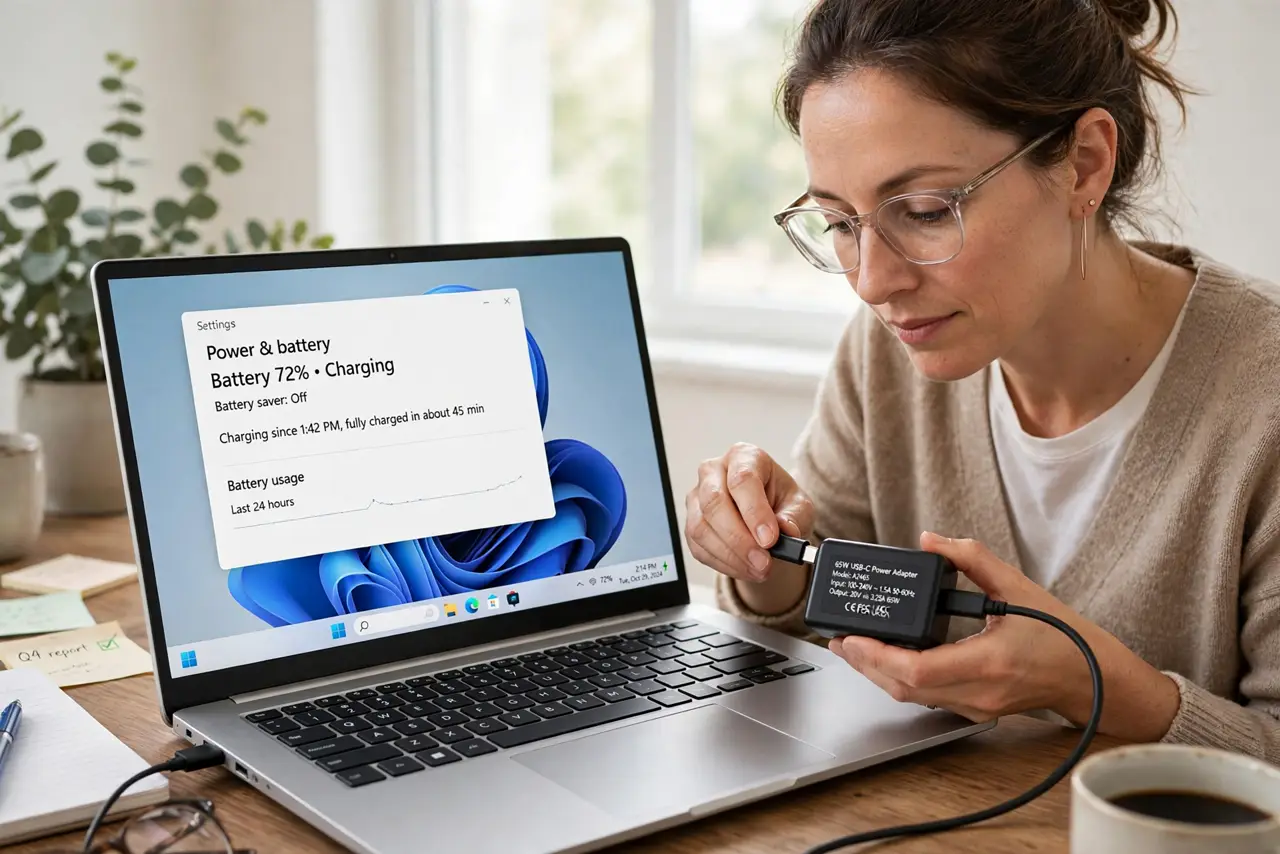
A weak charger does not always fail outright — it often sort of works, leaving confusing symptoms. Slow charging, a draining battery while plugged in, and dimmed performance all point to wattage that cannot keep up.
TL;DR / Quick Fix
Quick fix: read the wattage on your laptop's original charger and on the one you are using now. If the current one is lower, that gap explains the symptoms — switch to a charger that meets or beats the original wattage.
Follow these steps
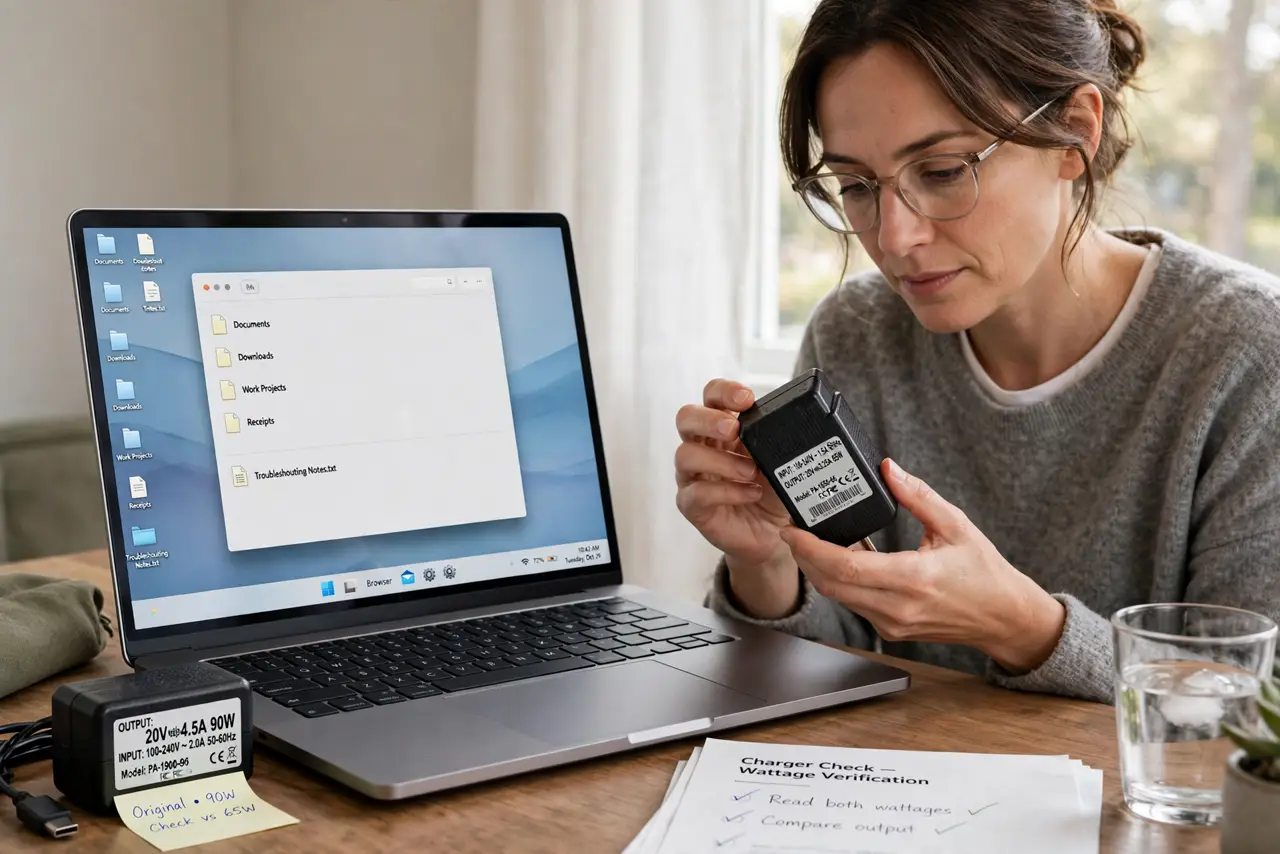
- Read both wattages. Check the fine print on the original charger and on the charger in use. A 45W brick on a laptop that wants 90W is the entire explanation for slow everything.
- Watch for the classic symptoms. Slow charging, battery percentage dropping while plugged in, the laptop refusing to charge while working hard, and sudden performance dips all signal insufficient wattage.
- Heed the charger warning. If the laptop shows a weak-charger or low-power warning, believe it. That message is the laptop measuring the actual incoming power and finding it short.
- Test with the original charger. Borrow or dig out the original charger and use it for a day. If every symptom vanishes, the weak brick — not the laptop or battery — was the cause.
- Check the cable too. A thin or damaged cable can choke a good brick. Test with the original cable as well, since wattage needs both a strong brick and a capable cable.
- Replace with equal or higher wattage. Buy a quality charger rated at or above the original wattage. Higher is safe — the laptop only draws what it needs — but cheap no-name bricks are not worth the risk.
What NOT to do
- Do not assume the battery is dying. A weak charger mimics battery failure perfectly, so check wattage before buying a new battery.
- Do not use a phone charger as a laptop charger long-term. It may keep the laptop alive in a pinch, but it cannot sustain real work.
- Do not ignore performance dips while plugged in. Throttling on AC power is a classic low-wattage symptom, not a processor fault.
- Do not buy the cheapest high-wattage brick online. Counterfeit chargers lie about wattage and can be unsafe, so buy from reputable sellers.
Frequently asked questions
Can a weak charger damage my laptop?
It will not damage it, but it causes slow charging, throttling, and battery drain during use — all fixable with the right wattage.
Why does my battery drain while plugged in?
Because the laptop uses more power than the weak charger supplies, so it sips from the battery to cover the gap.
Is a higher-wattage charger safe?
Yes. The laptop draws only what it needs, so a quality higher-wattage charger is safe and often charges faster.