USB-C Hub Power Delivery Wattage Mismatch
Your laptop wants 65 watts, the hub offers 45, and the charger is 100 — so what actually reaches the battery? USB-C power delivery negotiates behind the scenes, and a mismatch usually means slow charging, not no charging.

TL;DR / Quick Fix
Quick fix: check the wattage printed on your laptop's original charger, on the hub, and on the power brick you use. The laptop gets the lowest of the three numbers, so match or beat the original charger wattage to charge at full speed.
Follow these steps
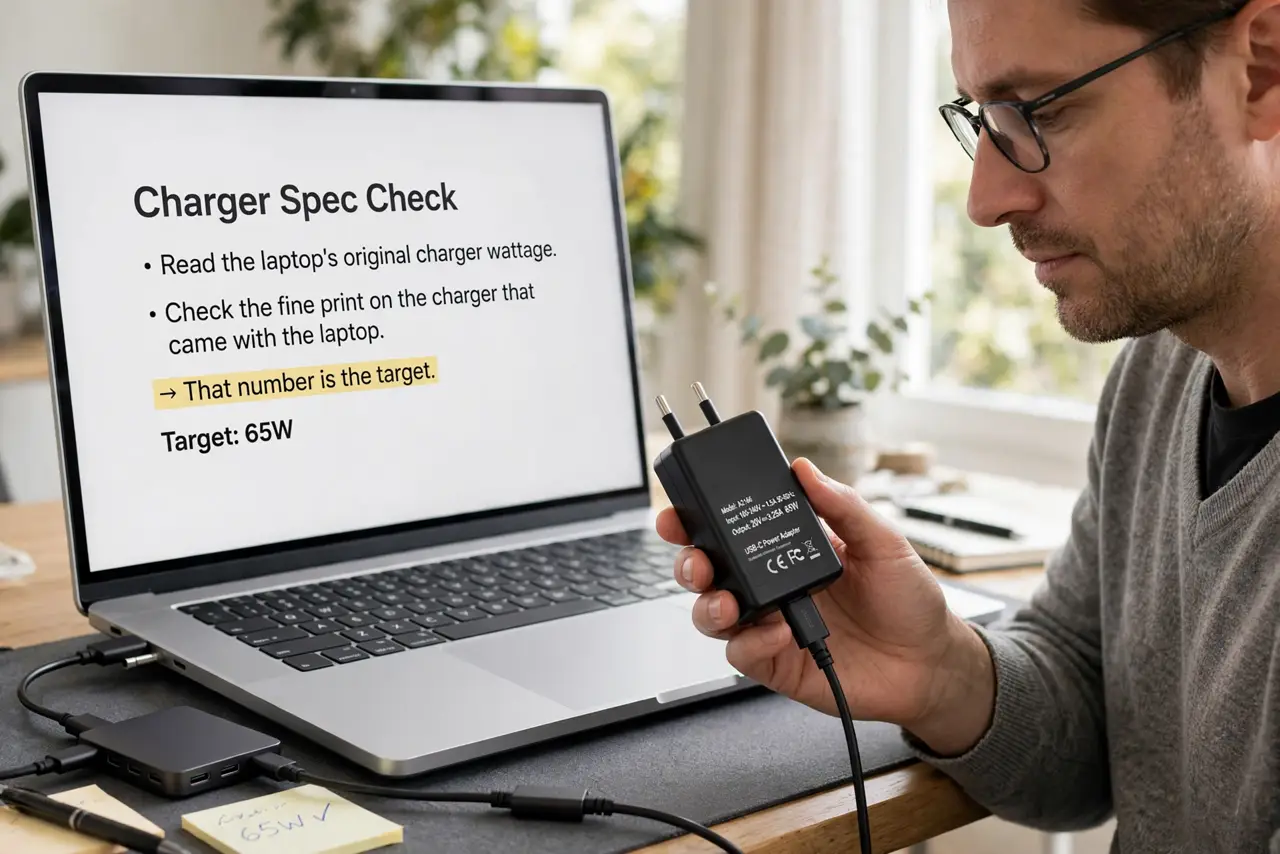
- Read the laptop's original charger wattage. Check the fine print on the charger that came with the laptop. That number is the target: the laptop charges at full speed only when it receives at least that much.
- Read the hub's power delivery rating. Check the hub's specs for its power delivery passthrough wattage. Many hubs advertise 100W input but pass only 60W or less to the laptop.
- Read the power brick you actually use. Check the brick plugged into the hub. A 45W phone brick into a 100W hub still delivers only 45W, since the chain is limited by its weakest link.
- Take the lowest of the three numbers. The laptop receives the smallest wattage among brick, hub passthrough, and its own need. If that number falls short, expect slow charging or a battery that drains while plugged in.
- Upgrade the weakest link first. Replace whichever of the three is lowest — usually the brick or the hub. One upgrade to meet the laptop's number fixes the mismatch completely.
- Watch for the slow-charger warning. If the laptop shows a weak-charger warning, believe it. That message is the laptop telling you the negotiated wattage is too low — the same idea behind a powered hub that cannot keep up.
What NOT to do
- Do not assume a bigger brick fixes a weak hub. Power must pass through the hub, so a hub capped at 45W wastes a 100W brick.
- Do not use a phone charger for a laptop through a hub and expect full speed. Phone bricks are built for phones, and the laptop will sip power slowly.
- Do not ignore a laptop that drains while plugged in. That means usage exceeds incoming power, so the mismatch is real and needs the weakest link upgraded.
- Do not daisy-chain two hubs and expect full power. Each hop can shave wattage, so power the laptop through one hub only.
Frequently asked questions
Will a low-wattage hub damage my laptop?
No. The laptop simply charges slowly or drains while in use. It negotiates safe power, never dangerous power.
Why does my laptop say the charger is weak?
Because the negotiated wattage through the hub is below what the laptop wants, usually due to the brick or the hub's passthrough limit.
Is 100W always enough?
For most thin laptops, yes. Big workstation laptops may want 130W or more, so check the original charger.