Laptop Fan Runs Loud on Idle? Fix It
A fan that roars while the laptop sits idle usually means something is working in the background, or air cannot get through the vents. Check what is running first, because a noisy fan is often a symptom, not the fault itself.
TL;DR / Quick Fix
Quick fix: open Task Manager and sort by CPU to see what is using the processor while idle. Close heavy apps you do not need, then lift the laptop so air can flow underneath. If the fan stays loud, restart once and check Task Manager again.
Follow these steps
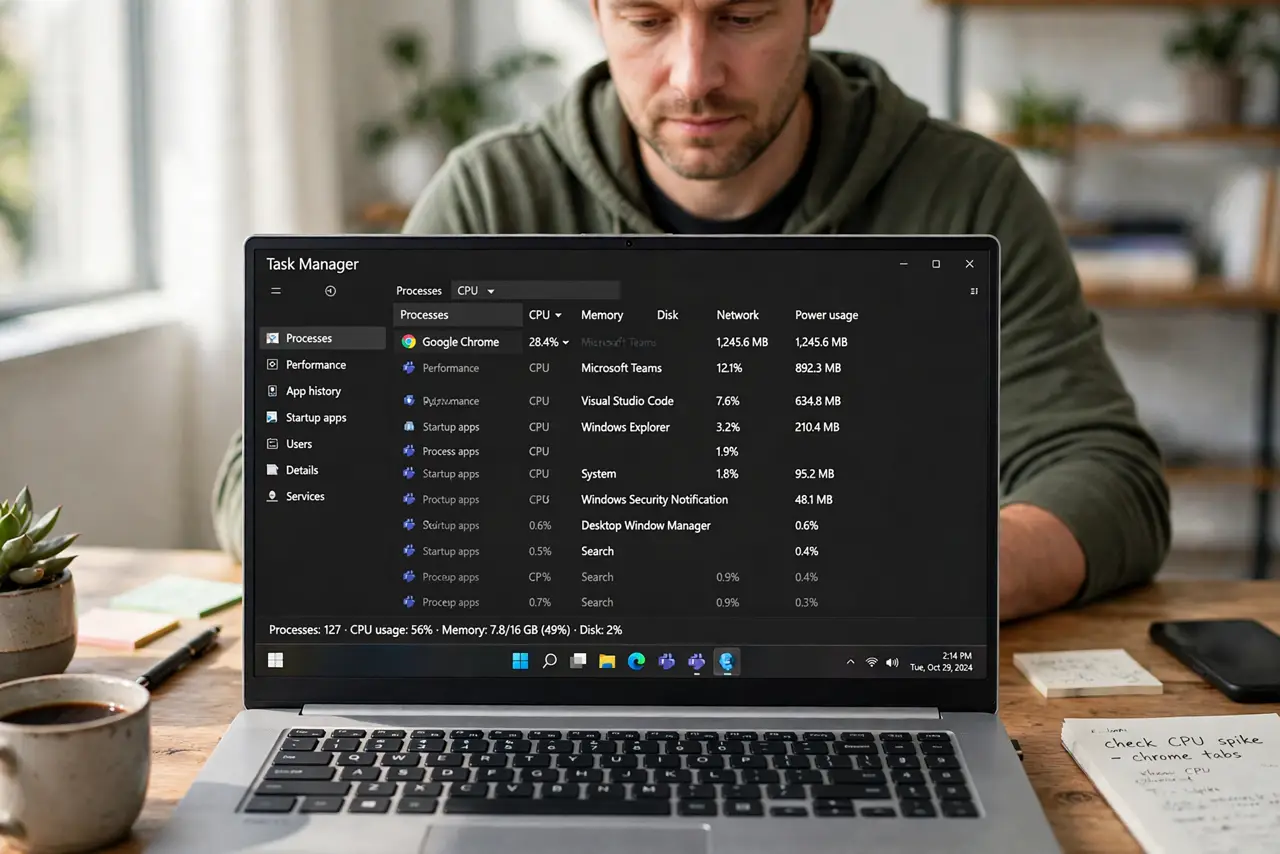
- Check Task Manager for idle load. Press Ctrl, Shift, and Esc, and sort by CPU. If an app uses a lot of processor while you do nothing, that app is why the fan runs.
- Close heavy apps you do not need. Close browsers with many tabs, games, and editing apps you left open. Then wait a minute and listen, because the fan needs time to slow down.
- Give the laptop air underneath. Put the laptop on a hard, flat surface, not a bed or blanket. Lift the back slightly so air can flow, and keep vents clear of papers and sleeves.
- Check the vents for dust. Look at the vents with the laptop off. If dust blocks them, use short bursts of compressed air from a safe distance, with the laptop off and cool.
- Restart once and recheck. Save your work and restart. A restart clears a stuck background task that kept the processor busy after you closed the app.
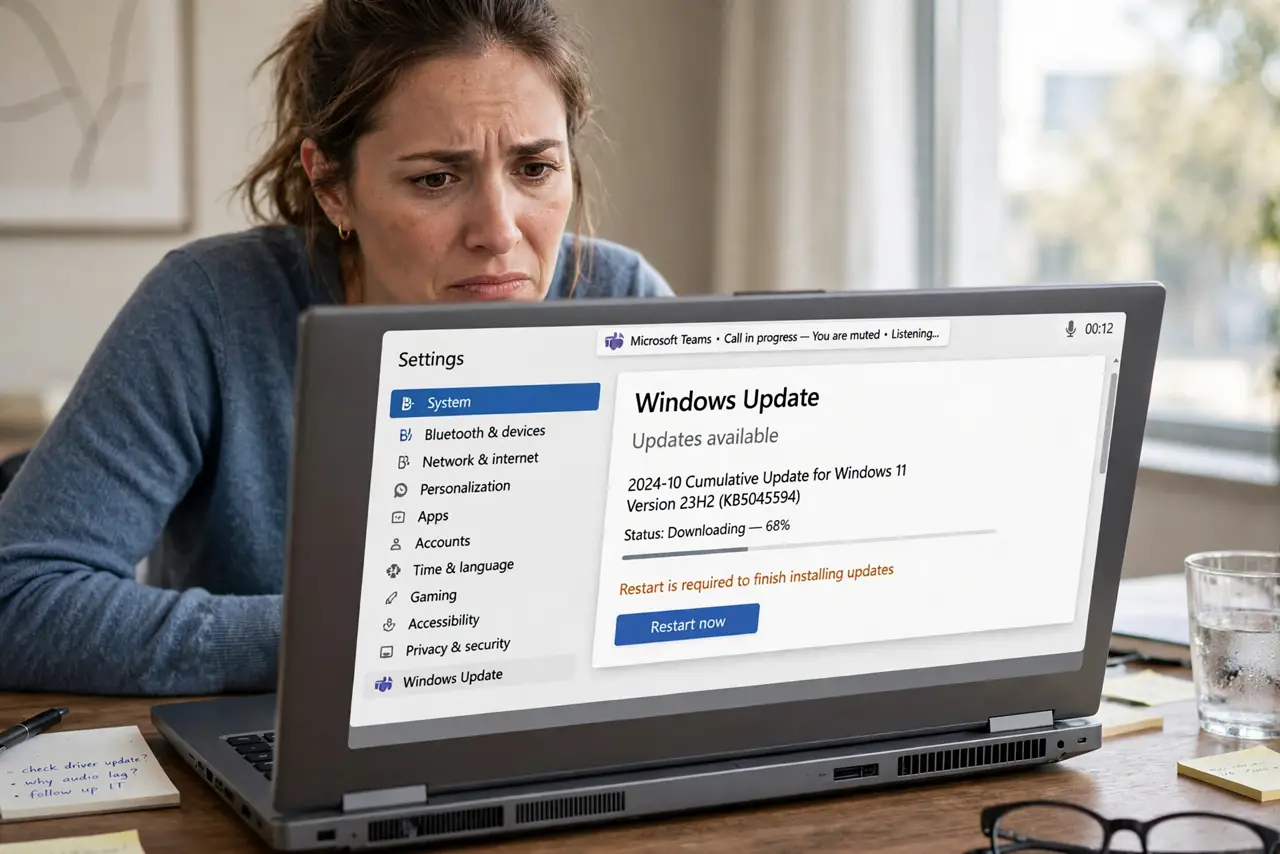
- Check power and update activity. A laptop can run hot while updates download or a backup runs. Wait for that job to finish before judging the fan, and check power mode in Settings.
What NOT to do
- Do not block the vents to make the laptop quieter. Blocking air makes heat worse, and the fan will run harder, not softer.
- Do not open the laptop to clean the fan unless you know the model and the safe steps. Internal cleaning can damage parts and void a warranty.
- Do not put the laptop in a fridge or freezer to cool it. Condensation can damage the inside, and it will not fix the cause.
- Do not force the fan to stop with an object. A stopped fan lets heat build fast, and that can damage the laptop.
Frequently asked questions
Why is the fan loud right after I turn the laptop on?
Start-up apps and updates run hard for a few minutes. Wait, then check Task Manager once the start-up settles.
Is a loud fan always a failing fan?
No. Background load and blocked air cause most loud fans. A failing fan usually rattles or grinds, and the noise does not follow app load.
Should I use a cooling pad?
A pad can help on a desk, but it does not fix a heavy background app. Fix the load first, then use a pad if you like.