Laptop Keyboard Key Popped Off? Refit It
A laptop key that pops off usually leaves a small plastic retainer, sometimes called a scissor clip, still on the keyboard or stuck to the key. If both parts are intact, the key often presses back on in seconds. If a clip is broken, forcing it will break more, so check the parts first. A key that sticks rather than pops off needs the sticky key after a spill cleaning steps instead.
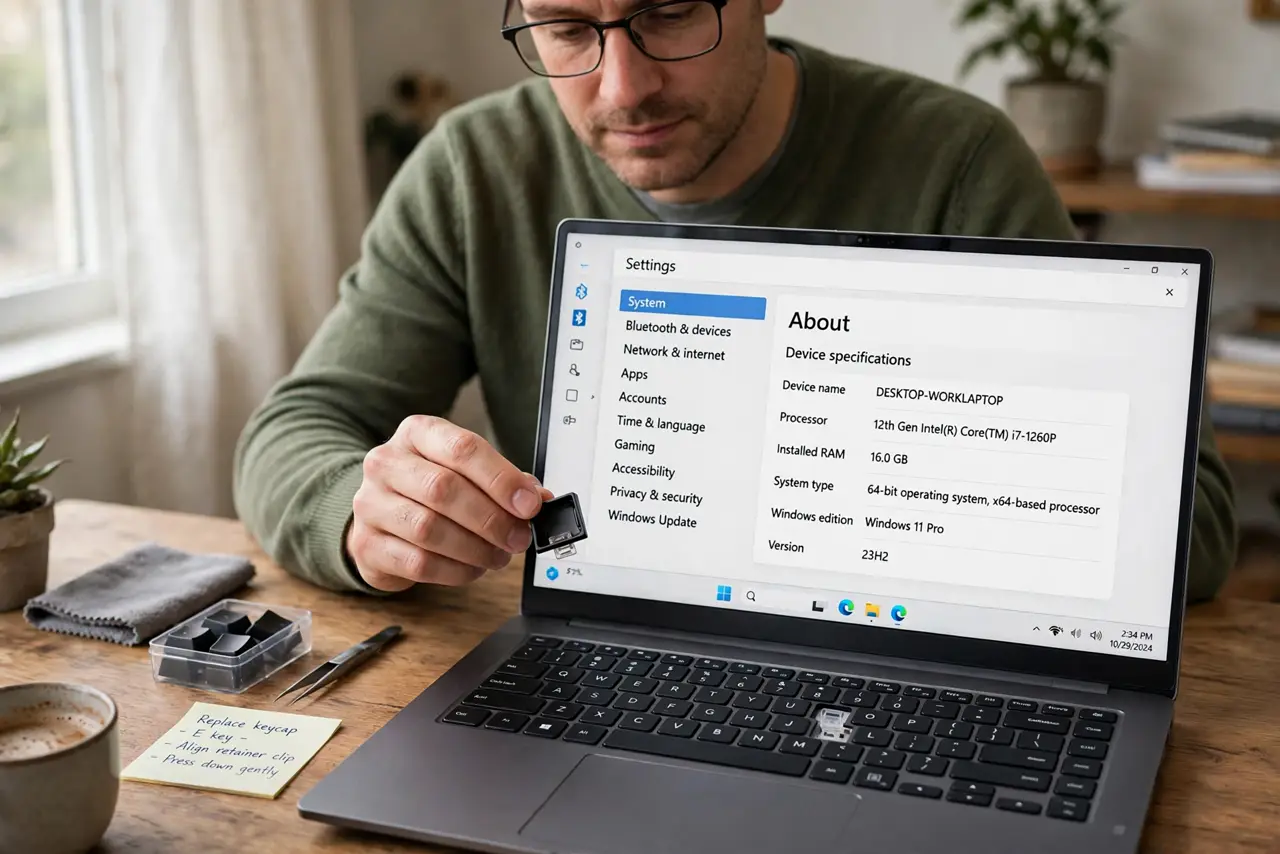
TL;DR / Quick Fix
Quick fix: Find the keycap and the retainer clip. Inspect the clips for breaks. Then work through the remaining steps in order, checking one change at a time, and stop for a technician if you see damage, swelling, or a burning smell.
Follow these steps
- Find the keycap and the retainer clip. Pick up the keycap and check whether the small plastic retainer is on the keyboard or stuck under the keycap. You need both parts intact to refit the key.
- Inspect the clips for breaks. Look at the tiny hooks on the retainer and the keycap in good light. If a hook is broken or missing, the key will not hold, and a replacement keycap kit is the fix, not force.
- Fit the retainer to the keyboard first. If the retainer came off with the keycap, unclip it gently from the keycap and clip it onto the keyboard posts first. The retainer must sit flat and move freely before the keycap goes on.
- Line the keycap up over the retainer. Hold the keycap level over the retainer, lining up its hooks with the retainer arms. A tilted keycap catches one side only and can snap a hook.
- Press gently in the center until it clicks. Press straight down in the center of the keycap with one finger until you feel a click. Test the key with a few presses, checking it springs back and types correctly.
- Order a replacement kit if it will not hold. If the key pops off again or a clip is broken, order a keycap kit for your exact laptop model. Kits include the keycap and retainer, and they cost far less than a keyboard replacement.
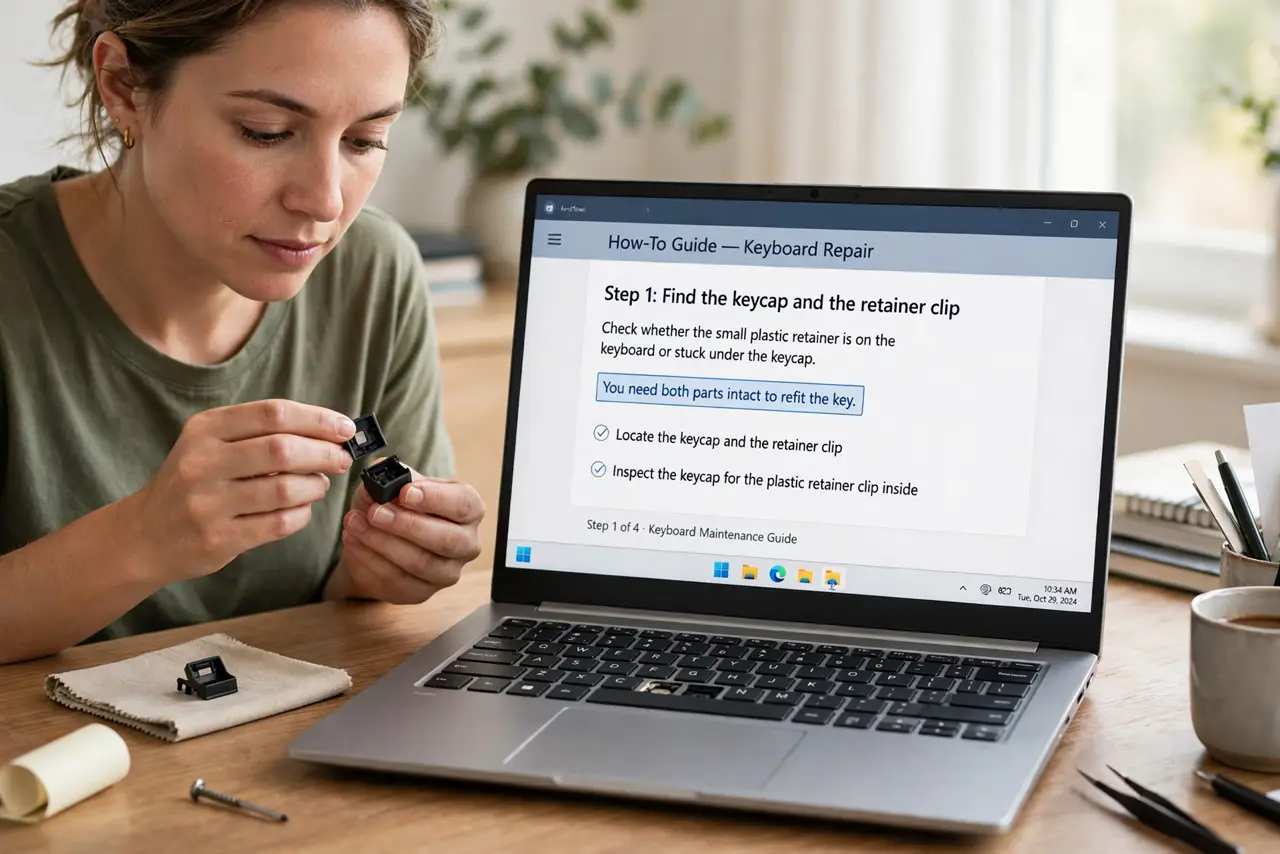
What NOT to do
- Do not glue a popped key back on. Glue blocks the key movement, damages the keyboard, and makes a proper repair harder.
- Do not force a keycap down at an angle. Angled force snaps the tiny retainer hooks, turning a simple refit into a parts order.
- Do not use tweezers or pliers with force on the retainer. The clips are fragile, and metal tools can break them in one squeeze.
- Do not remove other keys to compare unless you must. Each removal risks another broken clip, so compare by looking, not by popping more keys off.
Frequently asked questions
Why did my laptop key pop off?
Usually a knock, a catch on a bag strap, or a worn retainer clip. If the clips are intact, it presses back on; if a clip broken, it will not hold.
Can I use the laptop with a missing key?
Yes, carefully, using the on-screen keyboard or another key for that letter. Avoid pressing the bare retainer with force, which can break it further.
What if the retainer is lost?
Order a keycap kit for your exact model, which includes the retainer. Model matters, because retainers differ between laptops.