Laptop Lid Will Not Close Flat? Fix It
A laptop lid that sits up at one corner or will not close flat usually meets an obstruction, a warped case, or a hinge problem. Forcing it shut can break the screen or the hinge, so find what stops it first. If the hinge itself creaks, treat that as a hinge warning alongside the closing fault.
TL;DR / Quick Fix
Quick fix: Clear the keyboard and palm rest completely. Close the lid slowly and watch where it stops. Then work through the remaining steps in order, checking one change at a time, and stop for a technician if you see damage, swelling, or a burning smell.
Follow these steps
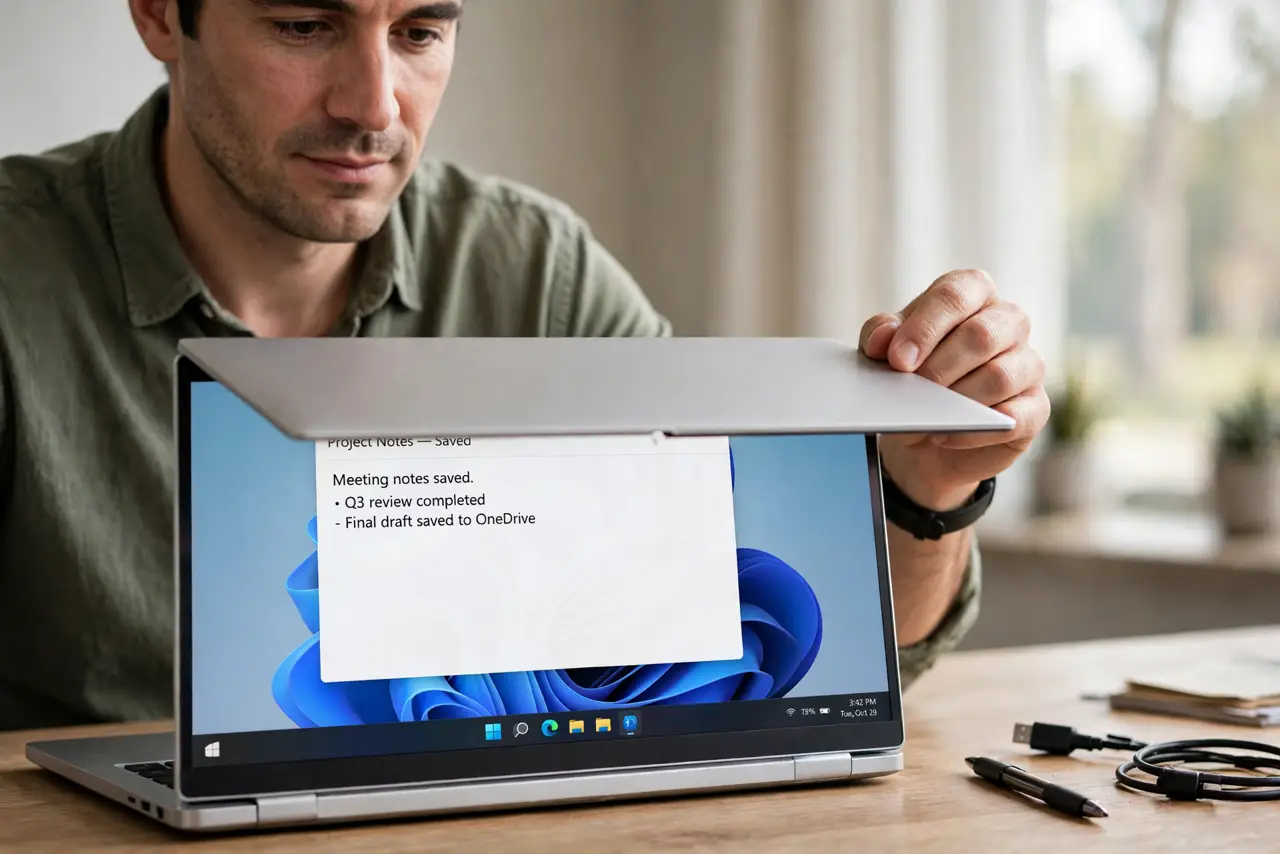
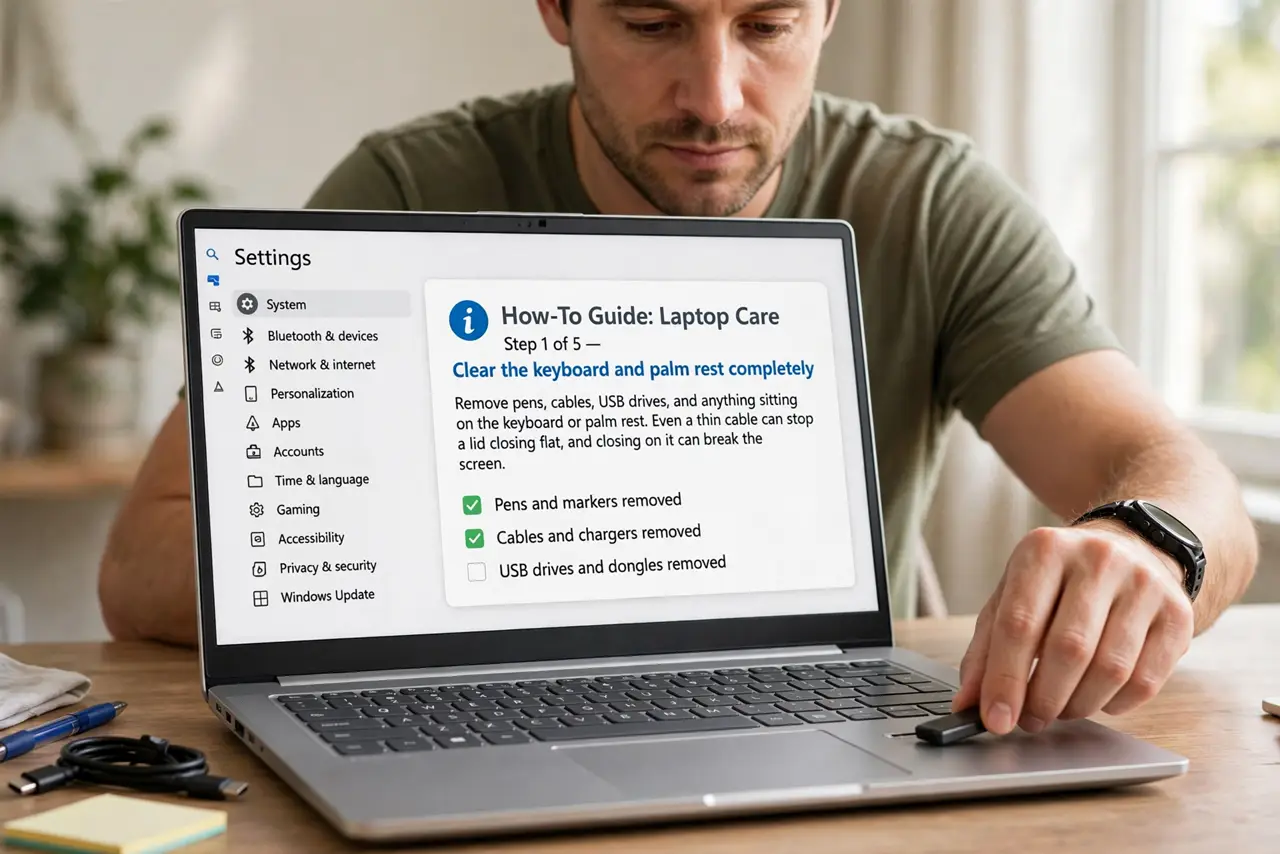
- Clear the keyboard and palm rest completely. Remove pens, cables, USB drives, and anything sitting on the keyboard or palm rest. Even a thin cable can stop a lid closing flat, and closing on it can break a screen.
- Close the lid slowly and watch where it stops. Lower the lid gently and note which corner stays up or where it meets resistance. The stopping point tells you whether the fault is an object, a hinge, or a warped panel.
- Check the hinge screws and hinge movement. Look at the hinge area for loose screws, gaps, or a hinge that moves unevenly. Tighten only visible loose screws, and do not force a hinge that binds.
- Check the case for bulging or warping. Set the laptop on a flat desk and look along the base and lid edges for bulging or a curve. A bulging base can mean a swollen battery, which needs a repair, not a firmer close.
- Remove a thick screen protector or skin if fitted. Peel off any thick screen protector, keyboard cover, or lid skin, then test closing again. Thick add-ons change the lid gap and can stop a flat close.
- Book a repair if the lid still will not sit flat. If nothing blocks it and the case looks straight, the hinge or lid frame may be bent. Book a repair rather than forcing the lid, because a forced close can break the screen.
What NOT to do
- Do not force a lid shut that meets resistance. Forcing it can break the screen, break the hinge, or damage the keyboard underneath.
- Do not close a laptop on a pen, cable, or USB drive. Objects on the keyboard are the most common cause of broken laptop screens.
- Do not ignore a bulging base while forcing the lid. A swollen battery needs a repair at once, and pressure on it makes the situation worse.
- Do not bend a warped lid back by hand. Bending a lid frame can break the screen panel, so leave frame straightening to a repair shop.
Frequently asked questions
Why does one corner of the lid stay up?
Usually an object on the keyboard, a hinge that binds on one side, or a warped lid frame. Closing slowly shows which corner stops first.
Can a screen protector stop a lid closing?
Yes, if it is thick or if a keyboard cover adds height. Removing add-ons is a quick test that costs nothing.
Is a lid that will not close a serious problem?
It can be, if the cause is a swollen battery or a bent hinge. Clear obstructions first, then book a repair if the gap remains.