Laptop Speaker Rattles at Low Volume? Fix It
A rattle at low volume is often not the speaker itself, but something vibrating against it: debris in the grille, a loose screw, or a case panel that buzzes on certain notes. Test each speaker and each volume level, and check the case before you blame the speaker. A microphone that hears the fan needs the microphone fan noise steps, which cover sound pickup, not speaker output.
TL;DR / Quick Fix
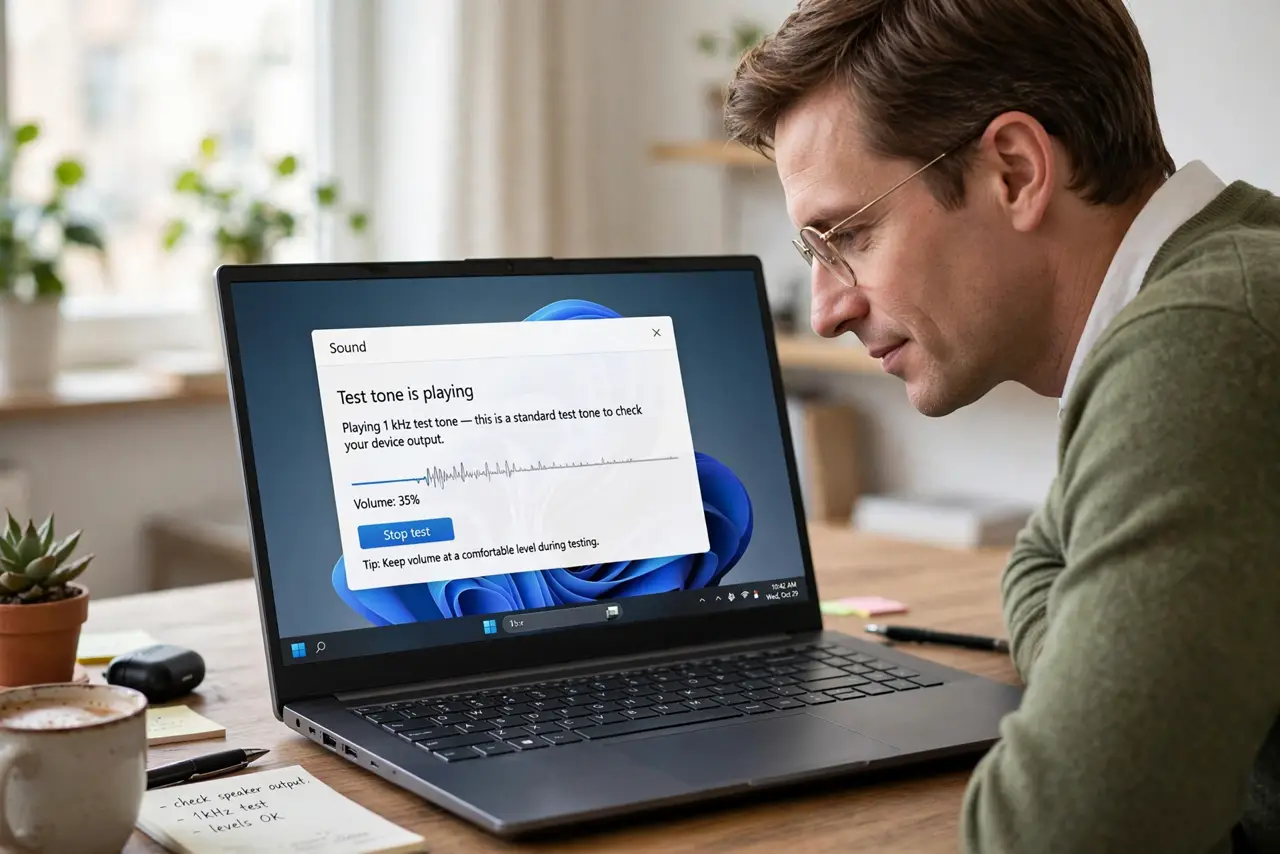
Quick fix: Play a test tone at low volume and listen closely. Test the left and right speakers separately. Then work through the remaining steps in order, checking one change at a time, and stop for a technician if you see damage, swelling, or a burning smell.
Follow these steps
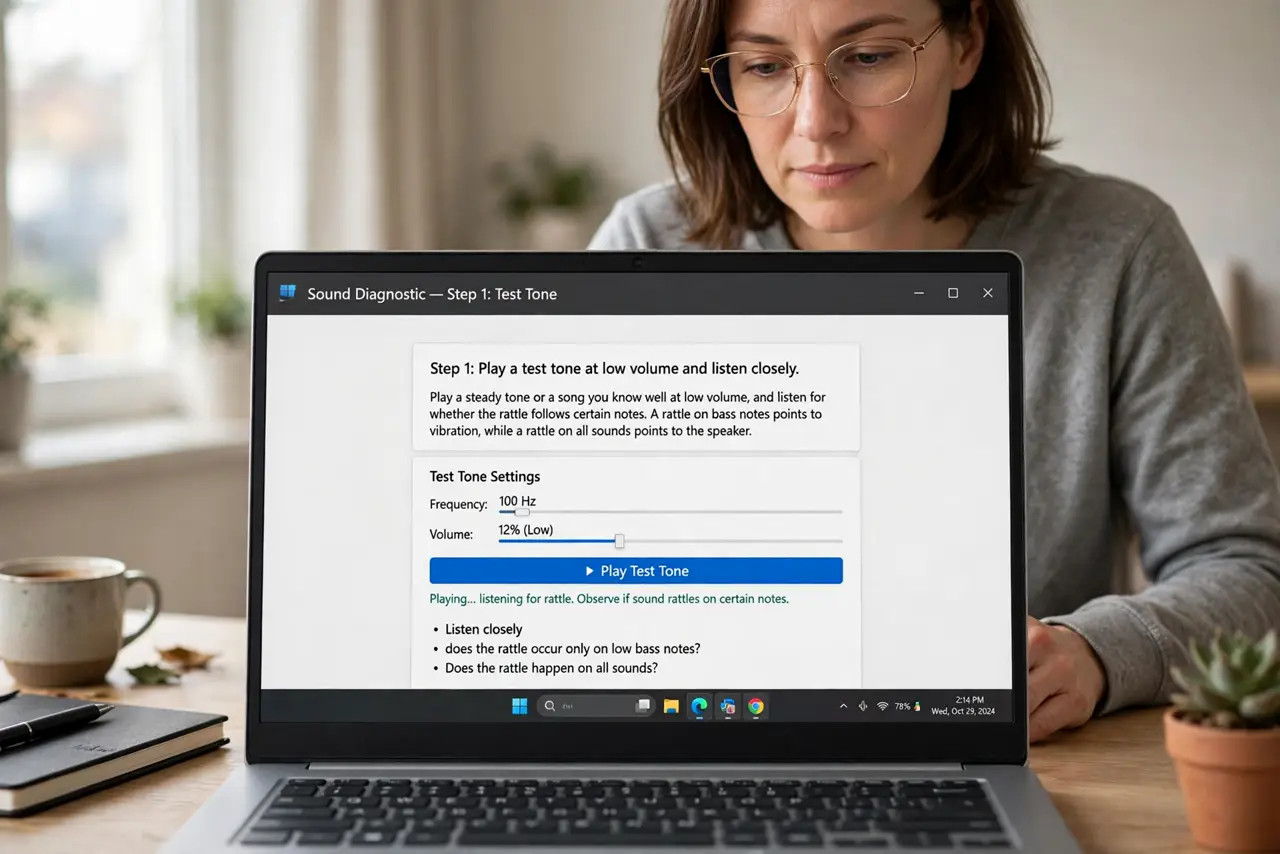
- Play a test tone at low volume and listen closely. Play a steady tone or a song you know well at low volume, and listen for whether the rattle follows certain notes. A rattle on bass notes points to vibration, while a rattle on all sounds points to the speaker.
- Test the left and right speakers separately. In sound settings, use the balance control to play through the left speaker only, then the right only. A rattle on one side only narrows the fault to that speaker or its grille.
- Check the speaker grille for debris. With the laptop off, look at the speaker grille for crumbs or dust, and clear it gently with a soft brush or short bursts of compressed air. Debris on a grille buzzes loudly at low volume.
- Press the case gently near the speaker while it plays. While a tone plays, press the palm rest and base gently near the rattling speaker. If pressing stops the rattle, a loose case panel or screw is vibrating, not the speaker itself.
- Tighten visible base screws. Turn the laptop over on a soft cloth and tighten any loose visible base screws with the right screwdriver size. Do not remove the base panel unless your model guide shows a safe speaker access.
- Test with headphones to rule out the audio source. Plug in headphones and play the same sound. A clean sound in headphones proves the audio file and software are fine, and the fault sits in the laptop speakers or case.
What NOT to do
- Do not blast the volume to test a rattle. High volume can damage a struggling speaker further and turns a small rattle into a torn speaker.
- Do not poke objects into the speaker grille. Poking can puncture the speaker cone, which is a far bigger repair than a rattle.
- Do not open the laptop to reach speakers unless the model guide allows it. Sealed laptops hide speakers under batteries and cables, so that job belongs to a technician.
- Do not pour cleaner into the speaker grille. Liquid damages the speaker cone and the parts below it, so clean the grille dry only.
Frequently asked questions
Why does a speaker rattle only at low volume?
At low volume, a loose panel or debris buzz is audible against quiet sound. At high volume, the music masks it, so the rattle seems to vanish.
Can debris really cause a speaker rattle?
Yes. A crumb on a grille or a loose screw near the speaker vibrates with the sound, and that vibration is the rattle you hear.
What if both speakers rattle?
Check the audio source with headphones first. If headphones are clean and both speakers rattle, the case or a shared mount is the likely cause.