Tackle Life Admin
Renewing the car insurance, filing the warranty claim, updating the address on six accounts — life admin is the pile of boring-but-urgent tasks that never feels done. It causes real stress because each task is small but the pile is endless, and missed deadlines cost money. The fix is not motivation; it is a system: capture everything in one list, batch the similar ones, and schedule a weekly slot. Here is the system.
TL;DR / Quick Fix
Quick fix: beat life admin with a system, not willpower — capture every task in one list the moment it appears, batch similar chores, and protect one weekly slot to clear them. Do two-minute tasks immediately and schedule the rest. A weekly rhythm keeps the pile from ever getting scary.
Follow these steps
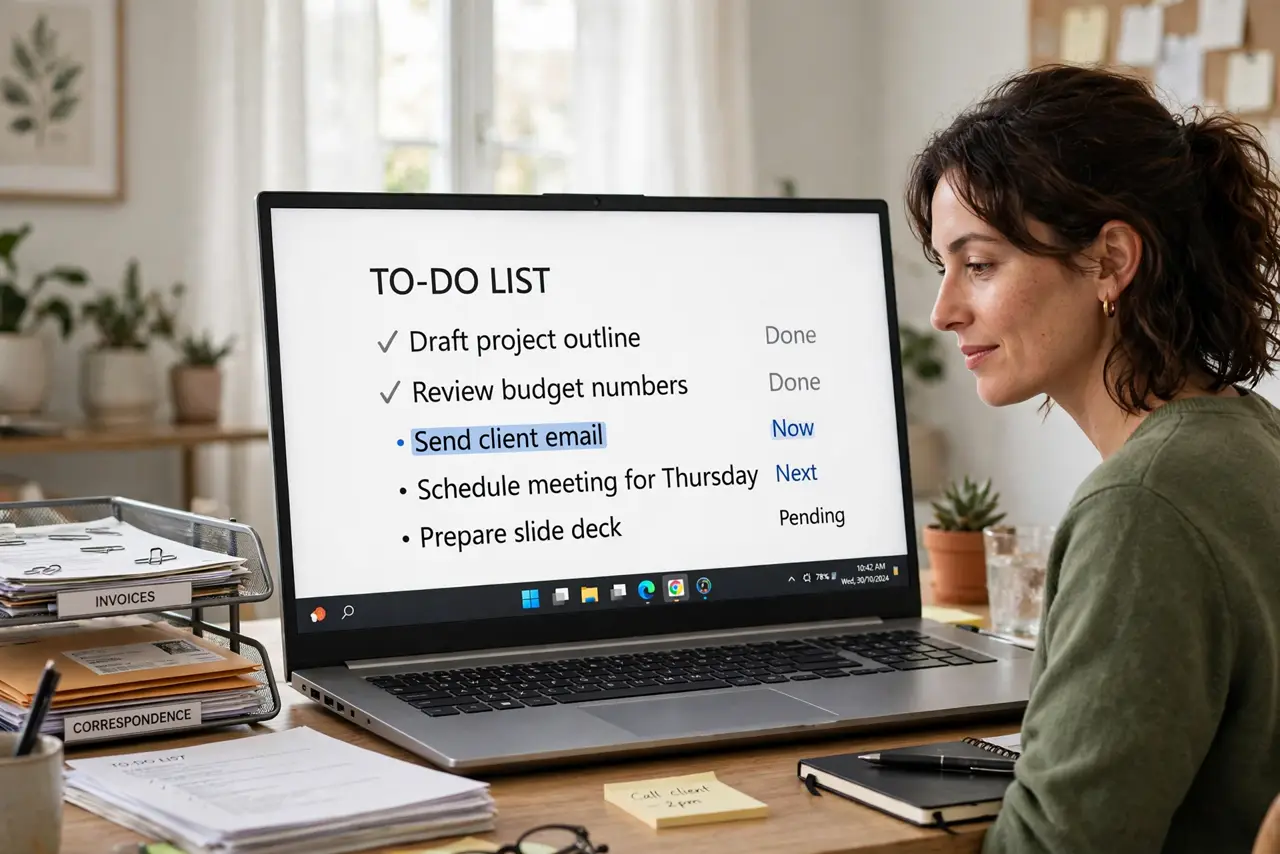
- Capture everything in one inbox list. The moment a task appears — insurance renewal letter, warranty card — write it in ONE list, phone or paper. Tasks die in scattered sticky notes; they survive in a single inbox.
- Do the two-minute tasks immediately. If it takes under two minutes — confirming an appointment, photographing a receipt — do it now. These are the tasks that rot into overdue problems.
- Batch similar chores together. Calls in one block, forms in another, errands on one trip. Context-switching between a phone call and a tax form wastes more time than the tasks themselves.
- Protect one weekly admin slot. Same day, same time, 30–60 minutes: the standing appointment where the inbox list gets cleared. Treat it like a meeting with yourself — non-negotiable.
- Keep one folder for the paperwork. Physical or digital, one home for warranties, receipts, and account numbers. Half of life-admin time is searching; a single folder kills that.
- Automate what repeats. Bills on autopay, renewals on calendar reminders a month ahead, subscriptions reviewed yearly. Every automated task is one fewer future fire.

What NOT to do
- Do not rely on memory for deadlines. I will remember the insurance renewal is how late fees happen — write it down the day it arrives.
- Do not batch by urgency alone. Doing only the screaming tasks while the quiet ones rot is how small tasks become expensive ones.
- Do not schedule the admin slot when you have time. You never have time — that is why it needs a fixed weekly appointment.
- Do not keep tasks in five different apps. One inbox list. Fragmentation is the enemy; pick one tool and commit.
Frequently asked questions
How long should the weekly admin slot be?
Start with 45 minutes. Most people clear a week's accumulation in that time once the system runs — the first session takes longer because you are processing the old pile too.
Paper or digital list — which is better?
Whichever you will actually check. Digital wins for reminders and search; paper wins for people who ignore apps. The system works in both — consistency beats format.
What about tasks I am dreading?
Schedule them first in the slot and time-box them to 15 minutes. Dreaded tasks shrink once started; the inbox list makes the start explicit instead of vague.