Link Previews Can Leak Data
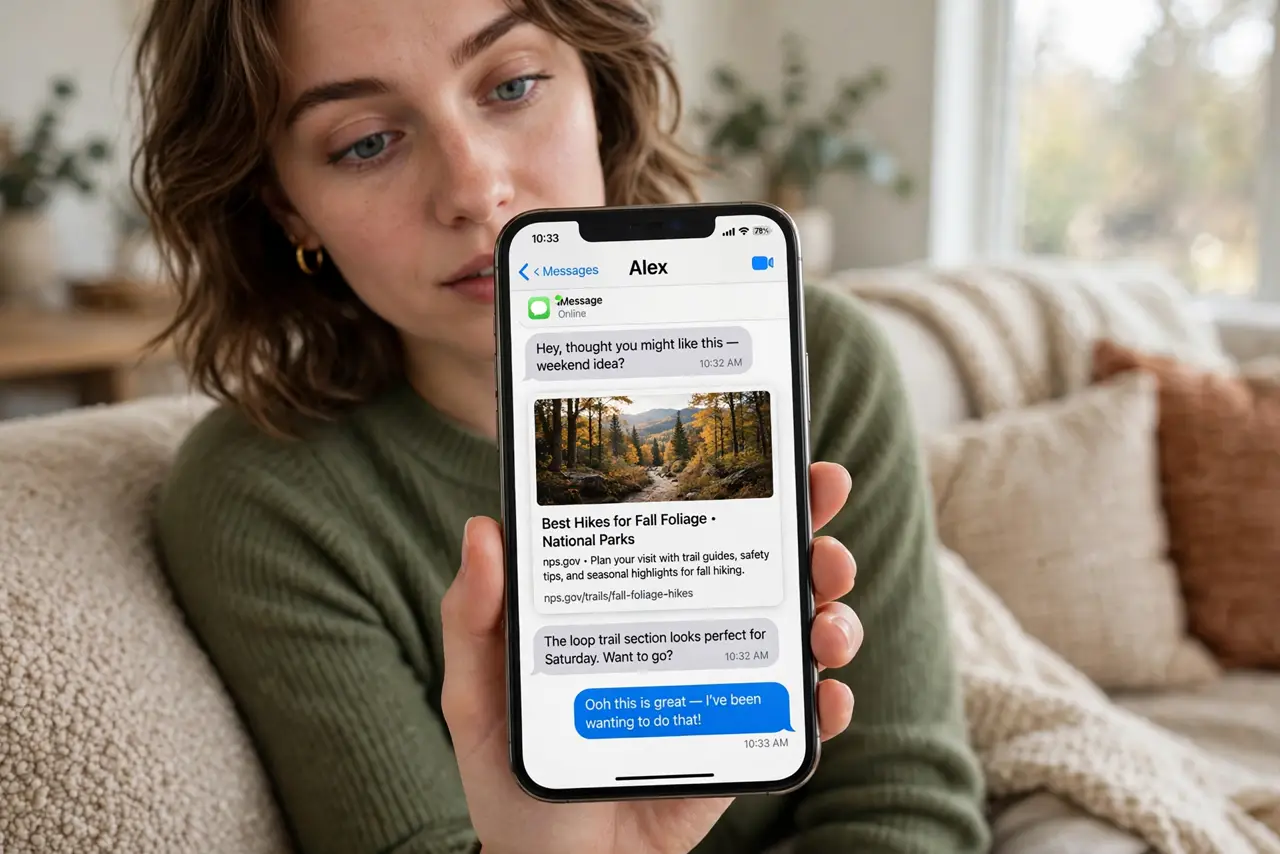
Paste a link in a chat and a pretty preview card appears — but generating it can leak your IP address, location, and the fact that you opened the chat to the linked site. Previews are convenient surveillance. Here is how they work and how to limit the leak.
TL;DR / Quick Fix
Chat apps build link previews by fetching the linked page, which can expose your IP and metadata to that site. Some apps fetch server-side, which is safer; others fetch from your device. Disable previews in settings or paste links as plain text when privacy matters — the link still works.
Follow these steps
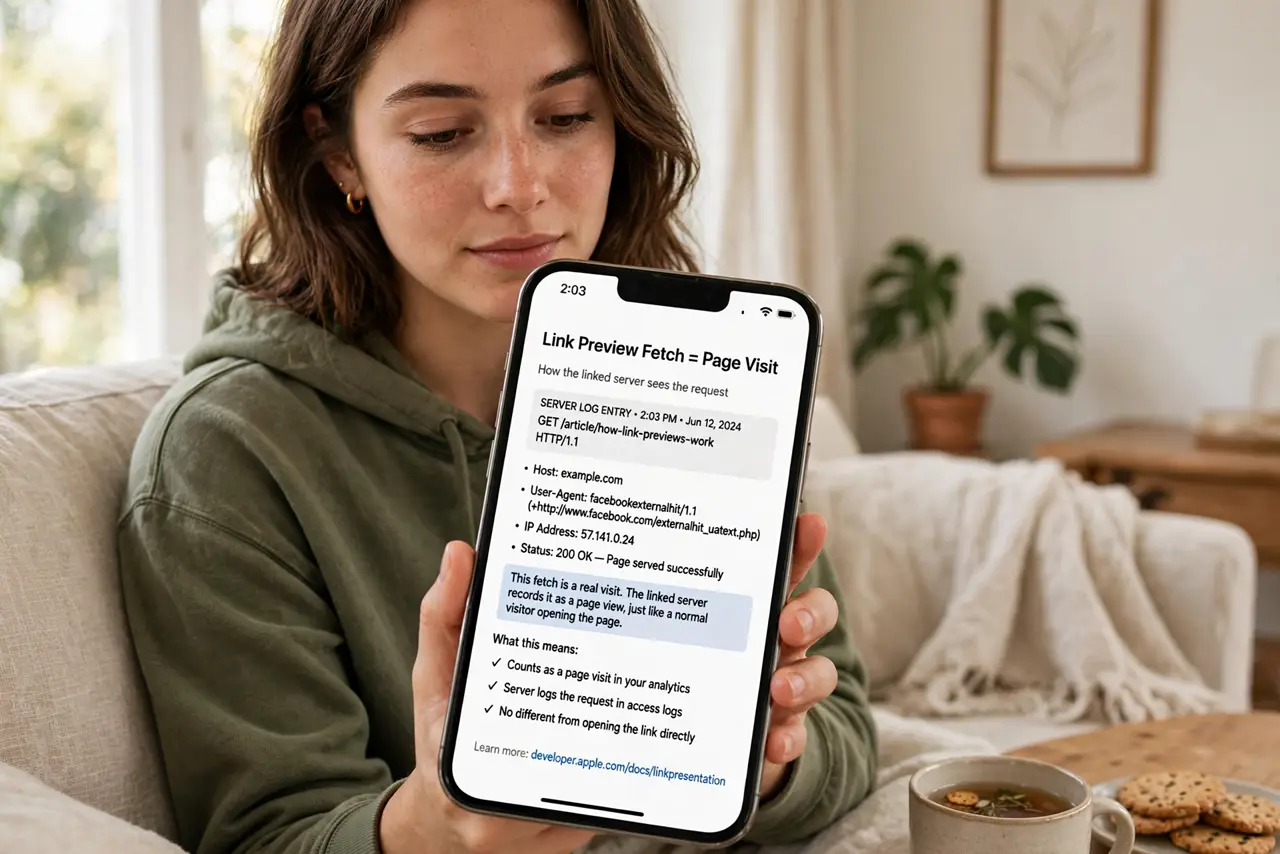
- Understand the leak. A preview fetch is a page visit: the linked server sees a request from an IP at a time. That is a metadata trail.
- Check how your app fetches. Server-side fetching proxies the request through the app's servers, protecting you. Client-side fetching exposes your device directly.
- Disable previews where offered. Some apps have a link-preview toggle in settings. Switch it off if previews do not matter to you.
- Paste as plain text for sensitive links. No preview means no fetch. For anything sensitive, plain text is the safe format.
- Be careful with previews of private links. Shared-document links and reset links can be triggered or exposed by a preview fetch. Send those as plain text, or better, through a safer channel.
- Remember the sender's side too. You see previews of links sent to you — the same fetch happens in reverse. Check the actual URL before clicking, as phishing tricks love disguised links.
What NOT to do
- Do not paste password-reset or private-share links in chats with previews on. The fetch can consume single-use links or expose them.
- Do not assume disappearing messages hide previews. The fetch happened the moment the preview generated.
- Do not confuse link previews with read receipts. Different leaks, different toggles — see the read receipts guide.
- Do not rely on previews for security. A pretty card says nothing about where the link really goes — check the URL.
Frequently asked questions
Which apps fetch previews safely?
Those that proxy the fetch through their own servers. Check your app's documentation or privacy policy for how previews are generated.
Can a preview trigger a 'viewed' notification on a private link?
On some services, yes — the automated fetch can count as a view or even consume a single-use link.
Does disabling previews break anything?
Only the pretty cards. Links still send, receive, and open exactly as before.