Apps on Your Network
Why does a music app need access to your local network? Because your speakers, printer, and TV live there — and so do nosy apps mapping everything on your Wi-Fi. Local network permission is worth understanding: grant it to the casters, deny it to the strangers. See the Mac permission and Bluetooth tracking.
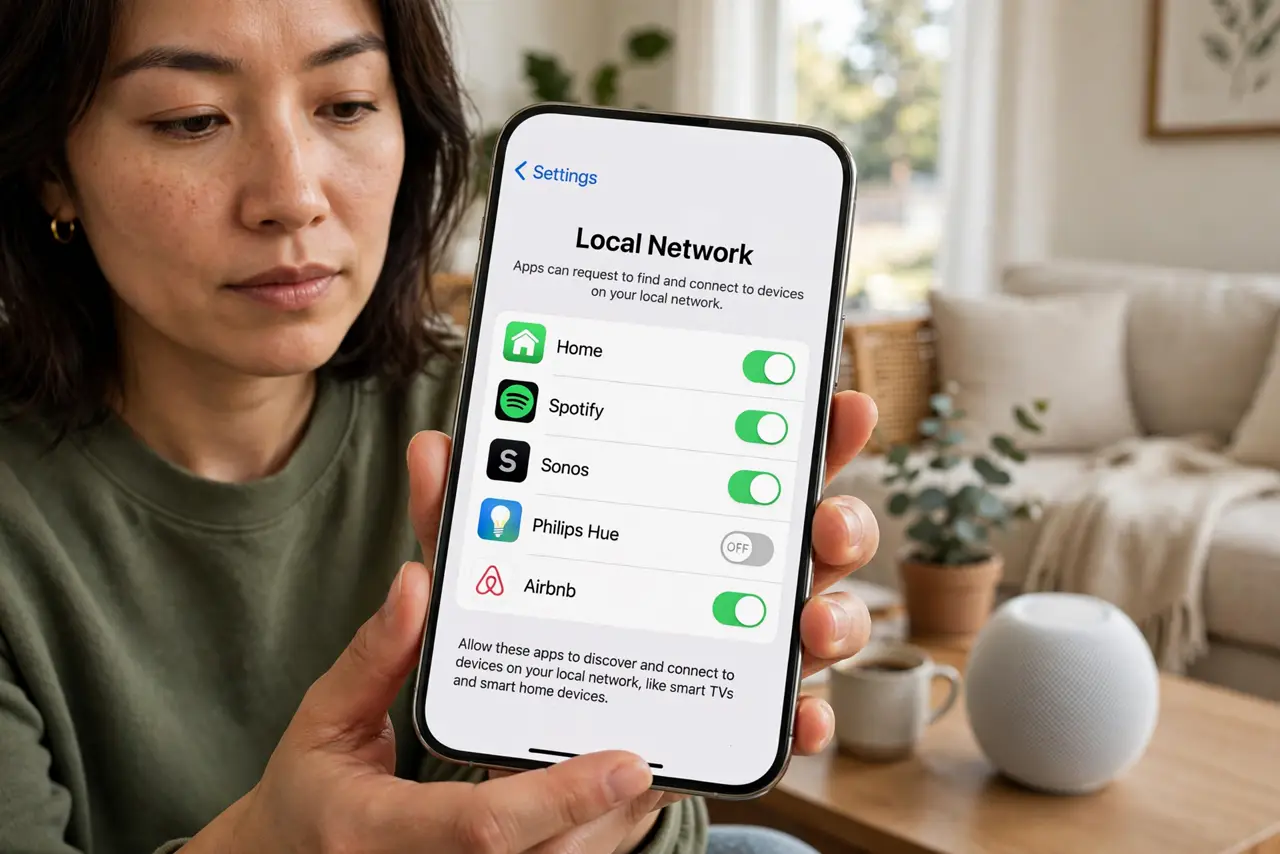
TL;DR / Quick Fix
Quick fix: apps ask for local network access to find devices like speakers, printers, and TVs on your Wi-Fi — deny it for apps with no such business. Spotify needs it for speaker casting; a flashlight does not. When in doubt, deny and see what breaks.
Follow these steps
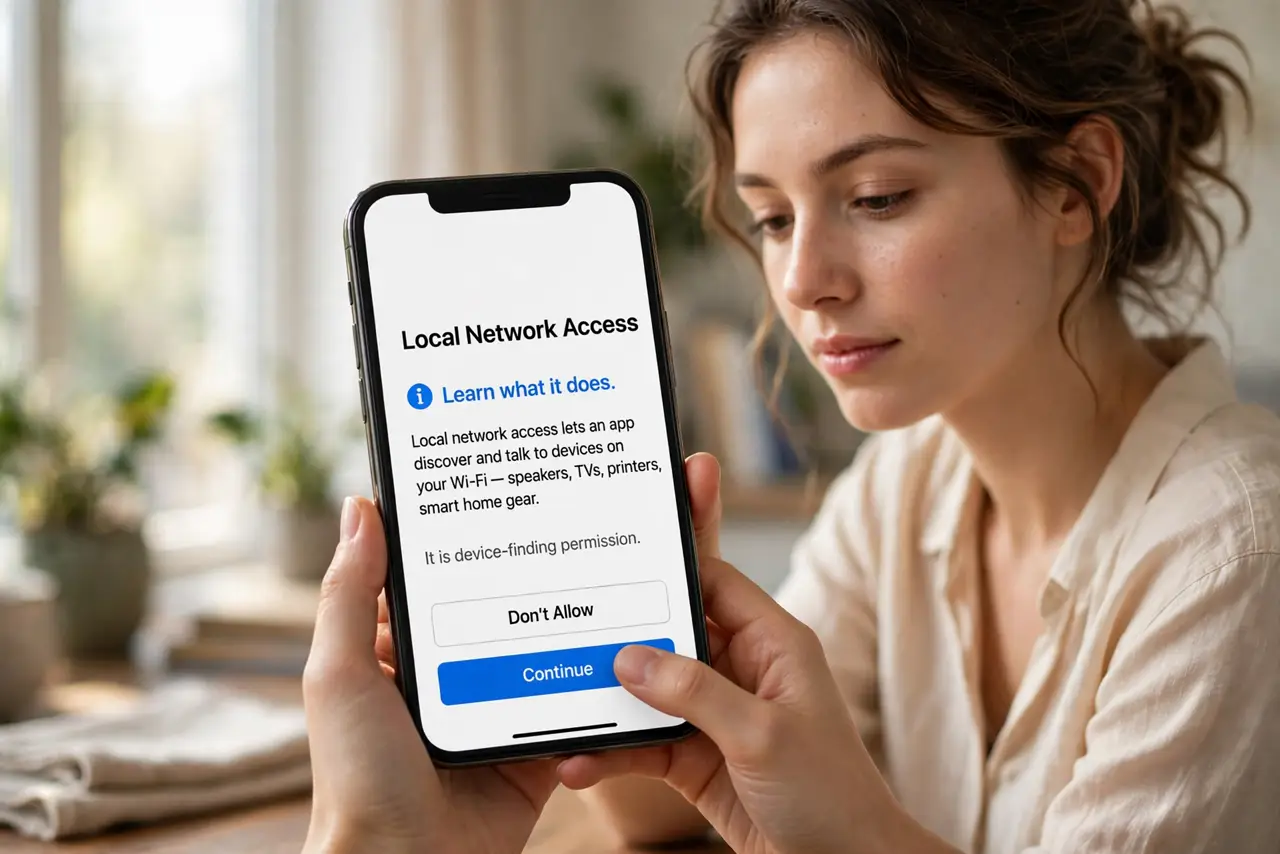
- Learn what it does. Local network access lets an app discover and talk to devices on your Wi-Fi — speakers, TVs, printers, smart home gear. It is device-finding permission.
- Audit which apps have it. In privacy settings, review the local network list. Many apps request it without any device to find — those are the suspects.
- Grant it to the casters. Music, video, and smart-home apps genuinely need it to find your speakers and screens. Their request makes sense — approve.
- Deny the strangers. Shopping, games, and utilities with no devices to find do not need your network mapped. Deny and watch nothing break.
- Test by denying. When unsure, deny the permission and use the app. If a feature stops working, you have found a legitimate need — re-grant.
- Recheck after updates. App updates sometimes re-request permissions. A quick glance after major updates keeps the list honest.
What NOT to do
- Do not grant it reflexively. The prompt appears for good and bad reasons alike — pause and consider the app's job.
- Do not assume denial breaks everything. Most apps work fine without it; the ones that need it will tell you.
- Do not forget smart home apps need it. Denying your lighting app its network access just makes your bulbs dumb.
- Do not confuse it with internet access. This permission is about your local Wi-Fi devices, not the wider internet.
Frequently asked questions
Why does Spotify need this?
To find and cast to speakers, TVs, and consoles on your Wi-Fi. Without it, the devices list stays empty.
Can apps spy through this?
They can map what devices you own, which is why the permission exists. Deny it for apps with no device business.
What if I deny it by mistake?
Re-enable it in settings in seconds. Denying is always reversible — that is the beauty of testing.