A Login Alert for a Device You Recognize
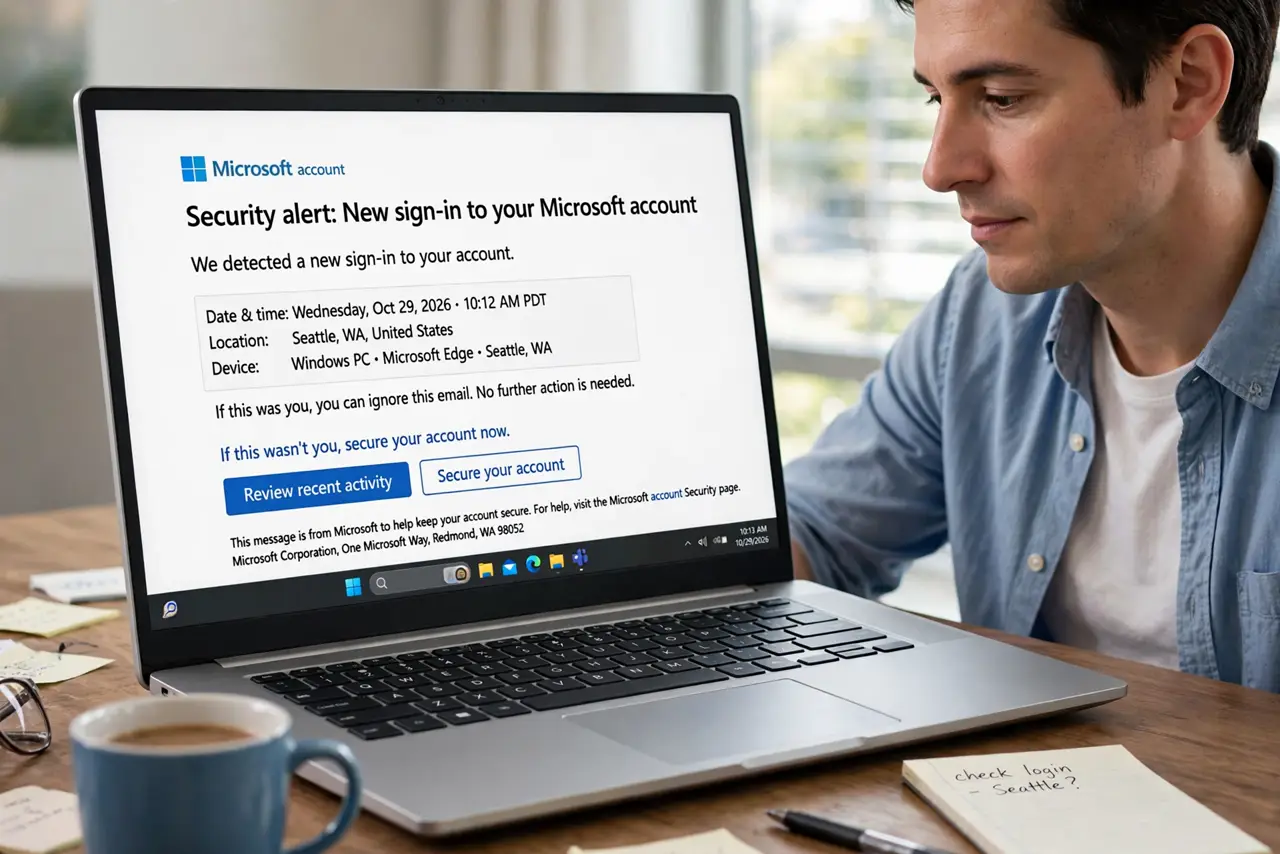
A login alert names a device you actually own — so is it you, or is it an attacker? Recognizing the device is only half the answer; the location, time, and app behind the login complete it.
TL;DR / Quick Fix
Quick fix: check the alert's time and location against your own recent activity, and confirm it was really you. If anything does not match, change the password immediately today, sign out all other sessions everywhere, and turn on two-factor authentication.
Follow these steps
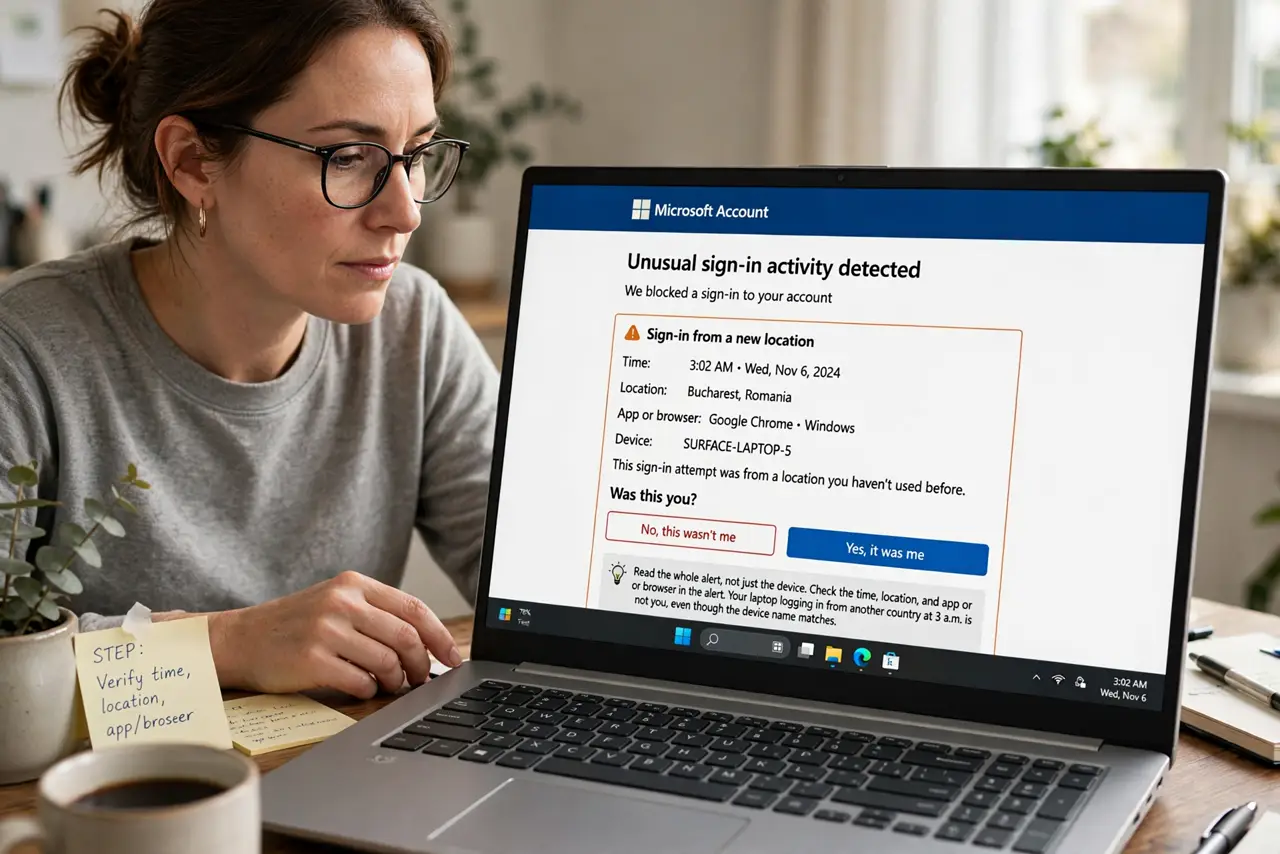
- Read the whole alert, not just the device. Check the time, location, and app or browser in the alert. Your laptop logging in from another country at 3 a.m. is not you, even though the device name matches.
- Confirm it was really you. Think about whether you logged in then — a new app, a VPN location, or a travel day explains many alerts. If you can account for it, the alert did its job and you can relax.
- Change the password if anything mismatches. If the time or place does not fit, change the password immediately and make it unique. A mismatch means someone else may hold your credentials.
- Sign out all other sessions. Use the account's sign-out-everywhere option after a password change. That kicks out any session the intruder opened, not just future logins.
- Turn on two-factor authentication. Enable two-factor so a stolen password alone cannot log in again. This is the step that stops the repeat of whatever just happened.
- Check for a password change you did not make. Review whether the account's password was changed by someone else or recovery details were altered. Attackers often change recovery options first to lock you out later.
What NOT to do
- Do not ignore the alert because the device looks familiar. Attackers trigger alerts with familiar device names precisely so you dismiss them.
- Do not click links inside the alert email. Open the account's site directly instead, since alert emails themselves are a favorite phishing disguise.
- Do not just change the password and stop. Sign out all sessions too, or the intruder's existing session survives your new password.
- Do not assume one alert means one attempt. Check the login history for a pattern, since attackers often probe several times.
Frequently asked questions
The device is mine. Am I safe?
Only if the time, location, and app match your activity. A familiar device name with a strange location still deserves a password change.
Should I click the secure my account link?
Safer not to. Navigate to the site yourself and secure the account there, in case the email is a phishing copy.
Why did I get an alert for my own login?
New apps, VPNs, cleared cookies, and travel all look like new logins to the security system.