APFS vs Mac OS Extended?
Formatting a drive on a Mac offers APFS and Mac OS Extended, and picking wrong means a drive that misbehaves or cannot do what you need. APFS is the modern default for SSDs; Mac OS Extended lingers for old spinning drives and specific cases. Here is how to choose.
TL;DR / Quick Fix
Quick fix: choose APFS for any SSD used with a modern Mac — it is faster and more reliable. Pick Mac OS Extended only for old spinning hard drives or drives that must work with very old Macs. For drives shared with Windows, use exFAT instead.
Follow these steps
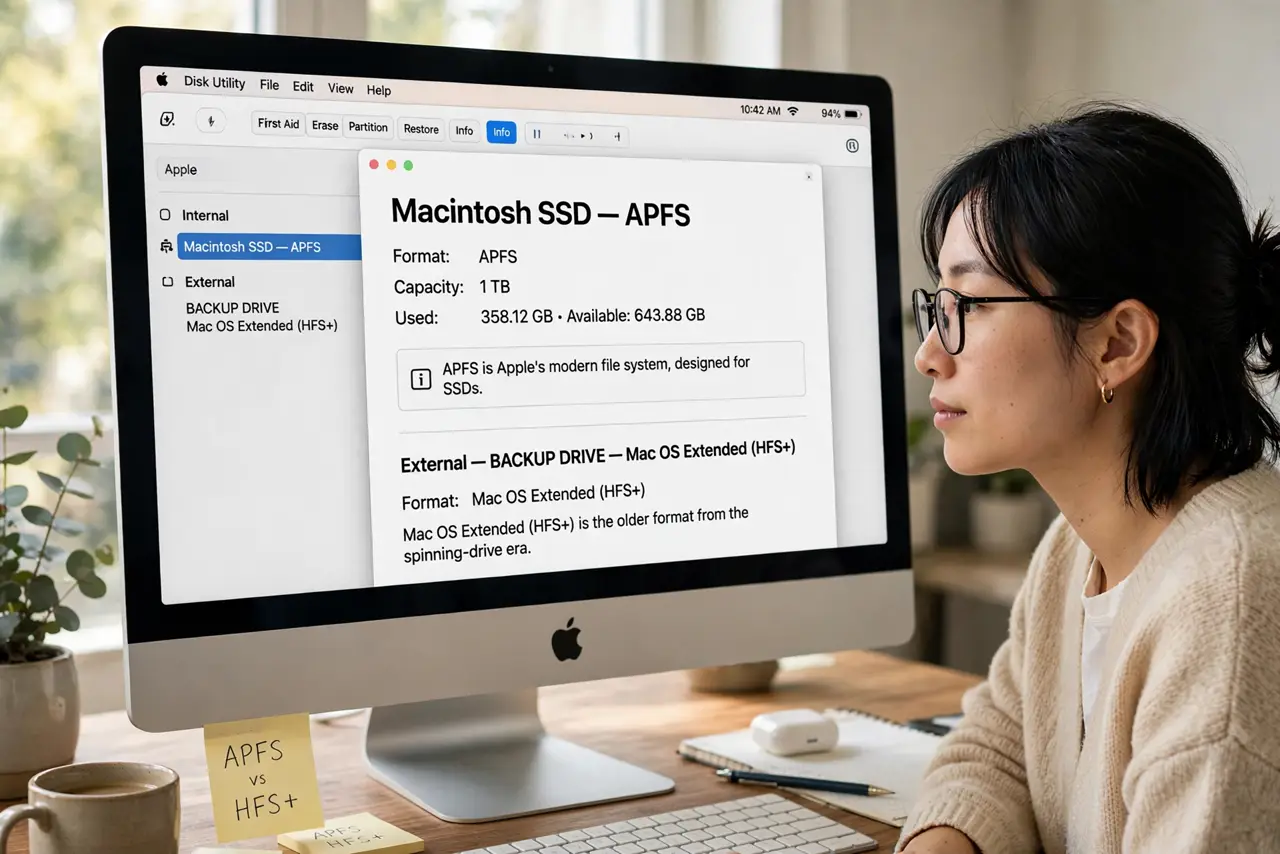
- Know what each format is. APFS is Apple's modern file system, designed for SSDs. Mac OS Extended (HFS+) is the older format from the spinning-drive era.
- Default to APFS for SSDs. Any SSD used with a Mac from the last several years should be APFS. It handles snapshots, encryption, and space sharing better.
- Use Mac OS Extended for old HDDs. Spinning hard drives — and Macs too old to read APFS — are the remaining case for the old format.
- Pick exFAT for cross-platform drives. If the drive must work on both Mac and Windows, neither Apple format is right. Compare the NTFS vs exFAT tradeoffs and choose exFAT for sharing.
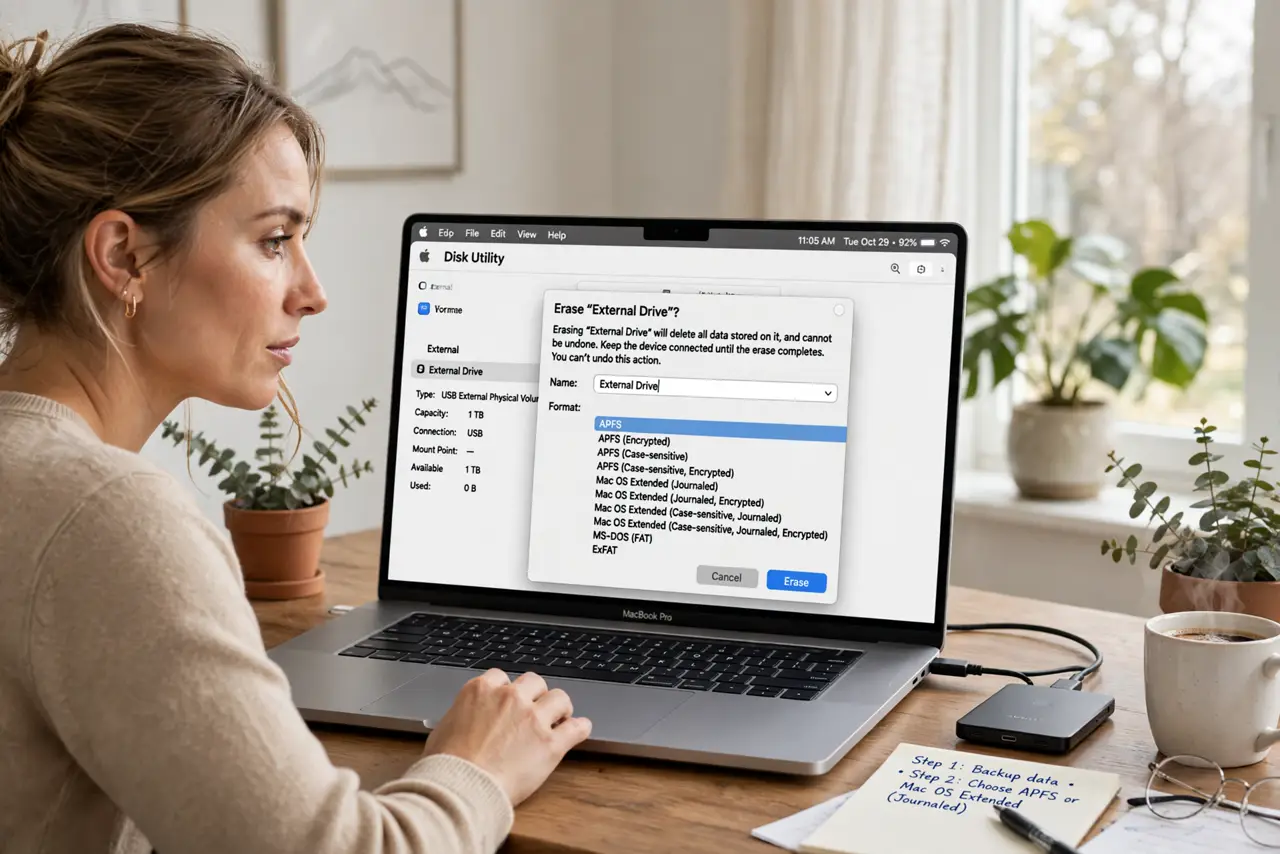
- Back up before formatting. Formatting erases everything. Copy the drive's contents elsewhere first — there is no undo.
- Format in Disk Utility. Open Disk Utility, select the drive (not just the volume), click Erase, and choose your format. The Mac-and-PC formatting walkthrough covers the shared-drive case step by step.
What NOT to do
- Do not format the wrong disk. Double-check the drive name and size in Disk Utility — erasing is instant and permanent.
- Do not use APFS for very old Macs. They cannot read it, and the drive will look blank to them.
- Do not pick Mac OS Extended to be safe. On a modern SSD it is the worse choice, not the safer one.
- Do not forget encryption. APFS makes encrypting the drive easy — turn it on for any portable drive.
Frequently asked questions
Can Windows read APFS?
Not natively — Windows needs third-party software. Use exFAT if Windows must read the drive.
Is APFS better than Mac OS Extended?
For SSDs on modern Macs, yes in every way that matters. The old format only wins for old hardware.
Will formatting delete everything?
Yes — completely. Back up first, every time, no exceptions.