Spam Calendar Invites on Mac? Block Them
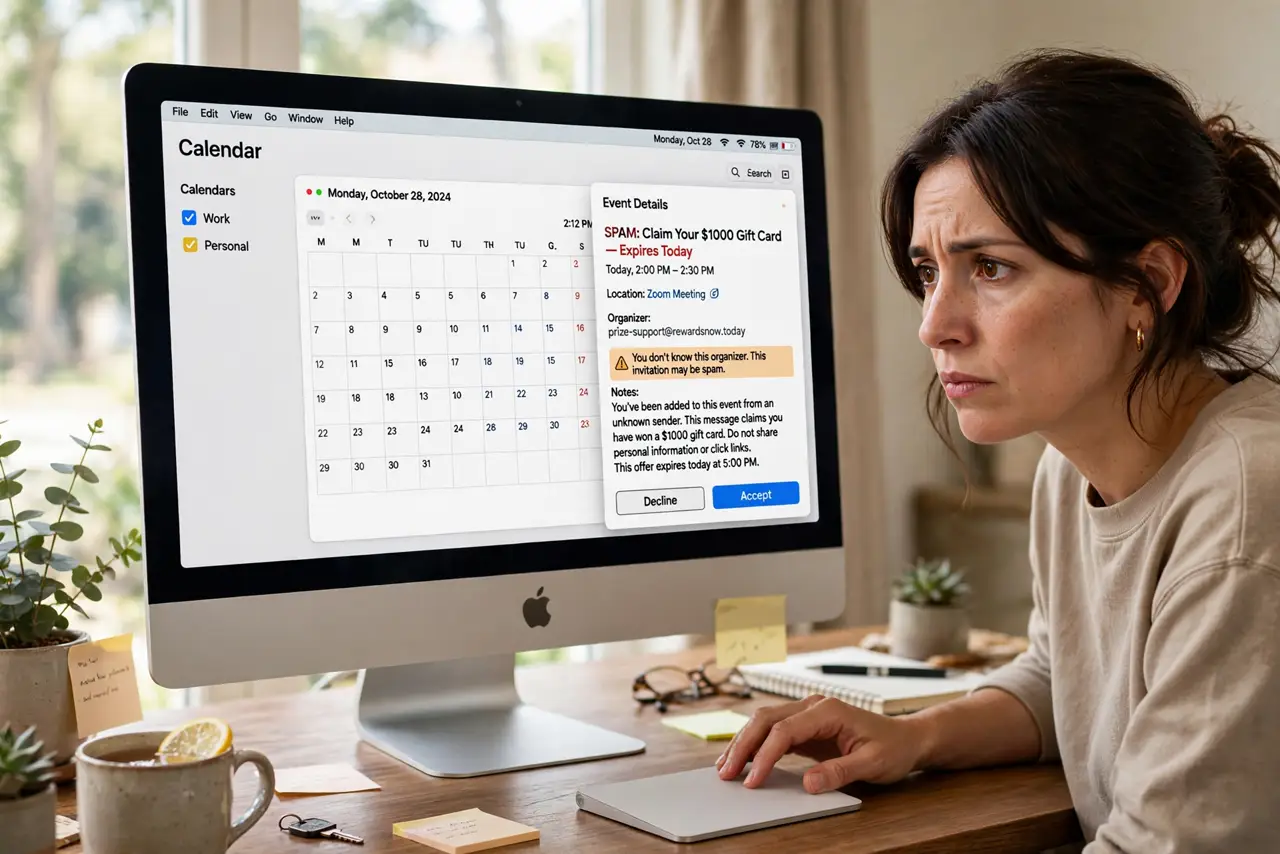
Fake event invites for sunglasses sales and crypto scams appear in your Calendar, sometimes with alerts. Spammers exploit calendar invites because they bypass the inbox. This guide deletes them safely and stops new ones.
TL;DR / Quick Fix
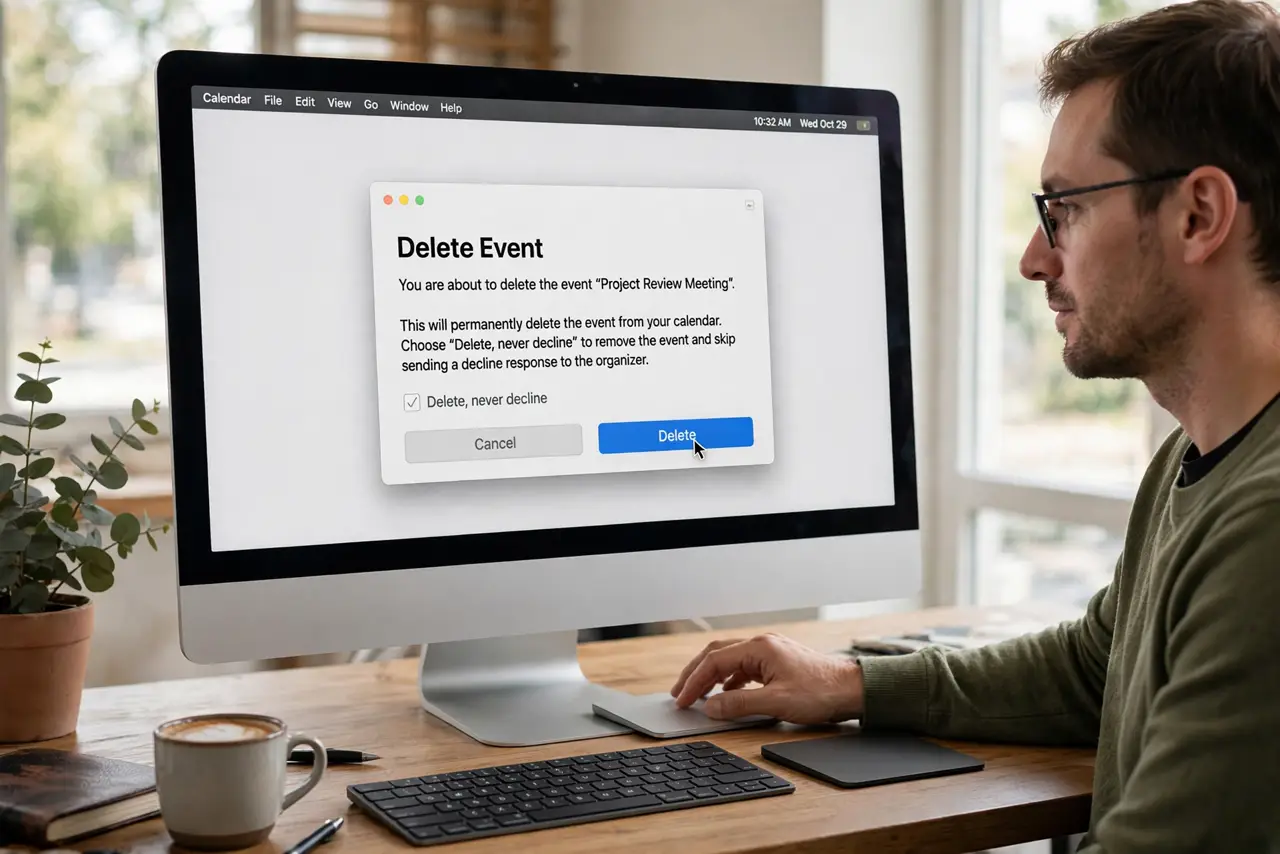
Quick fix: do not accept or decline the invite — delete the event directly in Calendar. Turn off automatic invite adding entirely in Calendar settings, and report the invite as junk so future spam from that sender is filtered automatically.
Follow these steps
- Delete, never decline. Select the spam event and delete it without accepting or declining. Declining notifies the spammer that your address is live, which invites more spam.
- Stop auto-adding invites. In Calendar settings, turn off automatic adding of invitations. With it off, invites wait for your review instead of landing straight in your schedule.
- Report the invite as junk. Use the Report Junk option where available. Reporting trains the filter, which is the same principle behind email spam filters catching inbox spam.
- Check which account received it. Look at which calendar account the invite hit. Spam usually targets iCloud, so tightening that account's settings matters most.
- Review shared calendar links. If you ever accepted a shared spam calendar, unsubscribe from it in the Calendars list. The subscription, not new invites, may be the source.
- Keep macOS updated. Apple periodically improves junk invite handling. Updates will not stop spam, but they improve the tools for fighting it.
What NOT to do
- Do not click Accept or Decline on spam invites. Either response confirms your address is active to the spammer.
- Do not click links inside the event. The event description is the payload; the calendar entry is just the delivery truck.
- Do not reply asking to be removed. Any reply, even angry, verifies your address for more spam.
- Do not assume your account is hacked. Calendar spam needs only your email address, which spammers already have.
Frequently asked questions
Why am I getting spam calendar invites?
Spammers send invites to guessed or leaked addresses. Calendar apps display them prominently, which is exactly why spammers use them.
Will declining stop them?
No, it makes things worse. Declining tells the spammer the address is monitored, so always delete instead.
Can I block a sender entirely?
Reporting as junk is the closest option. True sender blocking works for email, not for calendar invites.