Tune Night Shift Warmth
Night Shift is supposed to gently warm your screen at night — but yours looks like it is dipped in mustard. The warmth slider goes from barely-there to aggressively orange, and the default sits wherever Apple left it. Tuning it takes twenty seconds, and your evenings get much easier on the eyes.
TL;DR / Quick Fix
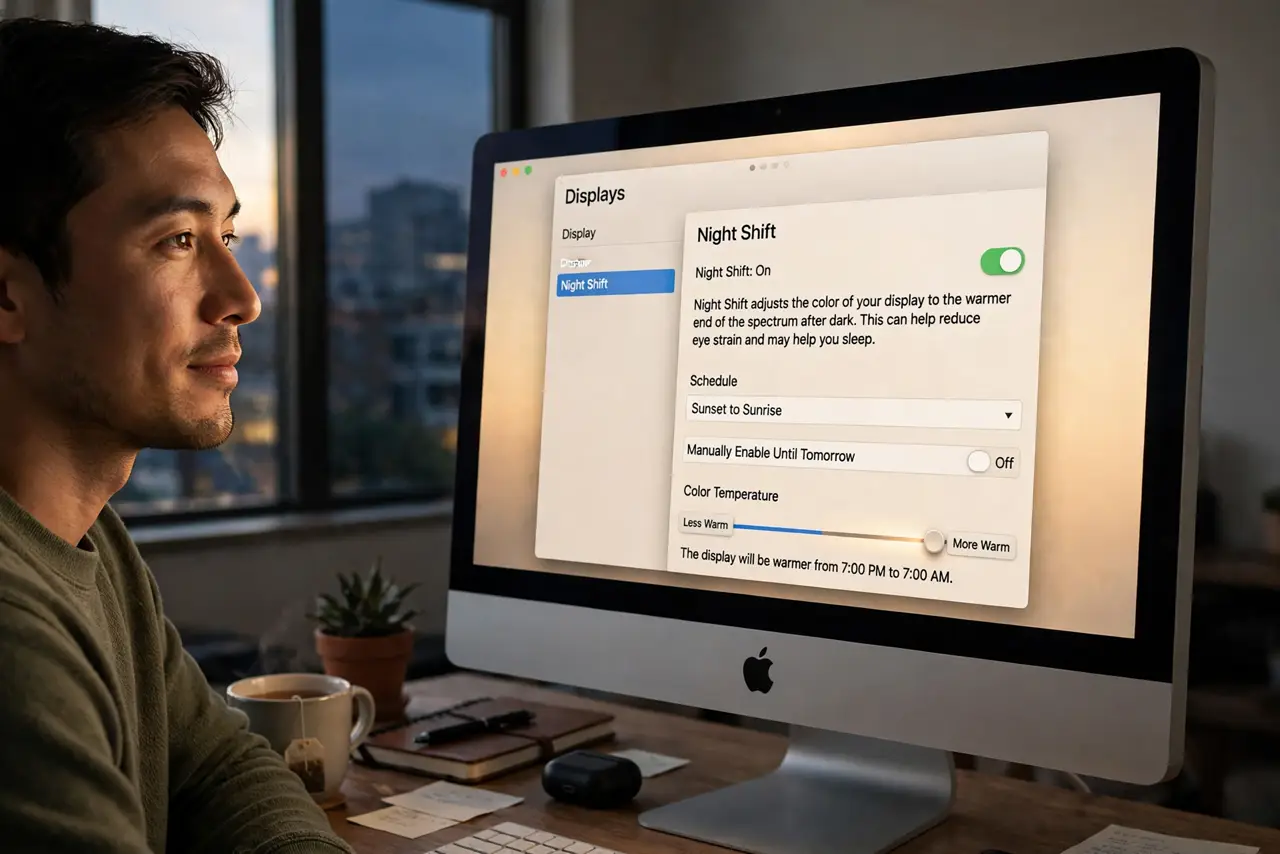
Quick fix: open System Settings, Displays, then Night Shift, and drag the color temperature slider until the warmth looks pleasant — not yellow, just warm. Schedule sunset to sunrise so it is automatic. If the screen looks stuck yellow at noon, check the schedule; manual override is the usual culprit.
Follow these steps
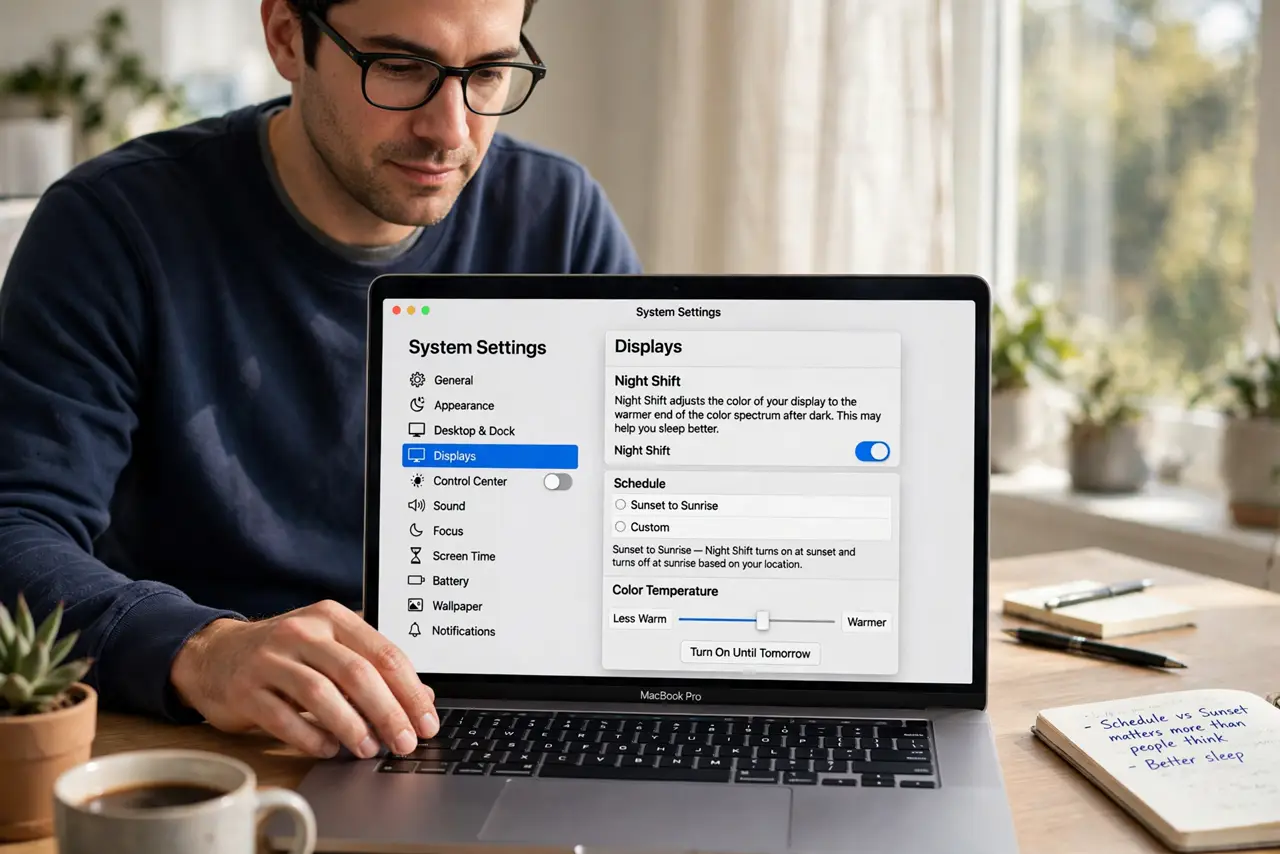
- Open the Night Shift settings. Go to System Settings, then Displays, then Night Shift. The schedule and the color temperature slider live here — the schedule versus sunset choice matters more than people think.
- Drag the warmth slider. Slide toward Less Warm until the tint looks pleasant rather than jaundiced. There is no correct value — your eyes, your call. Preview it live as you drag.
- Schedule sunset to sunrise. The automatic schedule follows your location — no clock-watching. Manual schedules work too if your bedtime ignores the sun.
- Check for the stuck-on problem. If the screen is yellow at noon, Night Shift is probably stuck on. The stuck on fix covers the usual causes — a lingering manual toggle is the classic.
- Pair it with dimming. Warm plus dimmer is the evening combo. Lower brightness a notch when Night Shift kicks in — color and intensity work together.
- Turn it off for color work. Photo editing and design need true color. Toggle Night Shift off for the session — warm lies to your eyes about every hue.
What NOT to do
- Do not max the warmth slider. Full orange looks dramatic for a day, then everything looks sickly — moderate wins.
- Do not expect Night Shift to fix sleep. It reduces blue light; it does not grant permission for 2 a.m. scrolling.
- Do not leave it on 24/7. Daytime yellow trains you to ignore it — schedule it for evenings only.
- Do not confuse Night Shift with True Tone. True Tone adapts to room light; Night Shift warms by schedule — they stack.
Frequently asked questions
Does Night Shift really help sleep?
Modestly — less blue light in the evening supports melatonin. But total screen time matters more than color temperature.
Why is my screen yellow during the day?
Night Shift is stuck on — check the schedule and the manual toggle. The stuck-on fix resolves it.
Should I use Night Shift or dark mode?
Both — they solve different problems. Dark mode cuts brightness contrast; Night Shift cuts blue light.