Group Safari Tabs
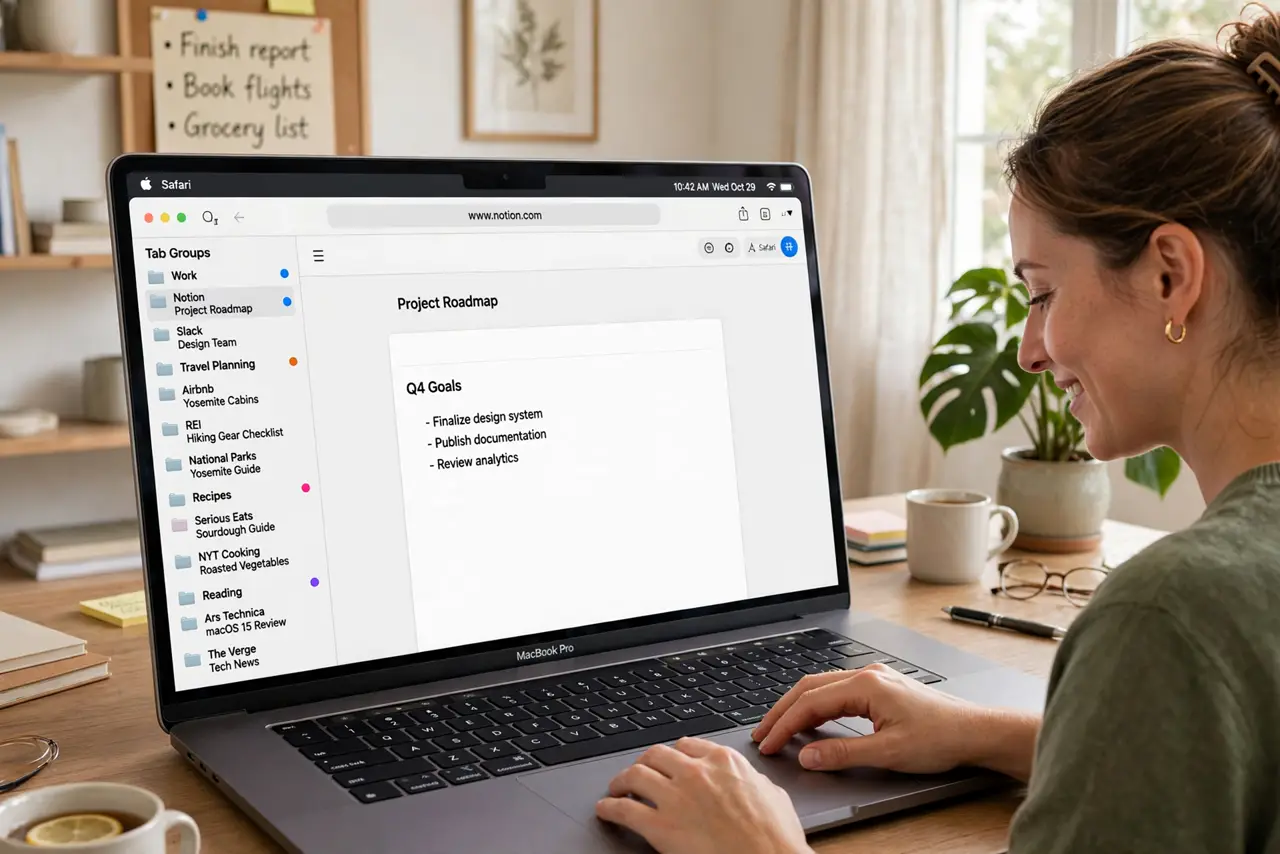
Thirty-seven open tabs and you cannot find the one you need — tab overload is a universal Mac experience. Safari tab groups let you bundle tabs into named collections: research here, shopping there, the vacation plan somewhere else. Switch projects without losing anything. They pair beautifully with Safari profiles, and iPhone users get the same groups — see the iPhone tab groups.
TL;DR / Quick Fix
Quick fix: Safari tab groups corral your open tabs into named collections — one for research, one for shopping, one for the trip you are planning. Create a group from your open tabs in one click, then switch between projects without losing anything. Tab chaos becomes tab order.
Follow these steps
- See your current tab chaos. Open Safari's tab overview to face the full extent of the problem. This is your before picture — it gets better from here.
- Create a group from open tabs. In the sidebar, create a new tab group from your current tabs. Give it a clear name like Trip Planning or Work Research.
- Sort tabs into groups. Drag tabs between groups, or right-click a tab to move it. Be decisive — a tab that fits nowhere probably deserves closing.
- Switch between groups. Click a group name in the sidebar to jump to that project. Your other groups wait untouched, tabs exactly as you left them.
- Use groups inside profiles. Tab groups live inside Safari profiles, so work groups and personal groups stay in their own worlds. Set up separate profiles for the full system.
- Close or archive finished groups. When the trip is booked or the project ships, delete the group. A tidy group list stays useful; a graveyard of old groups does not.

What NOT to do
- Do not create a group per tab. Groups should be projects with several tabs — one tab is just a bookmark with extra steps.
- Do not let groups go stale. A group you have not opened in a month is clutter; close it and free the memory.
- Do not forget groups sync across devices. That is usually great — unless your iPhone now has forty Mac tabs too.
- Do not panic if groups vanish after a restart. It is a known hiccup with a documented fix — your tabs are usually recoverable.
Frequently asked questions
Do tab groups sync to my iPhone?
Yes, through iCloud — the same groups appear in Safari on iPhone and iPad, which is handy or overwhelming depending on your tab habits.
How many groups is too many?
If you cannot remember what is in each one, you have too many. Five to ten active groups is plenty for most people.
Can I share a tab group?
Yes — Safari lets you share tab groups with others, which is great for trip planning with family or research with colleagues.