Schedule a Focus Mode?
You want your Mac to go quiet automatically during work hours or bedtime, without remembering to flip a switch every day. Focus modes on macOS can run on a schedule — time-based, location-based, or app-based — but the scheduling controls are buried a layer deeper than the toggle. Here is how to set it and forget it.
TL;DR / Quick Fix
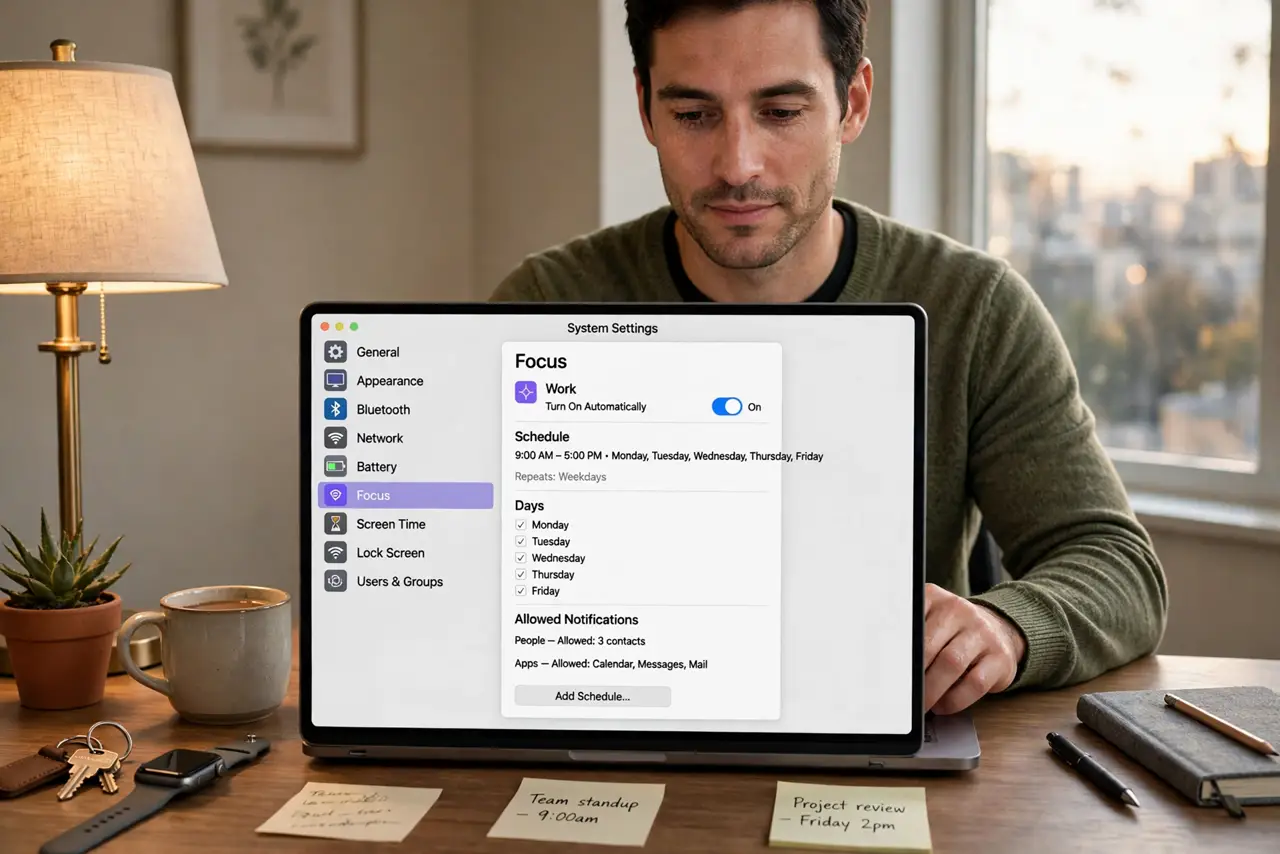
Quick fix: open System Settings, then Focus, pick a mode like Do Not Disturb, and click Add Schedule to set times, a location, or an app trigger. Time schedules are the reliable choice. Check that Share Across Devices matches your intent, or your iPhone will follow the Mac's schedule too.
Follow these steps
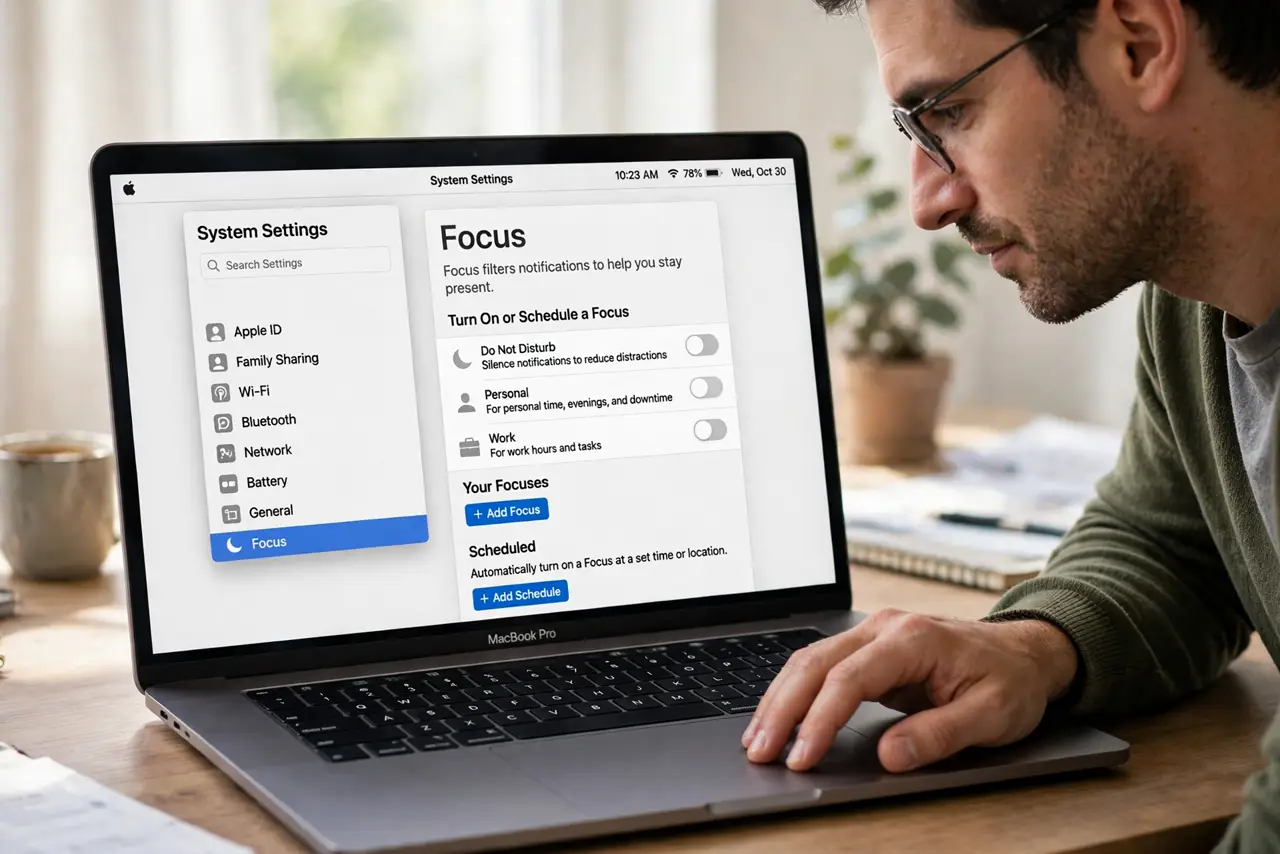
- Open the Focus mode you want to schedule. Go to System Settings, then Focus, and click Do Not Disturb or any custom mode. Scheduling lives inside each mode — there is no single master schedule screen.
- Add a time-based schedule. Click Add Schedule, choose Time, and set the days and hours — 9 to 5 weekdays, or 10 PM to 7 AM for sleep. Time schedules are the most predictable; see the Do Not Disturb basics if the mode itself is new to you.
- Consider a location trigger carefully. You can activate Focus when you arrive at work or home, but a flaky location trigger fires late or not at all in weak-GPS buildings — time is more reliable.
- Try an app-based trigger. Focus can start when you open a specific app, like your writing tool or video call app. This is lovely for deep work — silence arrives exactly when the work starts.
- Decide about cross-device sync. With Share Across Devices on, the Mac's schedule silences your iPhone too. Turn it off in Focus settings if you want the schedule to affect only the Mac.
- Test the schedule once. Set a test schedule five minutes out, watch it activate, then delete it. A two-minute test beats discovering at 9 AM Monday that nothing fired.
What NOT to do
- Do not stack overlapping schedules. Two modes fighting over the same hours produce confusing behavior — one schedule per need.
- Do not rely on location triggers indoors. Office buildings and basements confuse GPS; your Focus may never activate.
- Do not forget the schedule exists. A bedtime schedule from months ago is the classic reason for mystery silencing — review schedules when silence surprises you.
- Do not schedule what a manual toggle does better. Irregular days are easier with the menu bar toggle than a schedule you keep editing.
Frequently asked questions
Can I schedule different modes for work and sleep?
Yes — create separate modes and give each its own schedule. Work hours get one Focus, bedtime gets another, each with its own allowed contacts.
Why didn't my scheduled Focus turn on?
Check that the schedule is enabled (not just created), the Mac was awake, and no conflicting mode was already active.
Does the schedule sync to my iPhone?
Only if Share Across Devices is on. With it off, the schedule lives on the Mac alone.