A USB-C Hub Disconnects When Mac Sleeps
The Mac sleeps, and the USB-C hub drops its drives, display, or accessories. On wake, devices reconnect one by one — or not at all — because sleep cut power to the hub.
TL;DR / Quick Fix
Quick fix: unplug the hub, plug it back in after wake, and check whether the devices return. Then update macOS, try a powered hub, and test sleep with the hub connected directly to the Mac and use a powered hub if the disconnects continue.
Follow these steps
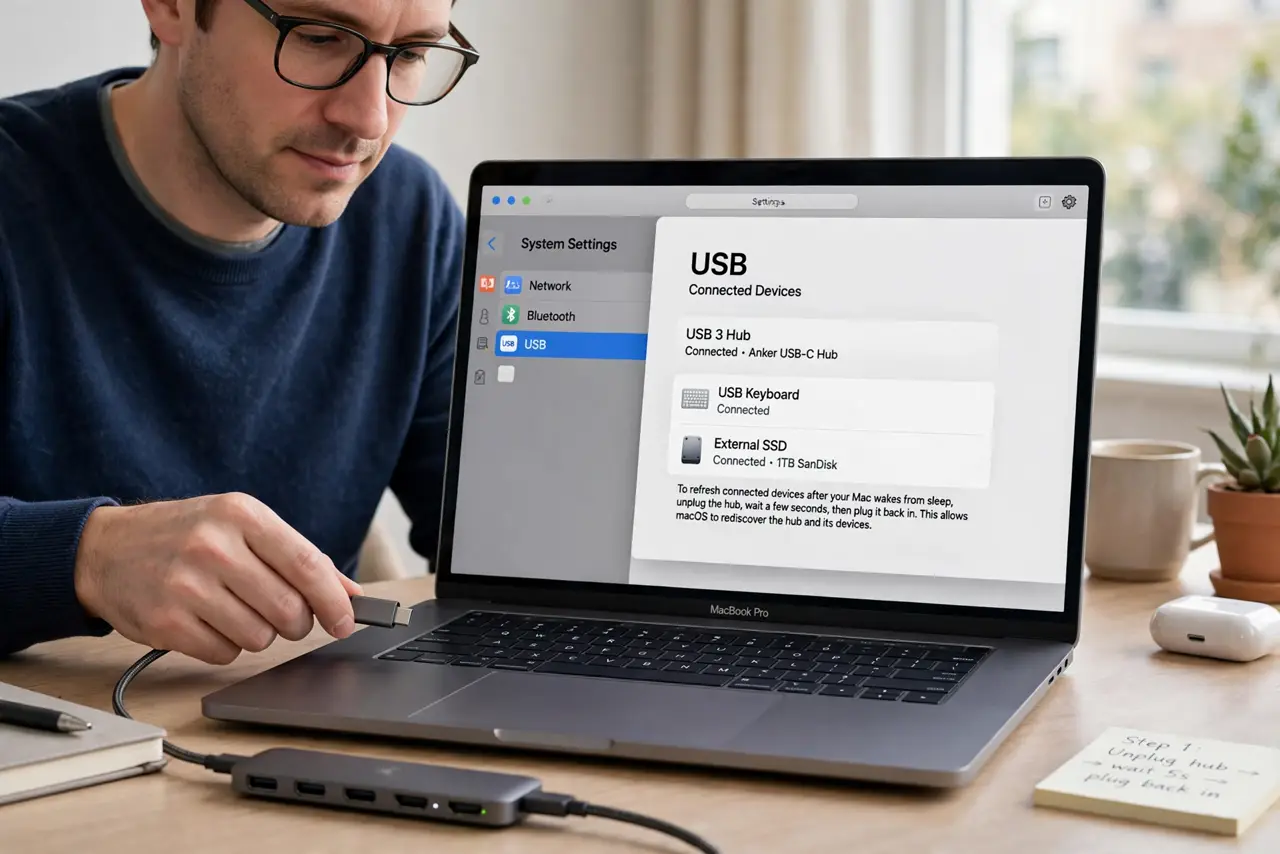
- Reconnect the hub after wake. Unplug the hub from the Mac, wait a few seconds, and plug it back in. This forces the Mac to rediscover the hub and everything attached to it after sleep.
- Check whether the hub is powered. A hub without its own power supply depends on the Mac for power, which sleep can cut. Use the hub's power adapter if it has one, and see whether disconnects stop.
- Plug the hub directly into the Mac. If the hub hangs off another adapter or dock, plug it straight into the Mac instead. Extra layers between hub and Mac make sleep disconnects more likely.
- Update macOS and the hub firmware if offered. Open System Settings, then General, then Software Update, and install any update. Hub makers also release firmware fixes for sleep behavior, so check the maker's support page.
- Test sleep with one device at a time. Disconnect everything from the hub except one drive, let the Mac sleep, and wake it. If that device survives, add devices back one by one to find the one that breaks the hub.
- Eject drives before sleep if disconnects persist. If the hub still drops on sleep, eject external drives before letting the Mac sleep. Ejecting first protects files, even though it does not fix the hub itself.
What NOT to do
- Do not yank a drive from a disconnected hub and plug it elsewhere mid-write. If a file was copying when sleep hit, let the Mac settle and check the drive before moving it.
- Do not blame the Mac before testing a powered hub. An unpowered hub is the most common cause, and a powered one often ends the problem.
- Do not keep using a hub that drops drives during writes. Repeated drops during a copy can damage files, so fix the hub or replace it before trusting it with important data.
- Do not disable sleep entirely to avoid the disconnect. That wastes power and hides the hub problem, while a powered hub or direct connection usually solves it.
Frequently asked questions
Why does the hub disconnect only on sleep?
Because sleep cuts or lowers power to ports, and an unpowered hub cannot keep its devices alive through that change.
Will a powered hub fix it?
Often yes. Its own power supply keeps attached devices running while the Mac sleeps, so they stay connected on wake.
Is my data at risk when a drive drops?
It can be, if a write was in progress. Eject drives before sleep and avoid copying files across a sleep boundary.