Meeting Recording Permission Denied? Fix It
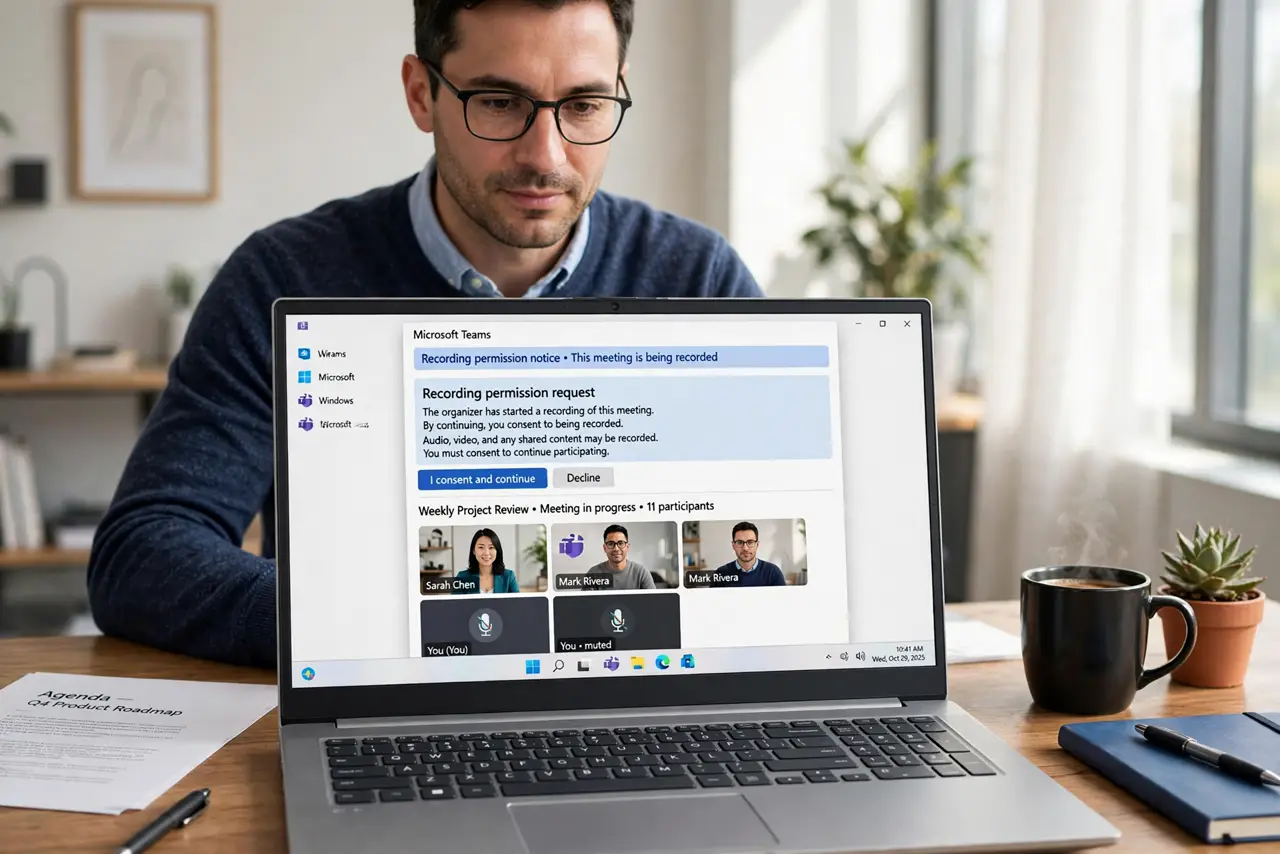
A recording permission denial usually means the host has not enabled recording, or a participant has not consented where consent is required. It is a permission problem first, so check settings and consent before blaming the app.
TL;DR / Quick Fix
Quick fix: Check whether recording is enabled for the meeting. Confirm consent requirements for your location. Check your own app permissions. Ask the host to start the recording. Use an approved fallback if recording stays blocked. Check the transcript setting for next time.
Follow these steps
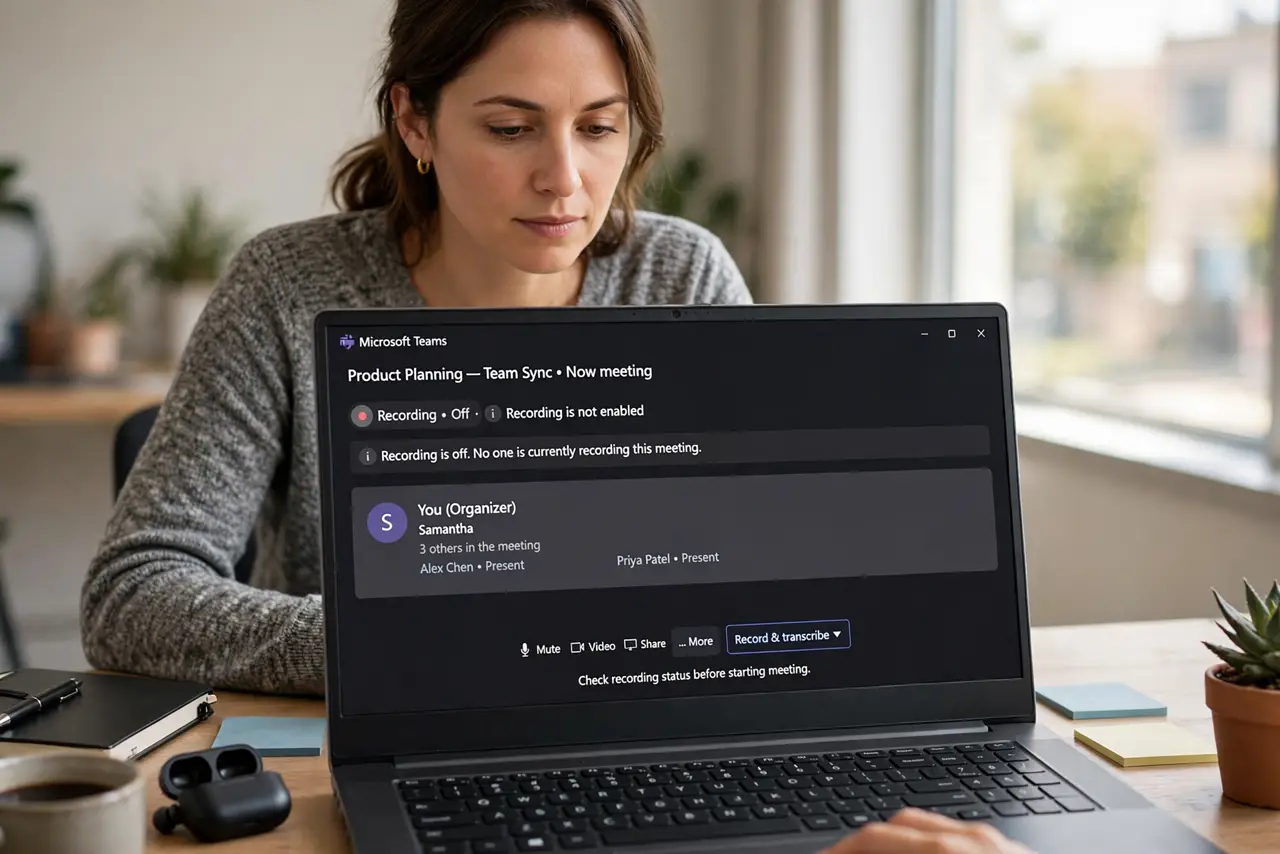
- Check whether recording is enabled for the meeting. Ask the host whether recording is turned on for this meeting. If the host setting is off, no attendee can start a recording.
- Confirm consent requirements for your location. Some meetings require every participant to consent before recording starts. If consent is pending, the recording waits, and that looks like a denial.
- Check your own app permissions. Confirm the meeting app has permission to use the microphone and to record on your device. A device-level denial overrides the meeting setting.
- Ask the host to start the recording. If attendees cannot record, the host usually can. Ask the host to start it, and confirm the recording indicator appears.
- Use an approved fallback if recording stays blocked. If recording is genuinely not allowed, take structured notes instead, and ask the host for the official summary. Do not use an unapproved recorder to get around the block.
- Check the transcript setting for next time. If recording works next time, confirm transcription is also on, so you get text as well as audio.
What NOT to do
- Do not record secretly when permission is denied. Secret recording can break policy and trust, and may be unlawful where you are.
- Do not use a separate recorder to get around a denied permission. A denial is a decision, not a technical glitch to route around.
- Do not assume the host setting is the only gate. Device permissions and consent rules can each block recording alone.
- Do not share a recording beyond its intended audience. Permission to record is not permission to distribute.
Frequently asked questions
Why can the host record but I cannot?
Because recording rights are often host-only, or attendee recording is disabled for that meeting.
What if consent is the blocker?
Recording cannot start until required participants consent. Ask the host to request consent explicitly.
Is a phone recorder a good workaround?
No, if recording was denied for policy or consent reasons. Take notes and request the official record instead.