Place Mesh Nodes Right
You bought the mesh system, plugged the nodes in, and the Wi-Fi is somehow still slow in the bedroom. Mesh only works when the nodes can actually talk to each other — and most people place them too far apart, turning an expensive system into expensive frustration. Placement is the whole game.
TL;DR / Quick Fix
Quick fix: place mesh nodes halfway between the router and the dead zone — not in the dead zone itself — with one or two rooms between each node. Nodes need a strong signal to share. Start with fewer nodes than you think; you can always add one.
Follow these steps
- Map your dead zones first. Walk the house with a speed test and note where Wi-Fi actually dies. Guessing leads to nodes in the wrong places — see how to find real dead zones.
- Place nodes halfway, not in the dead zone. A node in a dead zone has nothing to share. Put it halfway between the router and the weak area, where it still gets a strong signal.
- Keep one to two rooms between nodes. Too far apart and they cannot talk; too close and you waste hardware. Walls matter more than distance — one thick wall can equal several rooms.
- Elevate and unhide them. Shelf height, out in the open. Nodes stuffed behind TVs or inside cabinets broadcast into furniture — the classic hallway mistake has cousins everywhere.
- Avoid the kitchen and fish tanks. Microwaves and large water masses weaken Wi-Fi. Keep nodes away from both, and off the floor.
- Test, then add nodes only if needed. Run speed tests after placing each node. Most homes need fewer nodes than the box suggests — check the node count guidance before buying more.

What NOT to do
- Do not put a node in the dead zone. It cannot rebroadcast a signal it cannot receive.
- Do not hide nodes in cabinets. Enclosed furniture blocks the signal you paid to spread.
- Do not stack nodes too close together. Overlapping coverage wastes money without adding speed.
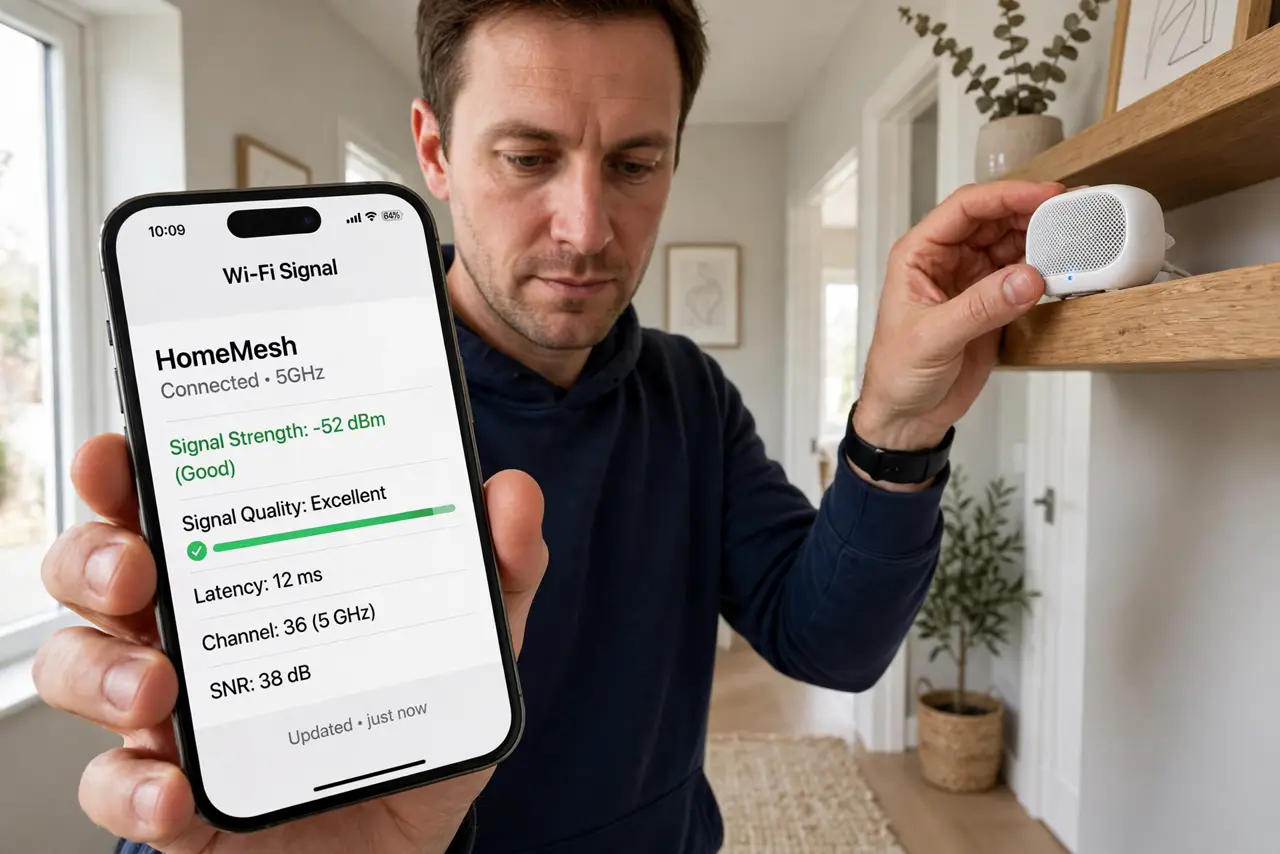
- Do not skip the app's placement test. Most mesh apps include a signal check — use it instead of eyeballing.
Frequently asked questions
How many mesh nodes do I need?
Usually two or three for a typical home. Start with the base kit and add only if testing shows a gap.
Should nodes be wired or wireless?
Wired backhaul — ethernet between nodes — is dramatically better if you can run the cable. Wireless is the convenient fallback.
Can mesh nodes be too close?
Yes. Overlap wastes capacity and can confuse devices about which node to join. Space them out.