Mesh or Access Points?
Your Wi-Fi has dead zones and you are shopping for a fix: a mesh system with its friendly app, or access points wired through the house. Mesh is easy and wireless; access points are faster and need ethernet runs. The right choice depends on your house, your wiring, and how much speed you will actually notice.
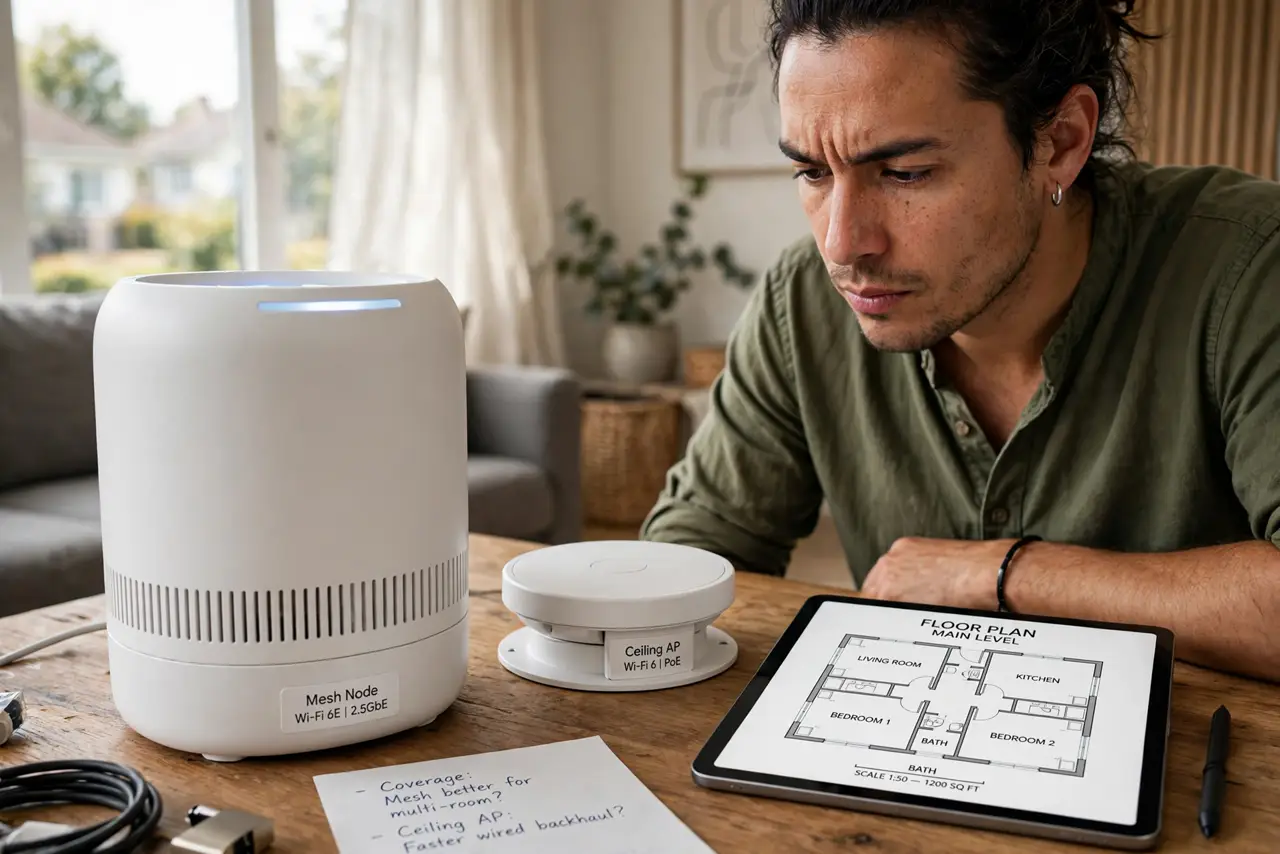
TL;DR / Quick Fix
Quick fix: choose mesh if you want easy setup with no new wiring — it fixes dead zones well enough for most homes. Choose access points if you can run ethernet, want maximum speed, or have a big house. Wired backhaul upgrades either option enormously.
Follow these steps
- Learn what mesh does. Mesh nodes talk to each other wirelessly, spreading one network through the house. Setup is app-guided and painless; the tradeoff is that wireless hops share airtime and cut speed.
- Learn what access points do. Access points are wired to your router via ethernet and each broadcasts Wi-Fi locally. Full speed at every point, no wireless hops — but someone must run the cables.
- Audit your wiring. Got ethernet in the walls, or can you run it? Then access points are the premium answer. No wiring and no appetite for drilling? Mesh is the practical answer — honesty here decides it.
- Size for your house. Apartment or small house: a two-node mesh kit is plenty. Large or multi-story homes with thick walls push toward access points — wireless hops struggle through concrete.
- Consider the hybrid. Many mesh systems accept wired backhaul — nodes connected by ethernet where you have it, wireless where you do not. Best of both, if your system supports it.
- Count the real cost. Mesh kits bundle everything for one price; access points need the units plus cabling plus a PoE switch possibly. Price the whole project, not just the boxes.

What NOT to do
- Do not buy mesh expecting wired speeds. Wireless hops cost throughput — mesh fixes coverage, not speed records.
- Do not place mesh nodes too far apart. Nodes need a strong signal between them; a node in the dead zone itself just repeats weakness.
- Do not run access points without a plan. Random AP placement creates interference — map coverage, then mount.
- Do not mix systems carelessly. One mesh brand plus one random extender is a roaming mess — commit to one system.
Frequently asked questions
Can I start with mesh and add wires later?
Yes — many mesh systems take wired backhaul whenever you run the cable. Start wireless, upgrade nodes to wired one by one.
How many mesh nodes do I need?
Start with two or three for a typical house. More nodes is not always better — each wireless hop shares the same airtime.
Are access points hard to set up?
More involved than mesh — controller software, mounting, cabling. The payoff is enterprise-grade Wi-Fi; the price is the project.