Mesh vs Extender: Which Wins?
One corner of the house has no usable Wi-Fi, and you are choosing between a cheap extender and a pricier mesh system. They solve the same problem very differently: an extender rebroadcasts a weak signal, while mesh nodes work as one smart network. This guide explains which one actually fixes dead zones in your situation.
TL;DR / Quick Fix
Quick fix: for one small dead spot near the router, a well-placed extender can work. For multiple dead zones or a larger home, a mesh system wins — its nodes cooperate as one network with smooth handoffs. Extenders are cheaper; mesh is more reliable and easier to live with.
Follow these steps
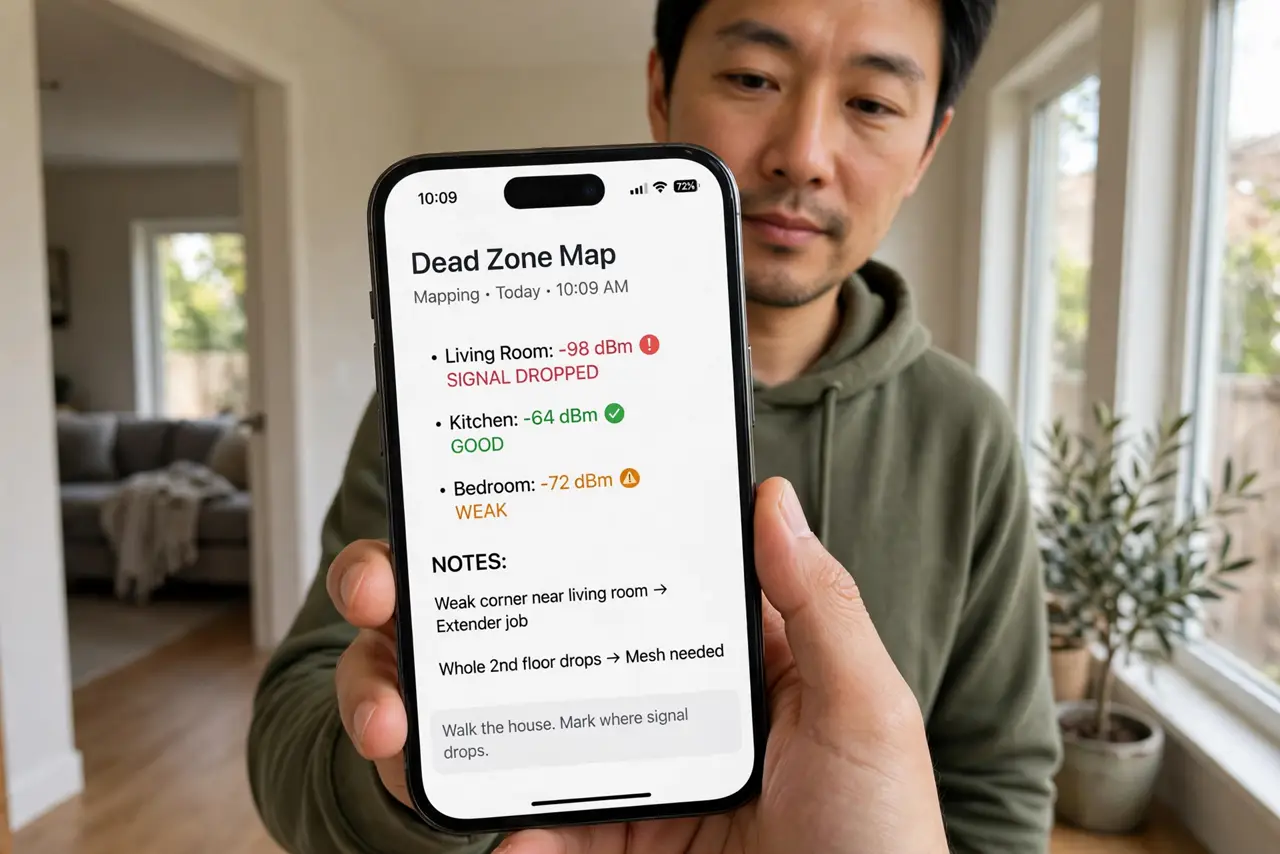
- Map your dead zones first. Walk the house with your phone and note where the signal actually drops. One weak corner is an extender job; whole rooms or floors point to mesh.
- Understand what an extender does. An extender catches your router's signal and rebroadcasts it — often on a separate network name, and at reduced speed. It is a patch, not an upgrade.
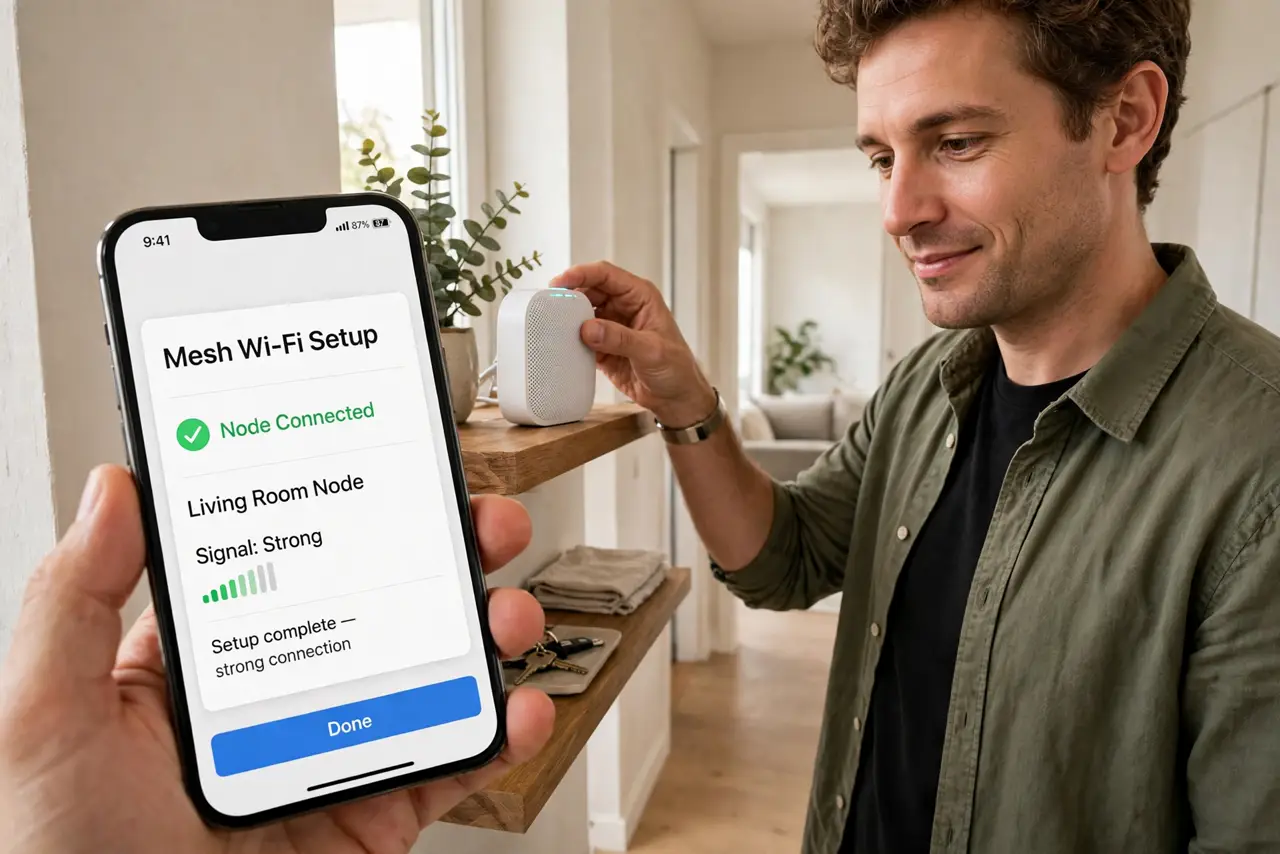
- Understand what mesh does. Mesh nodes form a single network with one name. Your phone hands off smoothly between nodes as you move, and the system manages itself — see a full mesh setup walkthrough if you go this route.
- Place either device halfway, not in the dead zone. The classic mistake: putting the extender where the signal is already dead. It needs a spot with decent signal to rebroadcast — halfway between router and dead zone.
- Count what you actually need. Two or three mesh nodes cover most homes. Buying a six-pack for a small apartment is overkill; one extender for a three-floor house is underkill.
- Test after installing. Walk the dead zones again with a speed test. If the numbers are good and the connection is stable, you are done — whichever device you chose.
What NOT to do
- Do not put an extender in the dead zone itself. It cannot rebroadcast a signal it cannot hear — halfway placement is the rule.
- Do not expect extender speeds to match the router. Rebroadcasting costs speed; if you need full speed in the far room, mesh or a cable wins.
- Do not mix five brands of extenders. One coherent system — mesh or a single extender — behaves far better than a patchwork.
- Do not buy before mapping the problem. A dead zone caused by a bad router position is fixed free, with no new hardware.
Frequently asked questions
Can I use an old router as an extender?
Often yes, in access-point or repeater mode — but it adds complexity. A purpose-built extender or mesh node is simpler to manage.
Is mesh worth it for a small apartment?
Usually not — one good router covers a small flat. Mesh earns its price in larger or multi-floor homes.
Do extenders create a separate network name?
Many do by default (like 'MyWiFi_EXT'), which means manual switching. Some can mirror the main name — check before buying.